
Snapshot summary in Channels 2.0
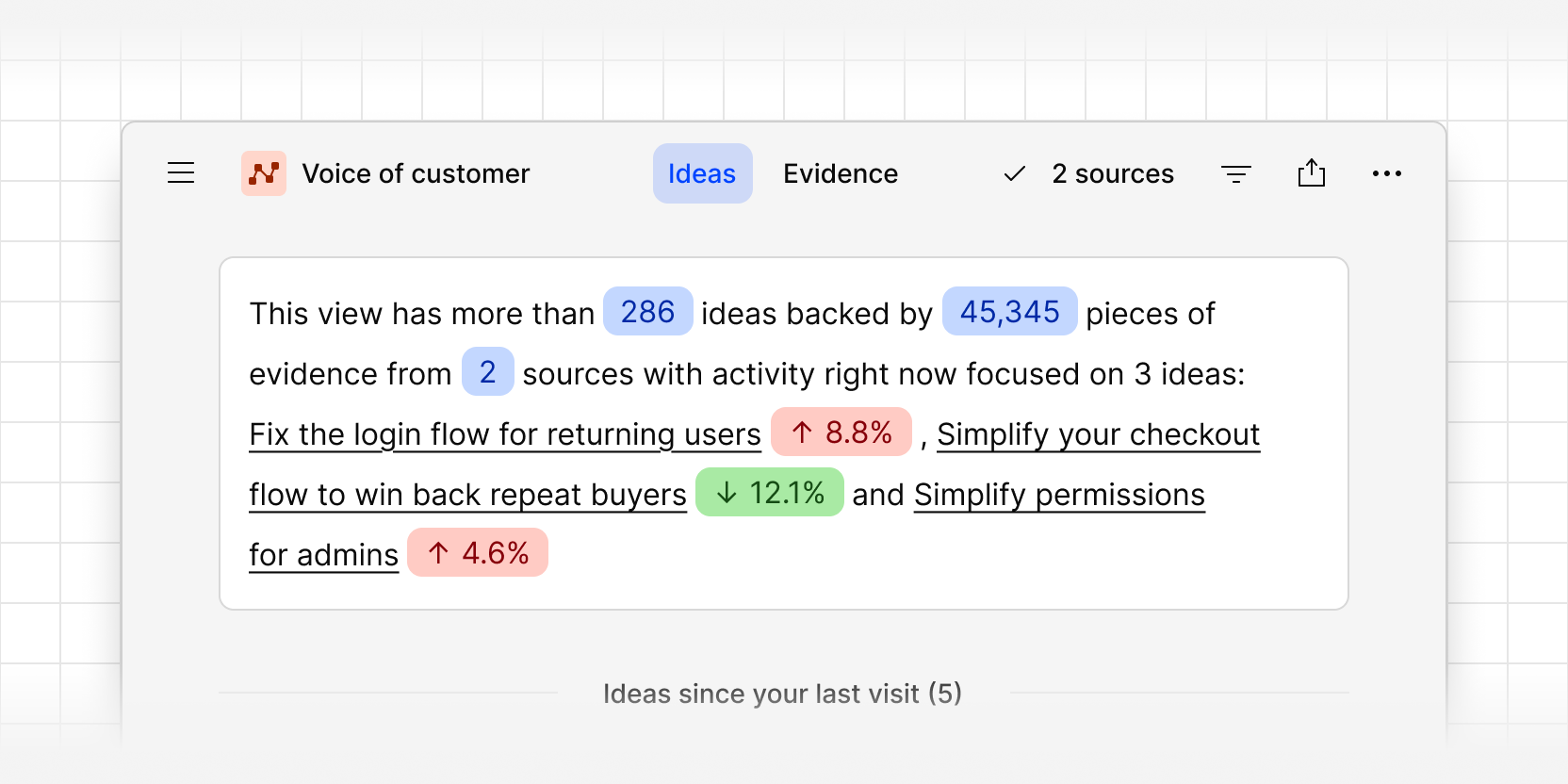
Every saved view in Channels 2.0 now opens with a snapshot summary of what's in it: how many ideas it contains, how many pieces of evidence back them, how many sources that evidence comes from, and the top three ideas with the most activity right now.
Each of the top ideas shows whether its feedback is trending up or declining, so you can see at a glance what needs attention and what's settling down. That makes it easy for your team to prioritize what to work on next, without digging through every idea first.
The summary is based on the filters in your view. Save a view for a product area, a customer segment, or a date range, and you get a quick read on where to focus and which trends are emerging in that slice of feedback.
Open any saved view in Channels to see its summary.