
20 Oct 202611:00
Chat, now next to your work
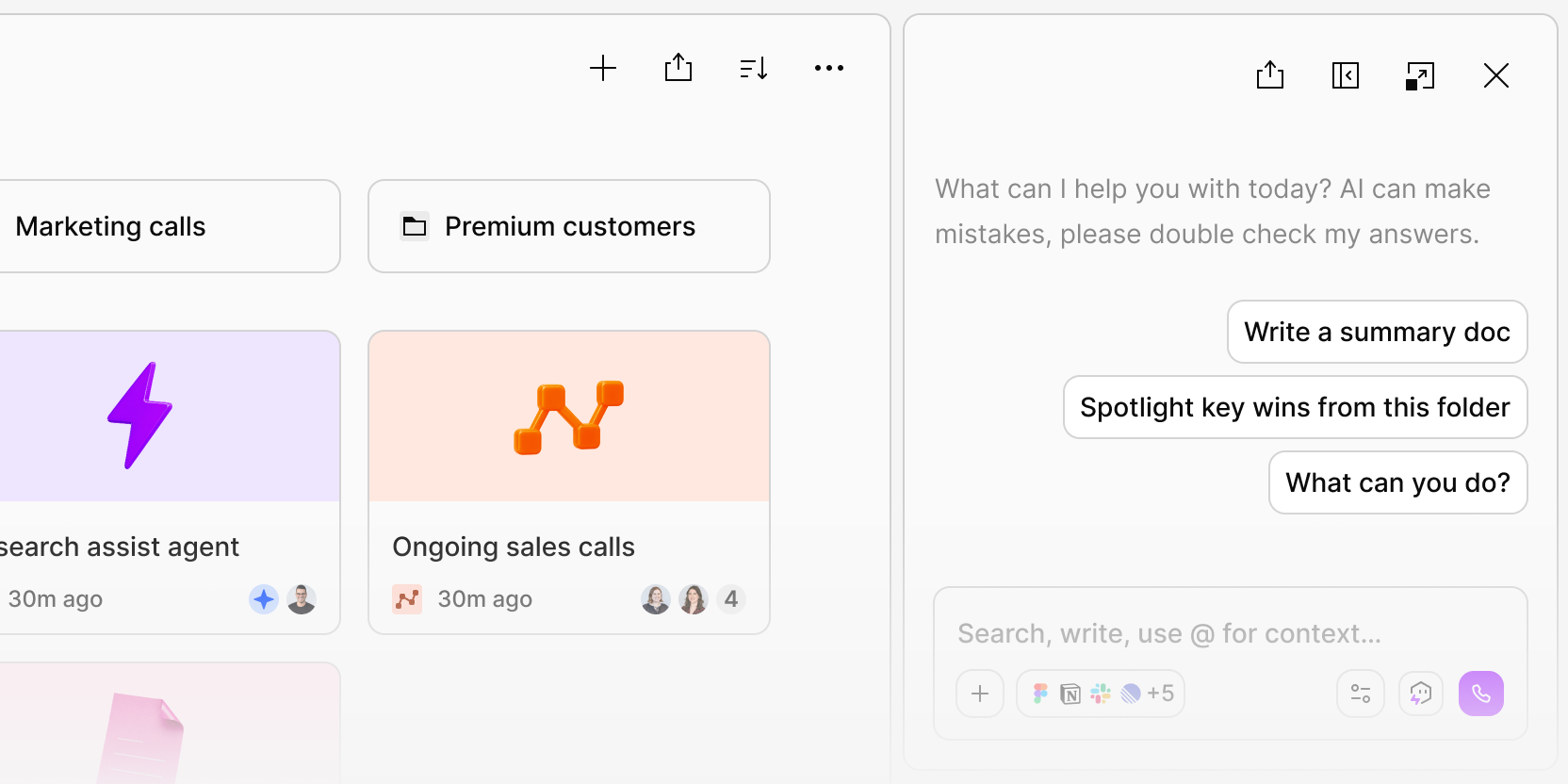
Chat now opens beside your work instead of covering it if you have enough space. You can keep Chat open as you move around Dovetail and its context will update automatically based on where you are. You can also move it to the left or keep it on the right.
To try it, open something in Dovetail—like a Project, Data, Doc, Channel, or a Folder—then click the button at the bottom of the screen to open Chat. Make sure you’re on a wide screen.