
Default contact fields
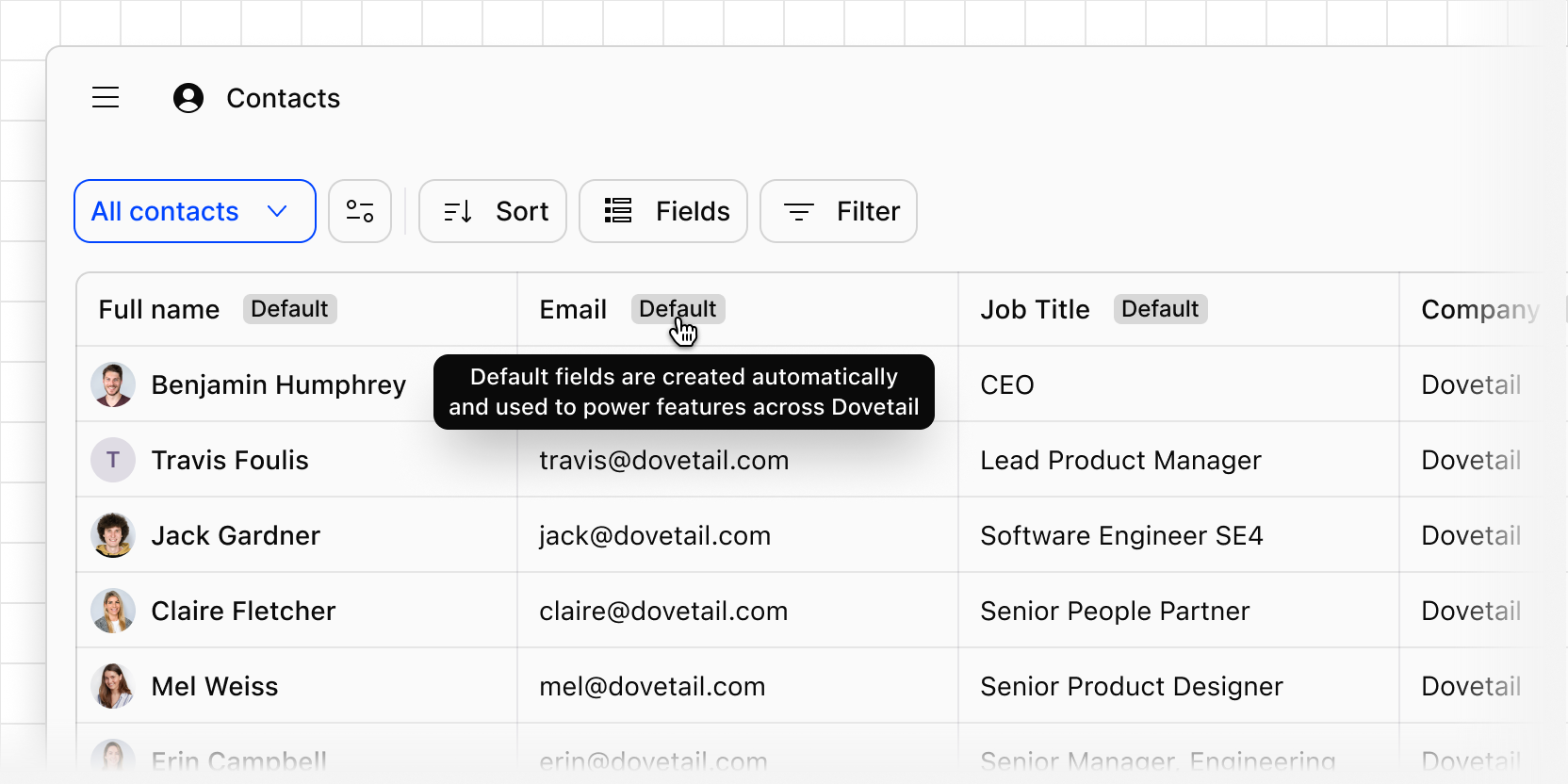
Creating contacts automatically, syncing them with your CRM, and rolling up revenue on ideas all depend on Dovetail knowing which contact field holds an email, a company, or a revenue figure. Previously, you had to map those fields yourself before these features would work.
Now every workspace has five default contact fields that Dovetail already understands: Full name, Email, Role, Company name, and Revenue. Fill them in and the features that rely on them work automatically.
Dovetail uses default fields to:
- Match contacts on Email when it creates contacts from source data and syncs details from Salesforce or HubSpot.
- Fill in Email, Role, and Company name when speaker identification finds them in a transcript.
- Roll up revenue and customers on ideas in Channels 2.0, using each linked contact's Company name and Revenue.
Default fields show a Default badge in the contacts table. You can rename them but not delete them. If your workspace previously used contact identifiers to flag these fields, Dovetail turned them into default fields.
Open Contacts to see your default fields, or learn more in our help center.