
14 Sep 202611:00
Multi-column CSV analysis in Channels
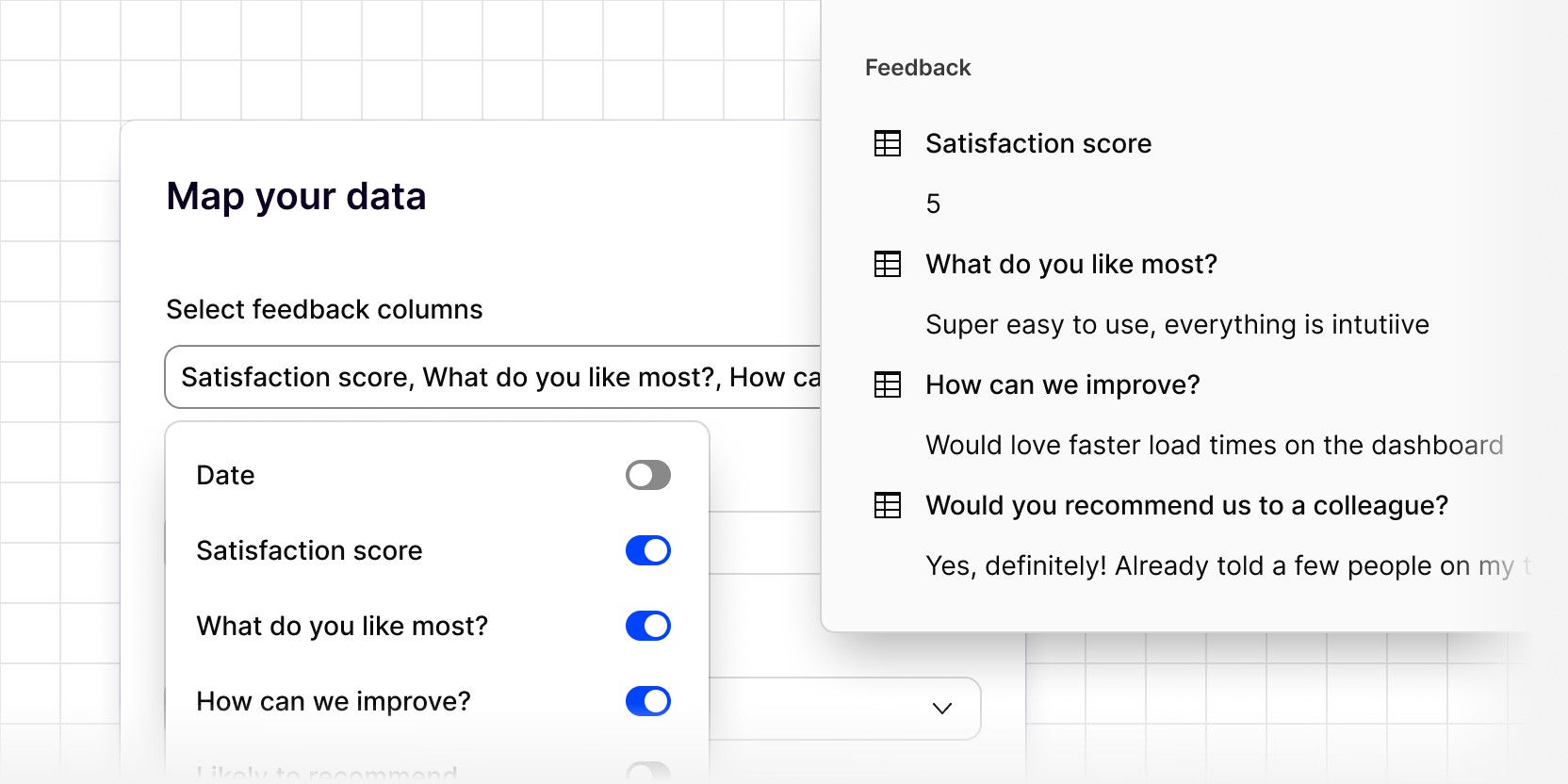
Channels can now analyze multiple columns from a single CSV import. Select several feedback columns, like “What do you like most,” “How can we improve,” and “Would you recommend us to a colleague,” and Channels turns every row into a single piece of evidence, so you get the full context of each person’s response.
Each question and answer stays visible within the evidence itself, so you can see exactly what was said, not just how it was analyzed.
If your survey tool doesn’t have a native integration, CSV import now captures every question and answer instead of just one column.
To analyze multiple columns from a CSV import:
- Add a source to your channel
- Select CSV
- Select every feedback field you want analyzed
- Under Map metadata columns, make sure any necessary fields are mapped, including NPS and CSAT ratings