
New MCP tools for projects and tags
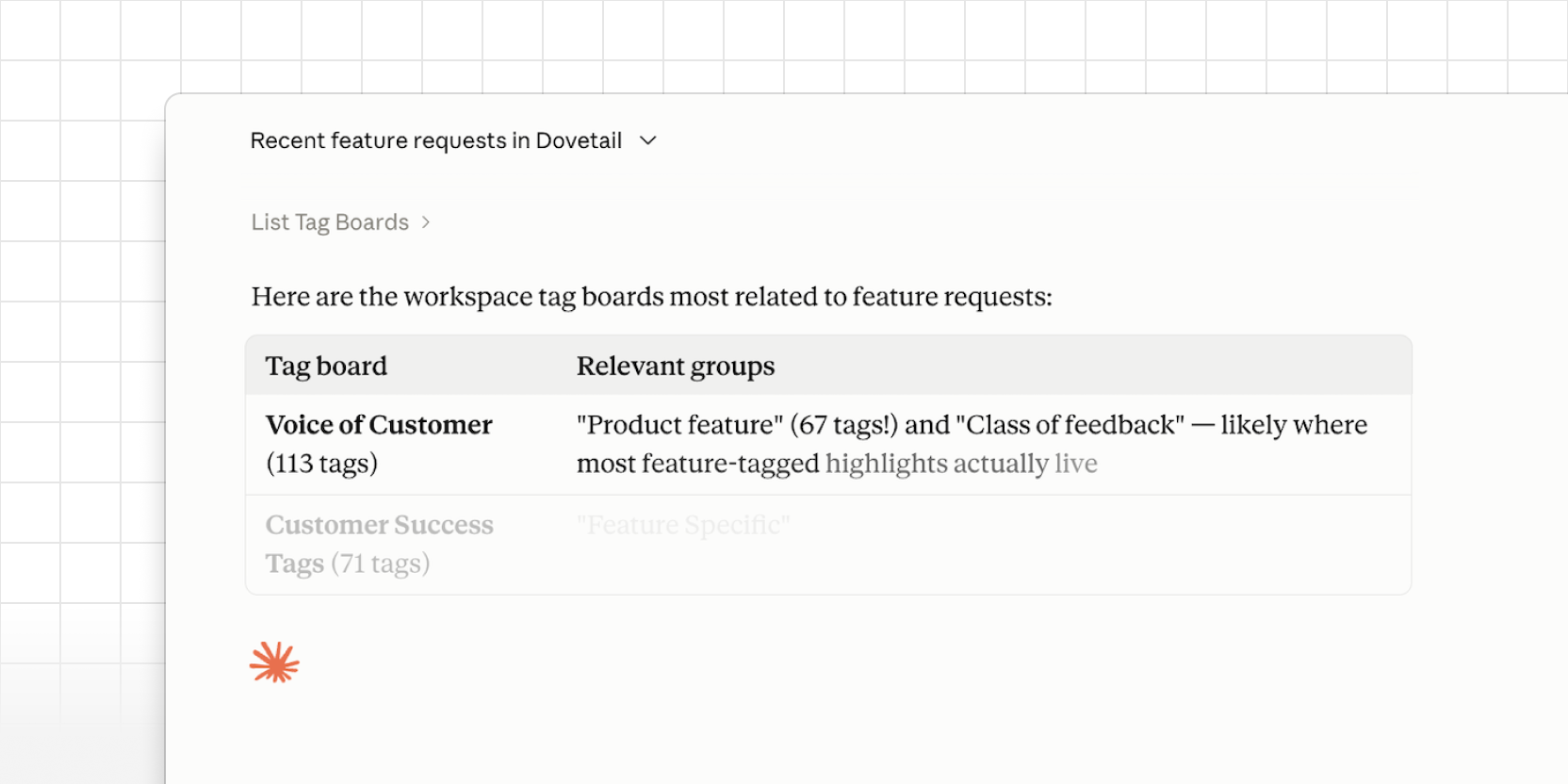
The latest Dovetail MCP server improvements make it easier to work with projects and tags.
Upload files into projects. MCP clients can upload a file and import it as a new data entry or doc. For audio and video, this queues transcription the same way a UI import does. If the project already has automated workflows turned on, like redaction or highlight generation, those run as well.
Richer tagging. Clients can see tag boards and groups, tell project tags apart from workspace tags, and create or apply workspace tags where the project is linked to that board.
Project overview in get_project. The get_project tool now includes the project overview in its response, giving MCP tools better grounding when they shape answers from your docs and data.
These tools are available now. Reconnect the Dovetail MCP server to refresh your tool list and enable them.