
17 Sep 202615:10
Editor tables uplift
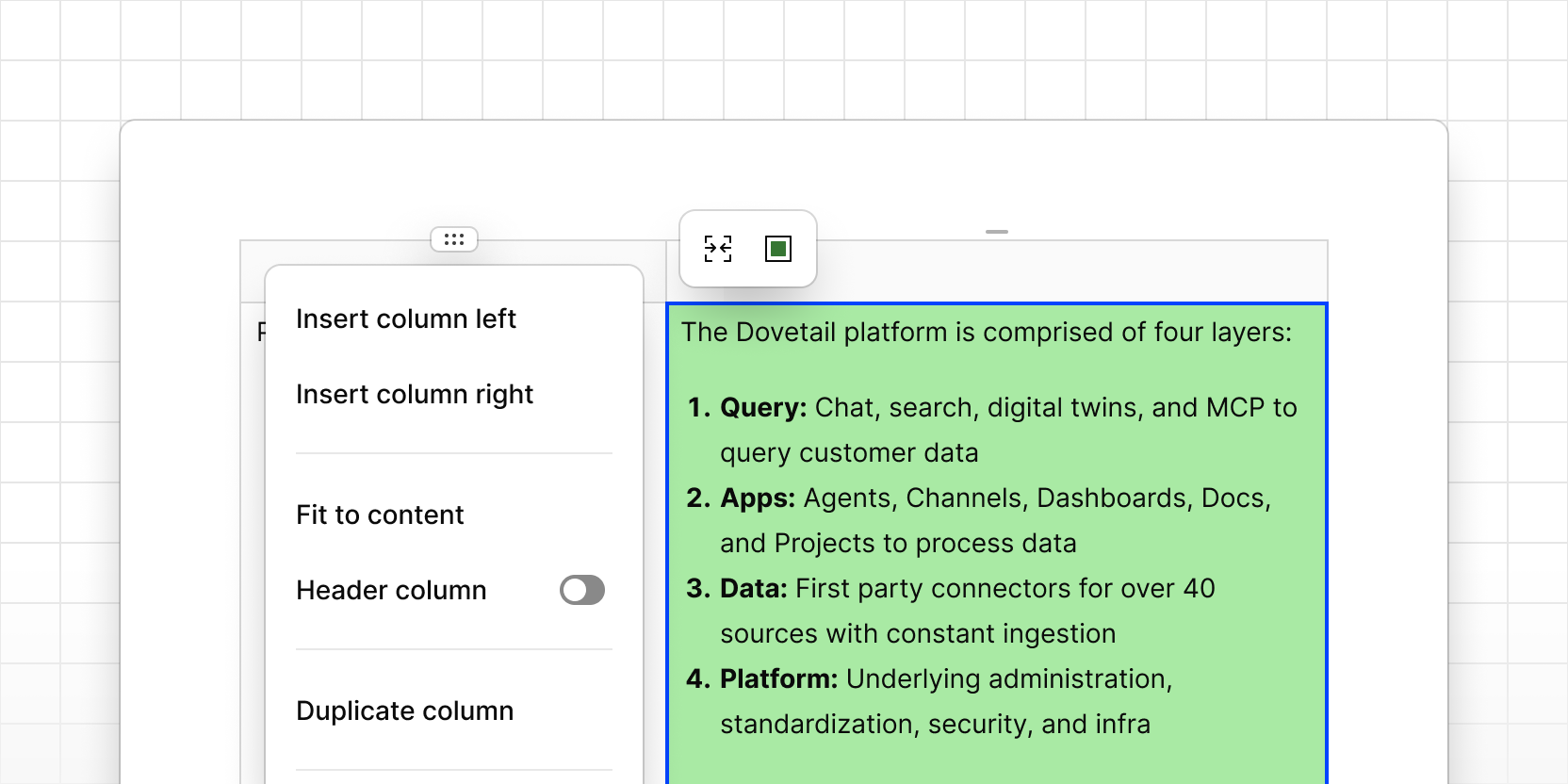
It is now easier to add new columns and rows, resize columns, and reorder columns and rows. You can now select multiple cells and set background colors, merge and split cells, and choose to grow your table beyond the width of the editor content. Agents and Chat can now create, edit, and delete tables.
- Click a drag handle to add columns or rows, set header styling, and more.
- Click the table drag handle to set the table width, duplicate, and more.
- Select two or more cells to set a background color or merge cells together.
- Ask Agents or Chat to create, update, or delete tables in any doc.