
18 Sep 202612:00
Version history for data
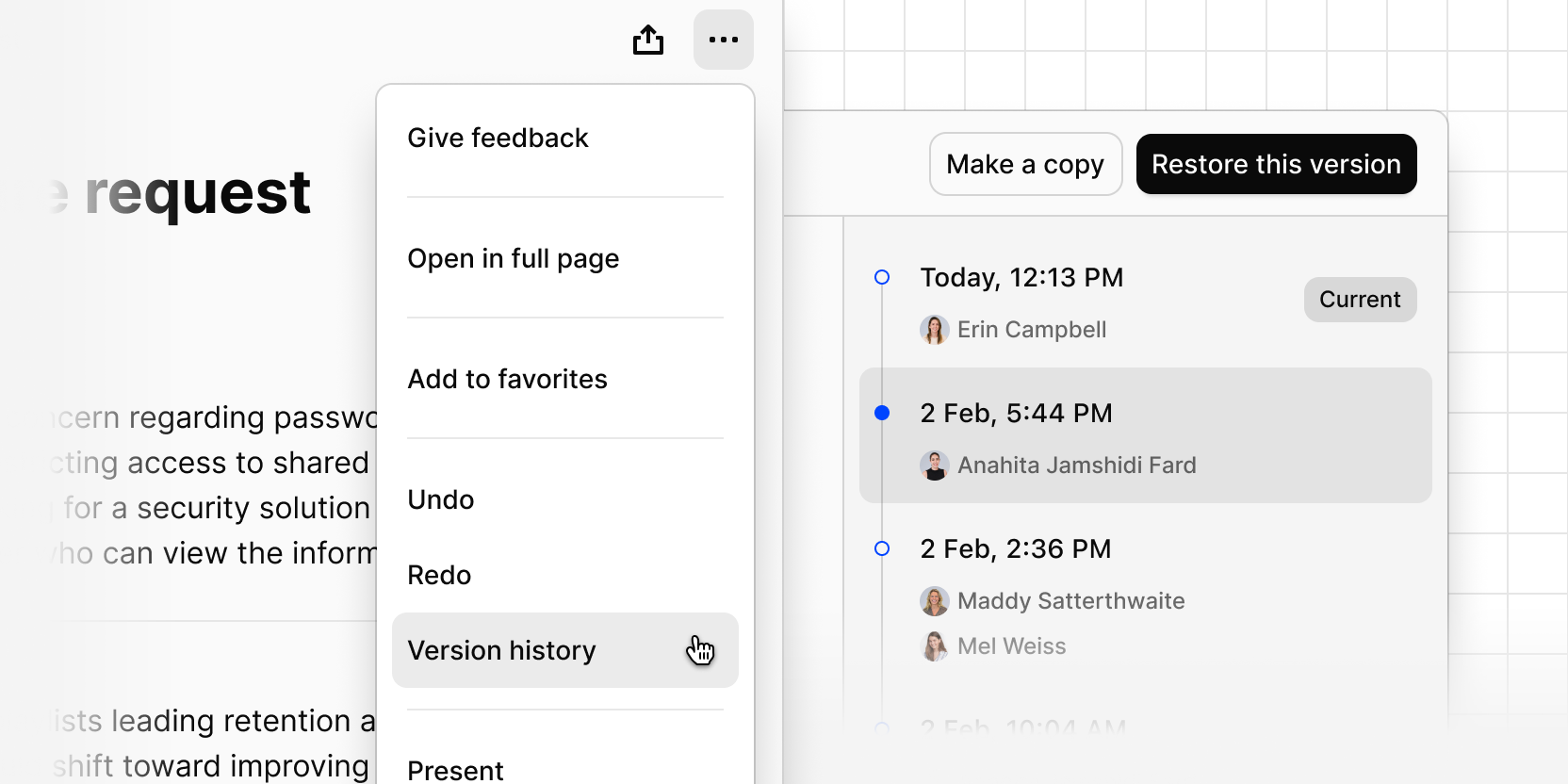
You can now access and restore previous versions of any data, so accidental edits are recoverable.
Your data will automatically save a version whenever you stop editing for 10 seconds. These versions are stored server-side, so even if your browser crashes or you lose connection, your history is preserved.
- Open the More (···) menu on any data to browse previous versions.
- Restore a version to make it the most recent one.
- Make a copy of a previous version if you want to keep the current data as well.
Open the More (···) menu on any data, then select Version history to try it.