
21 Oct 202611:00
Activity log in Channels 2.0
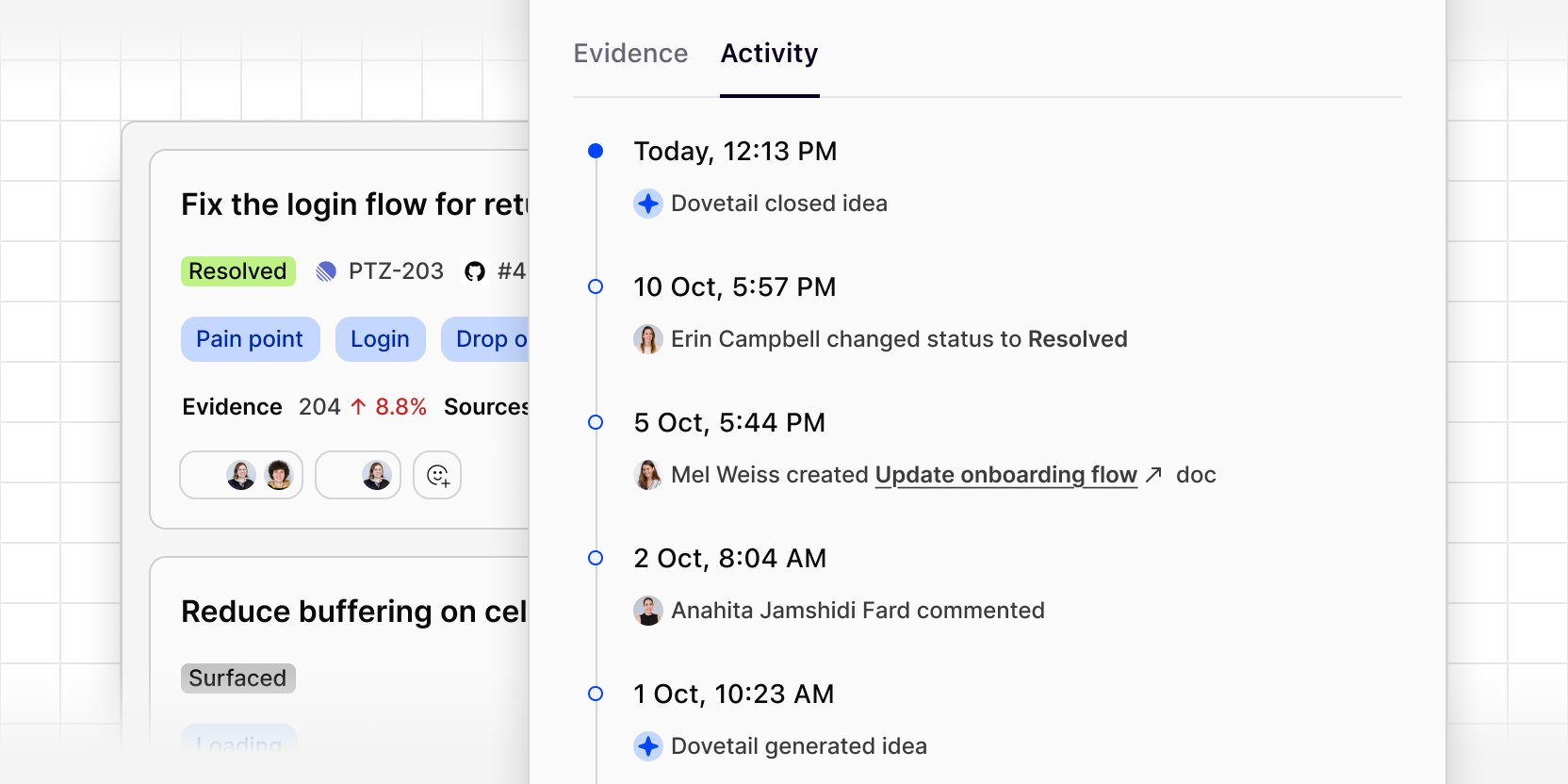
Every idea in Channels 2.0 now has an activity log that records each action and event on it, from the moment it's generated.
The log shows who did what and when, including:
- Status changes, such as moving an idea to Resolved
- Comments from teammates
- Docs created from the idea
- Ideas sent to tools like Jira, Linear, or Claude
- Ideas generated or closed by Dovetail
This gives everyone working on an idea a shared record of where it's at, so your teams can follow it through each stage of the product lifecycle, from first piece of evidence to shipped, without having to ask around.
To view the activity log, open an idea and select the Activity tab above the evidence.