Introducing Dovetail’s most powerful chat yet
The kind of interaction that used to require hours of manual work across multiple tools—now it takes seconds with Dovetail chat.
Most teams have more customer data than they know what to do with. Interviews, support tickets, sales calls, feedback channels—it’s all there, sitting in Dovetail. The hard part has never been collecting it. It’s been getting answers from it fast enough to actually make decisions.
That’s what chat is for. And today, we’re shipping the biggest update to chat since we launched it.
Rich media in chat: watch the moment, don’t just read about it
One of the most powerful things about Dovetail is that customer feedback isn’t just text—it’s video. Real moments. Real expressions. Real frustration, excitement, and confusion.
Until now, if chat surfaced a relevant highlight, you’d need to leave the conversation to go watch it. That broke the flow.
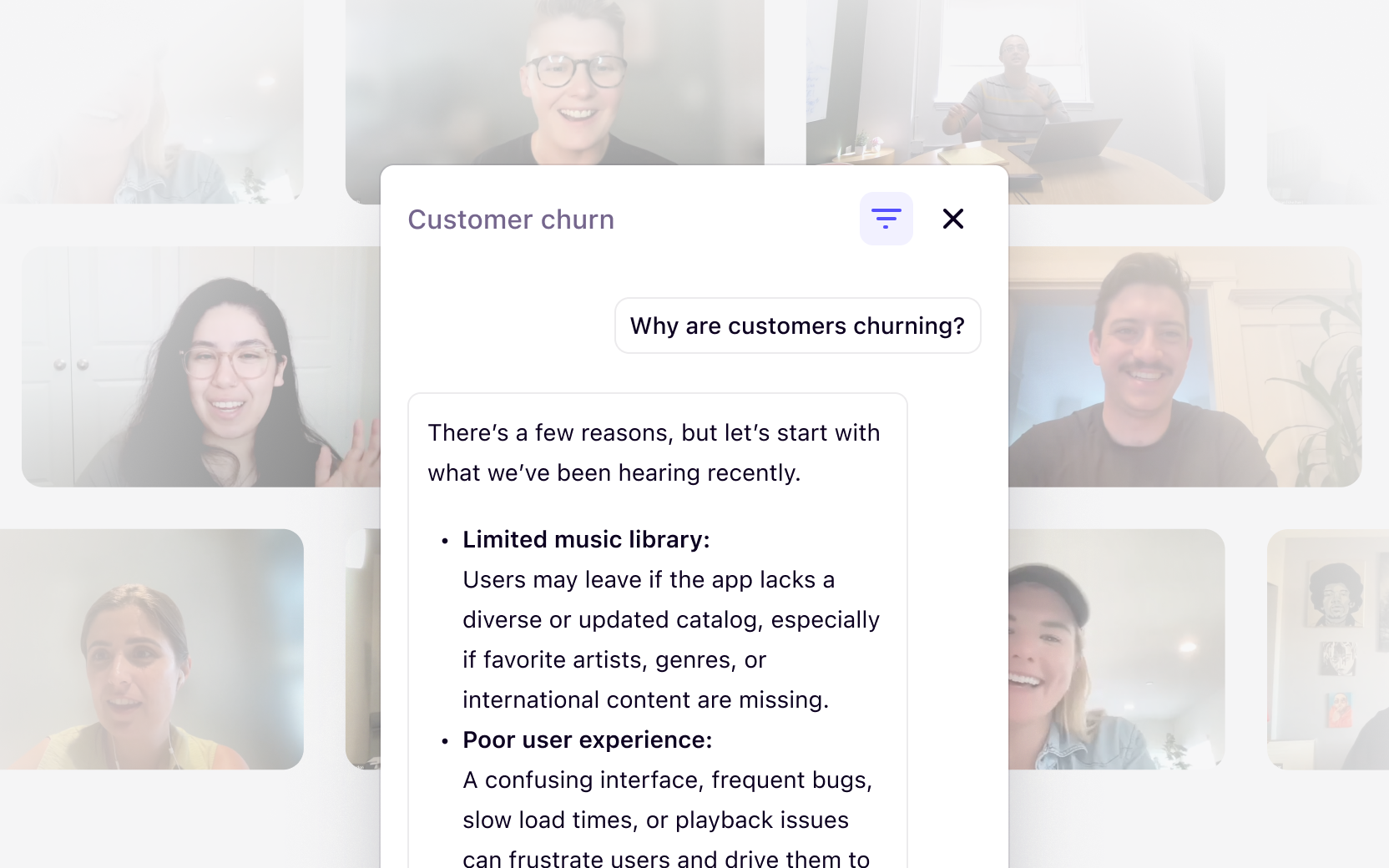
Now, highlights render directly in chat. You can watch them inline, right alongside the analysis. If there are multiple relevant moments, they appear in a scrollable carousel—so you can move through the evidence without losing your place.
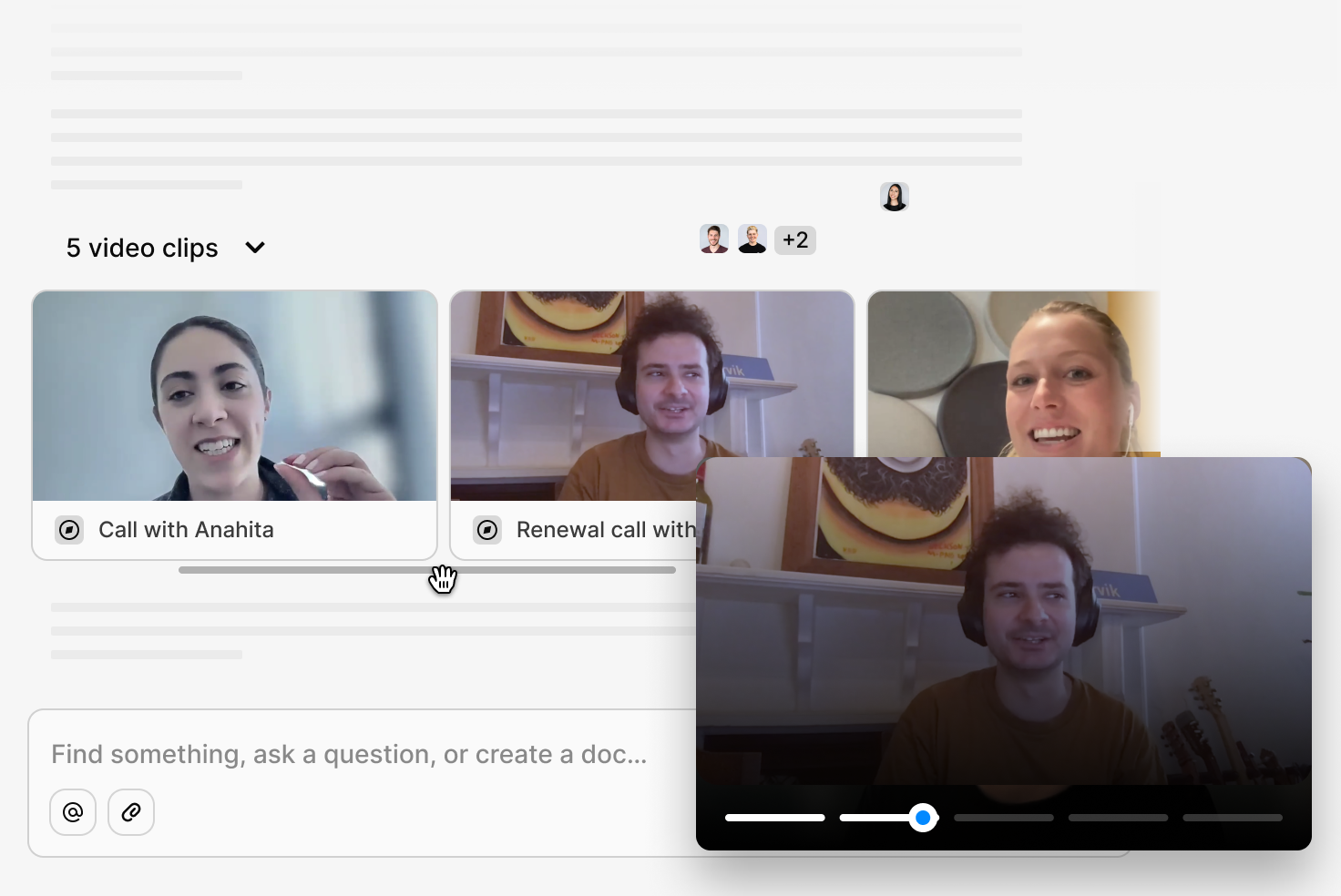
Every highlight is downloadable too. Need to drop a customer moment into a Canva deck or a stakeholder presentation? It’s one click from the chat response.
This is the first step toward a much richer media experience in chat—but even in this first iteration, it changes the way you interact with qualitative evidence. You’re not reading a summary of what a customer said. You’re watching them say it.
Multi-context: ask one question across everything
Until now, chat let you @mention a single source—one project, one channel, one document. That was useful, but it forced you to ask the same question multiple times if you wanted to pull insights from different places.
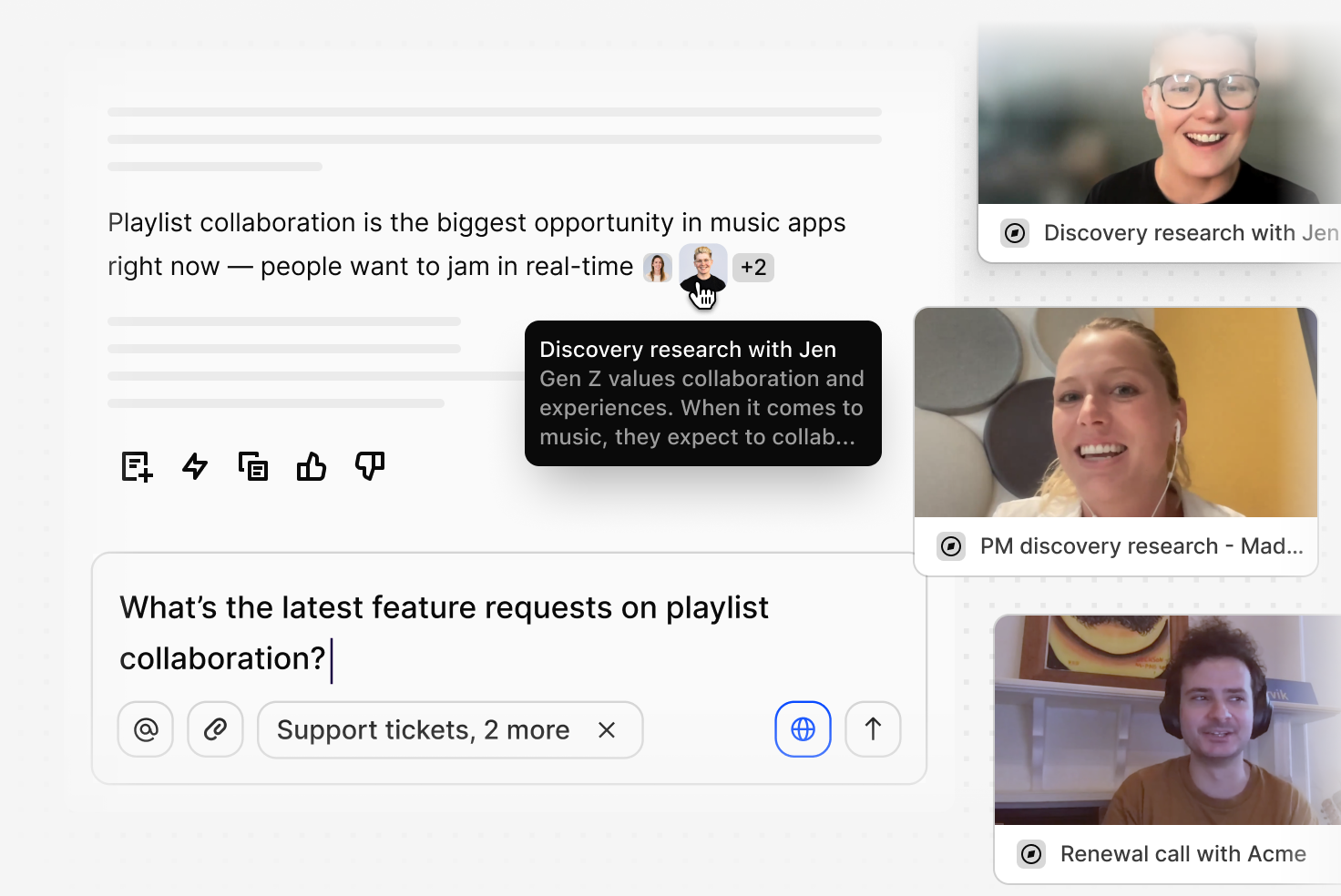
Multi-context removes that limitation. You can now @mention multiple sources in a single query, and chat will synthesize insights across all of them.
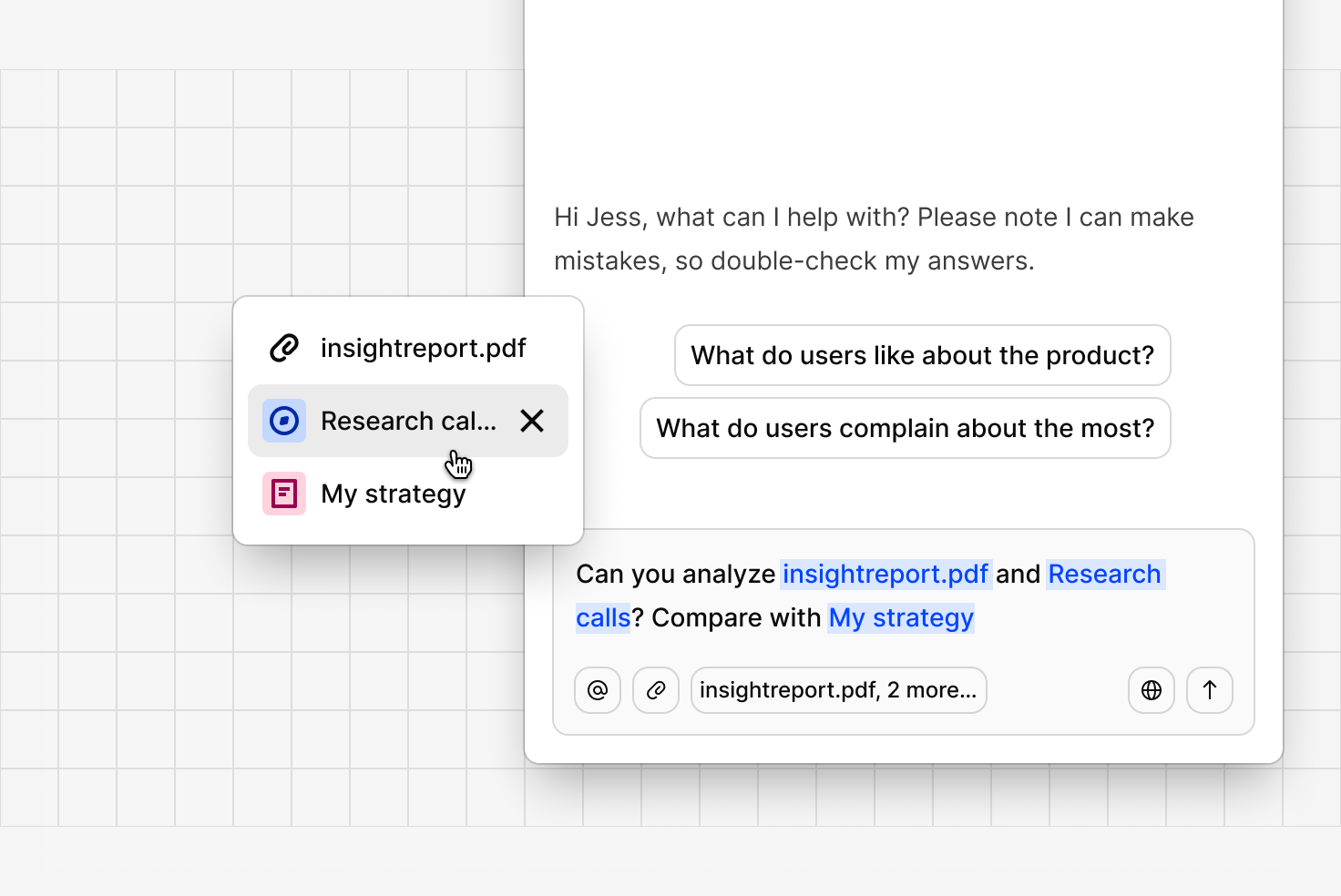
Tag your customer success channel, your sales calls project, and a strategy document—then ask what everyone’s saying about a particular topic. Chat will search across all of those sources and give you a single, grounded response with citations pointing back to each one.
This also unlocks a capability teams have been asking for: within a project, you can now select specific calls or documents to chat with, rather than chatting with the entire project. Select 3 out of 40 interviews and ask targeted questions about just those conversations.
How teams use this:
- Cross-functional synthesis—pull together perspectives from research, support, and sales in a single question.
- Focused analysis—select a handful of specific interviews or documents and drill into them without noise from the rest of the project.
- Strategic research—combine internal research data with specific documents or strategy briefs for a richer, more informed response.
Web search: bring the outside world into your research
Your customer data is rich, but it doesn’t always tell the whole story. Sometimes you need broader context—what competitors are shipping, what’s trending in the communities your customers belong to, what industry reports are saying.
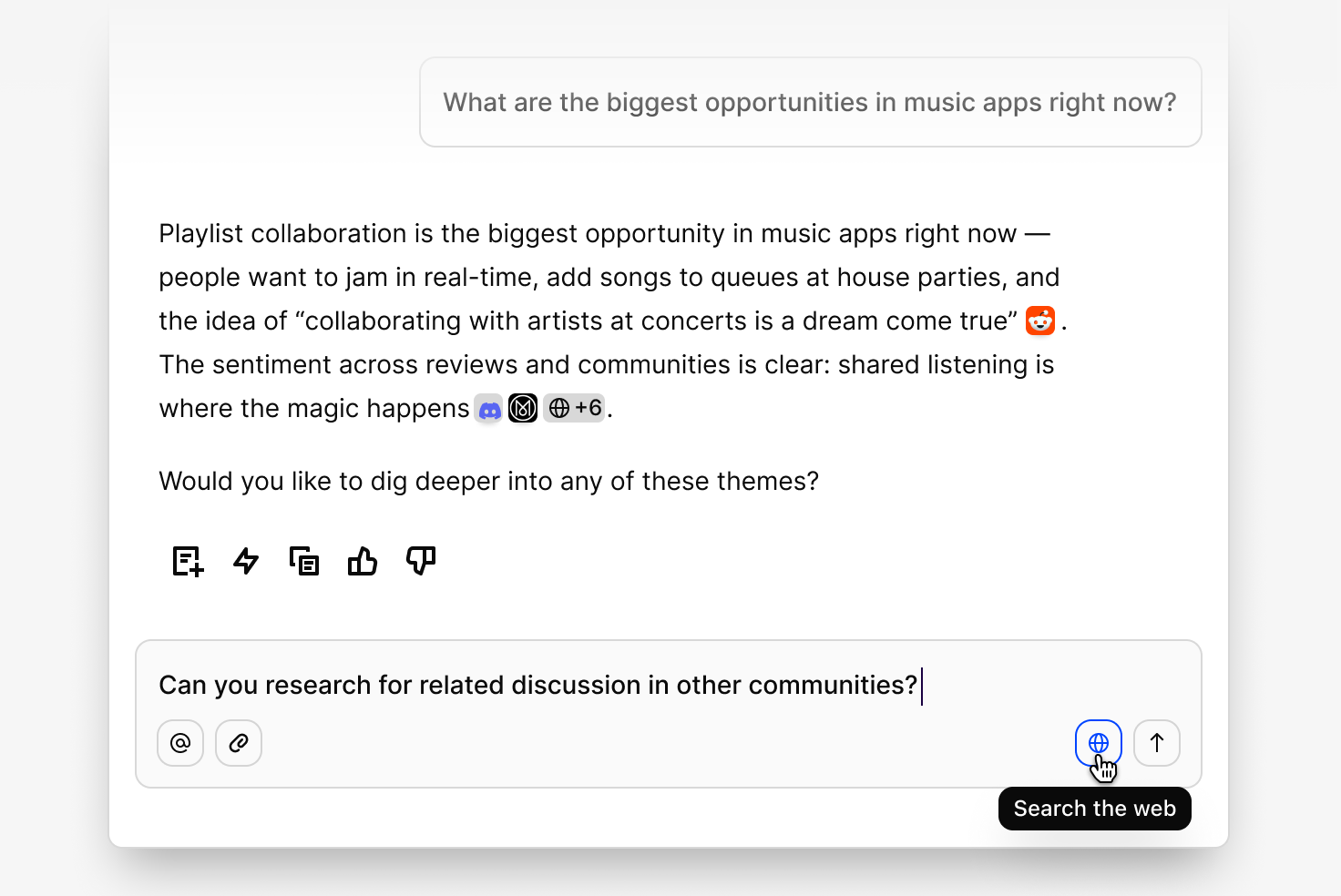
Now chat can search the web. Toggle on web search, and chat will pull in third-party sources alongside your internal data—Reddit threads, news articles, community discussions, and more—then synthesize everything into a single, cited response.
How teams use this:
- Competitor research—compare what your customers are saying with what competitors are shipping, without switching tools.
- External validation—back up themes emerging from your data with third-party sources, industry reports, or published benchmarks.
- Market context—layer in macroeconomic, industry, or trend data to give your internal insights broader context.
A redesigned chat experience
The new chat isn’t just more capable—it looks and feels different too.
Full-page chat gives the conversation more room to breathe. You can toggle between a full-page view and the corner chat you’re used to, depending on how deep you want to go.
Transparent thinking lets you see exactly what chat did to arrive at its answer. Expand the “Show thinking” panel to see which projects were scanned, how many interviews were read, what highlights were created, and what documents were generated—all broken down step by step. No more wondering what’s happening behind the curtain.
Dynamic thinking states replace the old rotating placeholders with real-time updates that reflect what chat is actually doing as it works through your question.
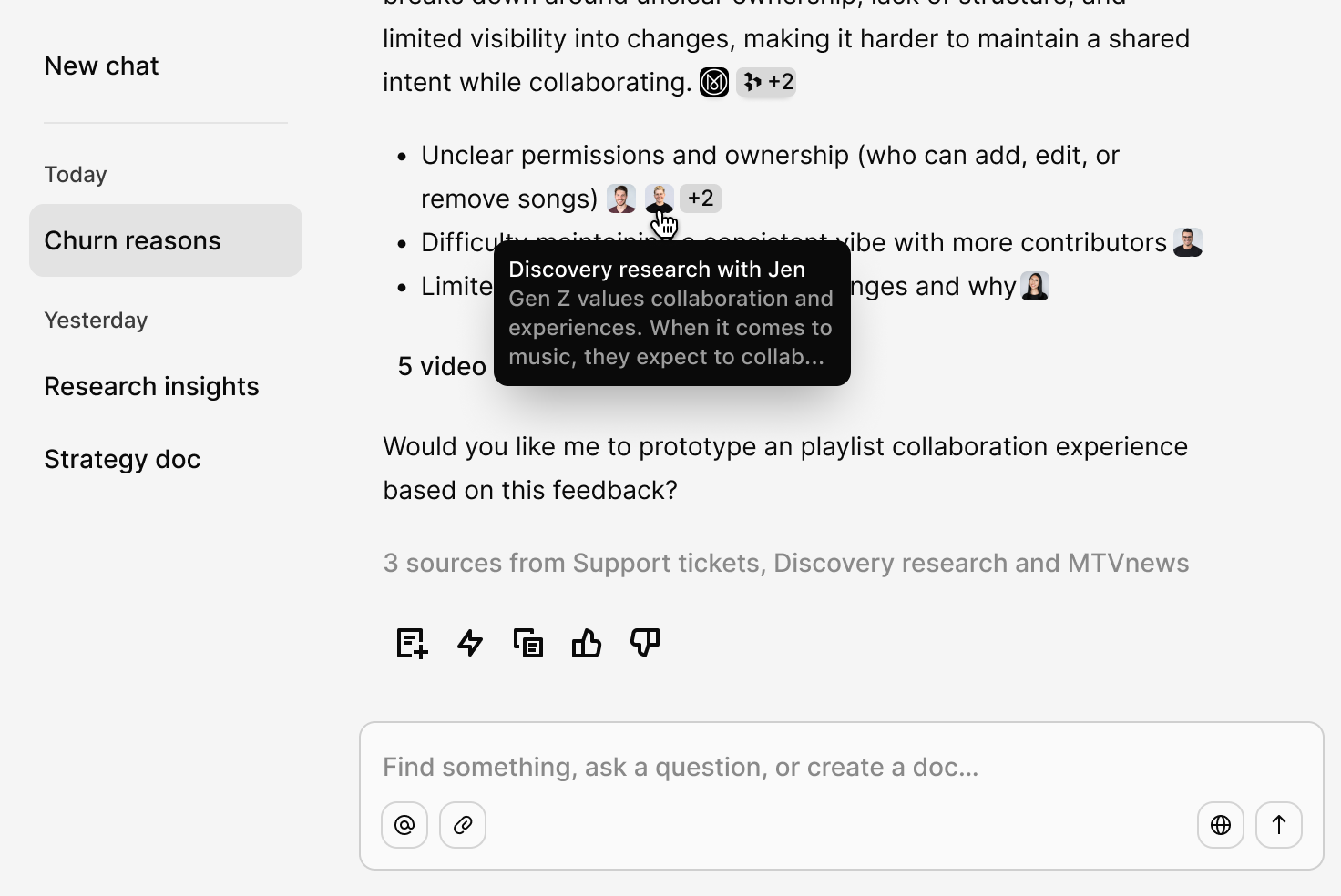
Inline citations and sources are now richer and more interactive. Every response shows exactly where the information came from, with expandable source previews so you can verify without leaving the conversation.
Stop and stay in control. A new stop button lets you interrupt a response mid-stream if you’ve already got what you need. And when you do let chat finish, you’ll always know where things are at—if citations are still loading or thinking is still in progress, chat tells you, so you’re never left wondering whether it’s done or just stalled.
Response actions at the bottom of every message let you quickly save chat’s output to a doc, continue the conversation, copy the response, or provide feedback.
Broader, more accurate data coverage
We’ve also been working on what chat can see when it answers your questions.
Previously, there were limits on how much data within a channel or workspace could contribute to a chat response. Those limits existed for performance reasons, but they meant chat sometimes worked with an incomplete picture of your data.
We’ve reviewed and expanded those limits. Chat now draws from a larger portion of your workspace data, which means responses are grounded in a more complete and accurate view of what your customers are actually saying.
How it all comes together
Each of these capabilities is useful on its own. Together, they change what’s possible.
You can ask a single question that spans your research projects, support channels, and sales calls. Chat will search across all of them, pull in external context from the web, surface the exact video moments that matter, and show you transparently how it arrived at its answer—all in one conversation.
That’s the kind of interaction that used to require hours of manual work across multiple tools. Now it takes seconds.
What’s next
This release is a foundation. With the new platform in place, we’re moving quickly on what comes next—including data visualizations in chat, reel creation from conversations, and deeper integration with the tools your team already uses.
But right now, the most powerful version of chat in Dovetail is live. Go try it.
Related Articles