Meet the team you didn’t have headcount for—Digital Twins and Agents now in Dovetail
For the first time, Digital Twins and Agents give you direct access to your customers on-demand and act on what they tell you.
The gap between customer feedback and your team taking action on it has just closed. What your customers think is now information at your fingertips, available at the click of a button.
Ask your Digital Twin anything about your customer and instantly get an answer grounded in real data, then let an Agent take it from there, updating a record or alerting the right person—automatically.
With feedback constantly flowing in as it’s received, every answer is based on what your customers are thinking and saying right now, even without them in the room. Here’s more on what our Digital Twins and Agents do.
Digital Twins
A Digital Twin is a model of a specific customer, segment, or persona, built entirely from what they’ve actually said across sales calls, support tickets, survey responses, and research sessions.
Rather than taking a guess at what a “typical enterprise customer” might think, your Digital Twins are grounded in the real words of people who are already talking directly to you.
| Digital Twin | Generic AI persona | |
|---|---|---|
| Trained on | Your Channels, projects, and docs | The open web |
| Sourcing | Cites the real quote, transcript, or ticket behind an answer | Can invent plausible-sounding quotes |
| Scope | Reflects a specific segment you define | Reflects an averaged, generic user |
| Freshness | Updates as new data lands in Dovetail | Static until retrained |
Give your Digital Twin a name and a segment—such as “Enterprise admin” or “Churned SMB customer”—and point it at the relevant sales calls, tickets, and docs that cover that segment.
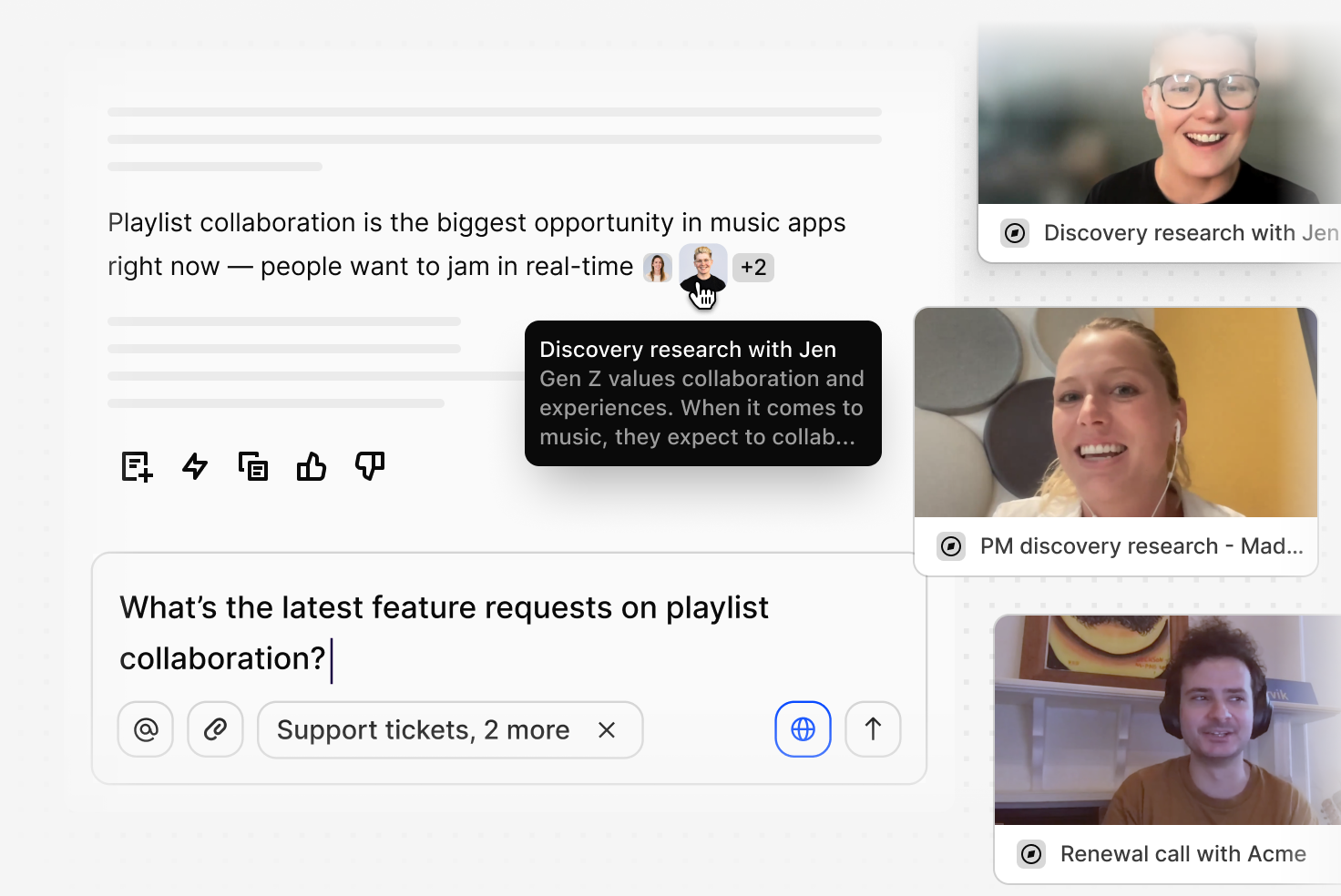
Then open the twin from Dovetail Chat, Slack, or Microsoft Teams and ask it what you’d otherwise schedule an interview to learn: “What would make you churn?” or “How do you feel about this pricing change?” With Digital Twins, there’s no more waiting weeks for an answer you need today.
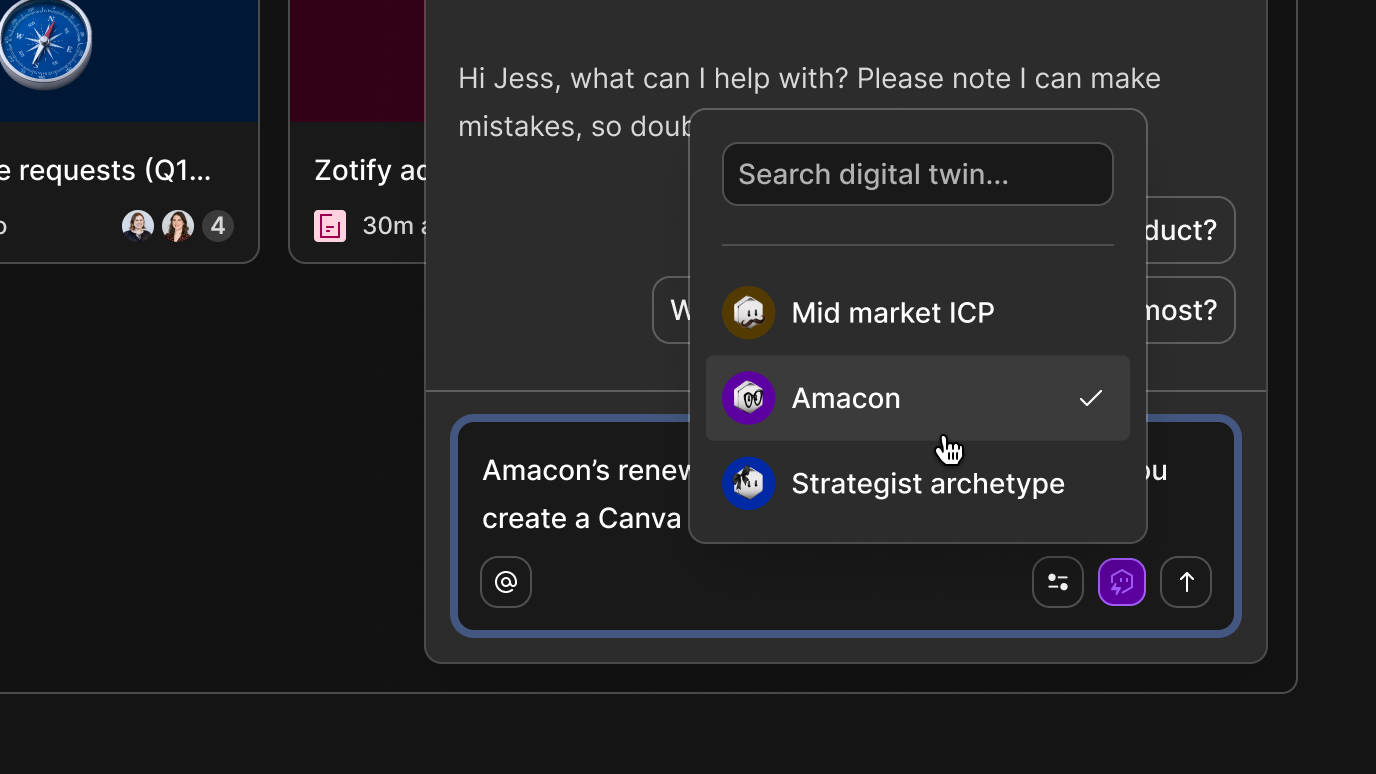
Every answer from your Digital Twin traces back to a cited source. Ask a twin to show its work, and it points to the exact quote, transcript, or ticket behind the answer—the real quote, not the model’s paraphrase of it.
Pull it up live in a stakeholder meeting, or set it to run automatically and deliver a weekly digest on what a particular segment cares about. Since your Digital Twin automatically updates as new feedback comes in, everything it says is grounded in what your customers are actually saying, right now.
Every other way of getting customer input means waiting for the customer to speak first—a survey to go out, an interview to be booked, a ticket to come in. A Digital Twin flips that: ask the moment you have the question, and get an instant answer grounded in everything that customer or segment has already told you.
Digital Twins are available on all paid plans.
AI Agents
If Digital Twins are how you ask a question, Agents are how the answer turns into work. Dovetail Agents are built from five parts: a trigger, instructions, skills, external connectors, and the Dovetail tools it’s allowed to use.
Choose your Agent to run on one of five trigger types:
- On-demand—runs only when you click Run now or invoke it directly in chat
- Scheduled—runs on a recurring cadence in your local timezone, set in plain language like “every Monday at 9am”
- Dovetail event—fires the moment something changes in your workspace: data lands in a project, a highlight gets created, a doc gets created, or a tag gets applied
- External webhook—fires when a connected system sends a webhook, like a closed-won deal landing in Salesforce
- Digital Twin—runs continuously as a chat listener, rather than waiting on a schedule or event
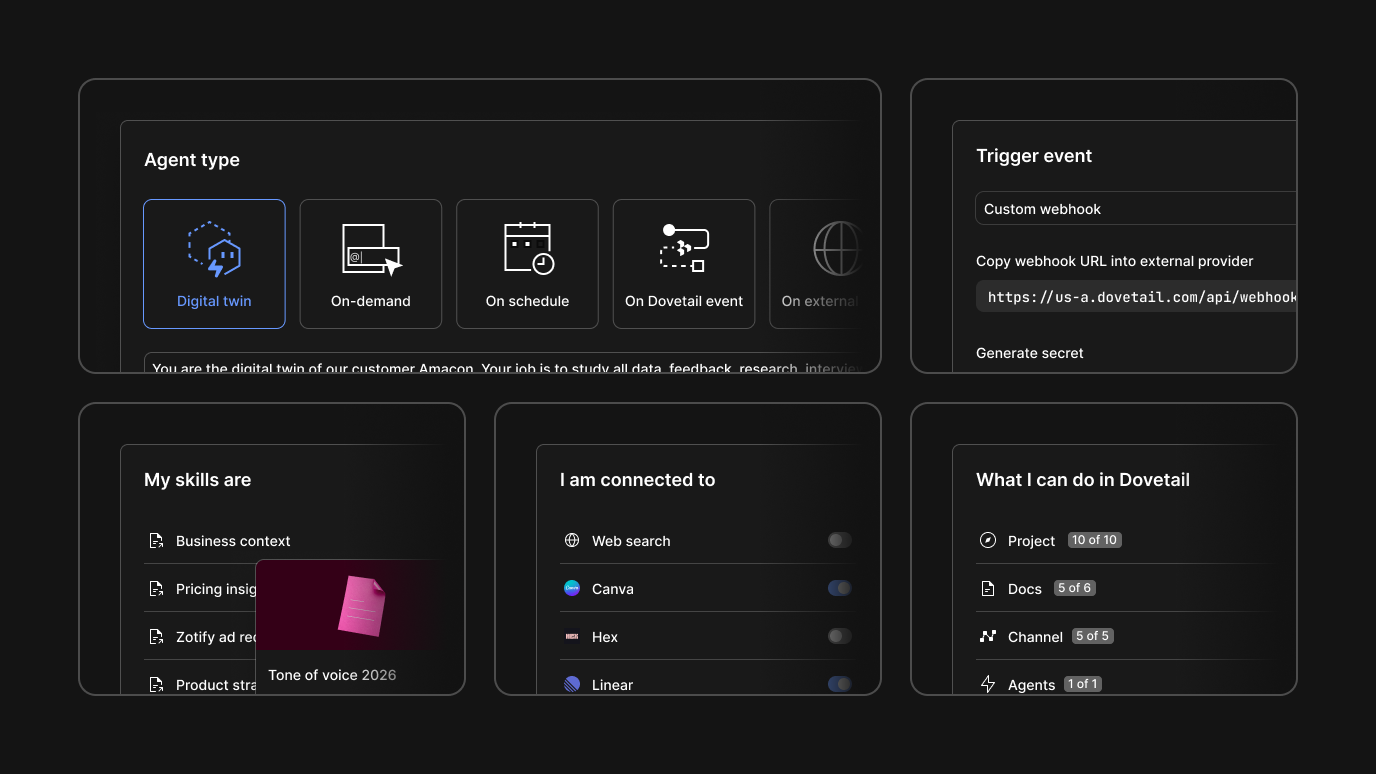
Instructions tell your Agent what to do and how to judge whether it did it well, so it can work independently without needing step-by-step direction from you.
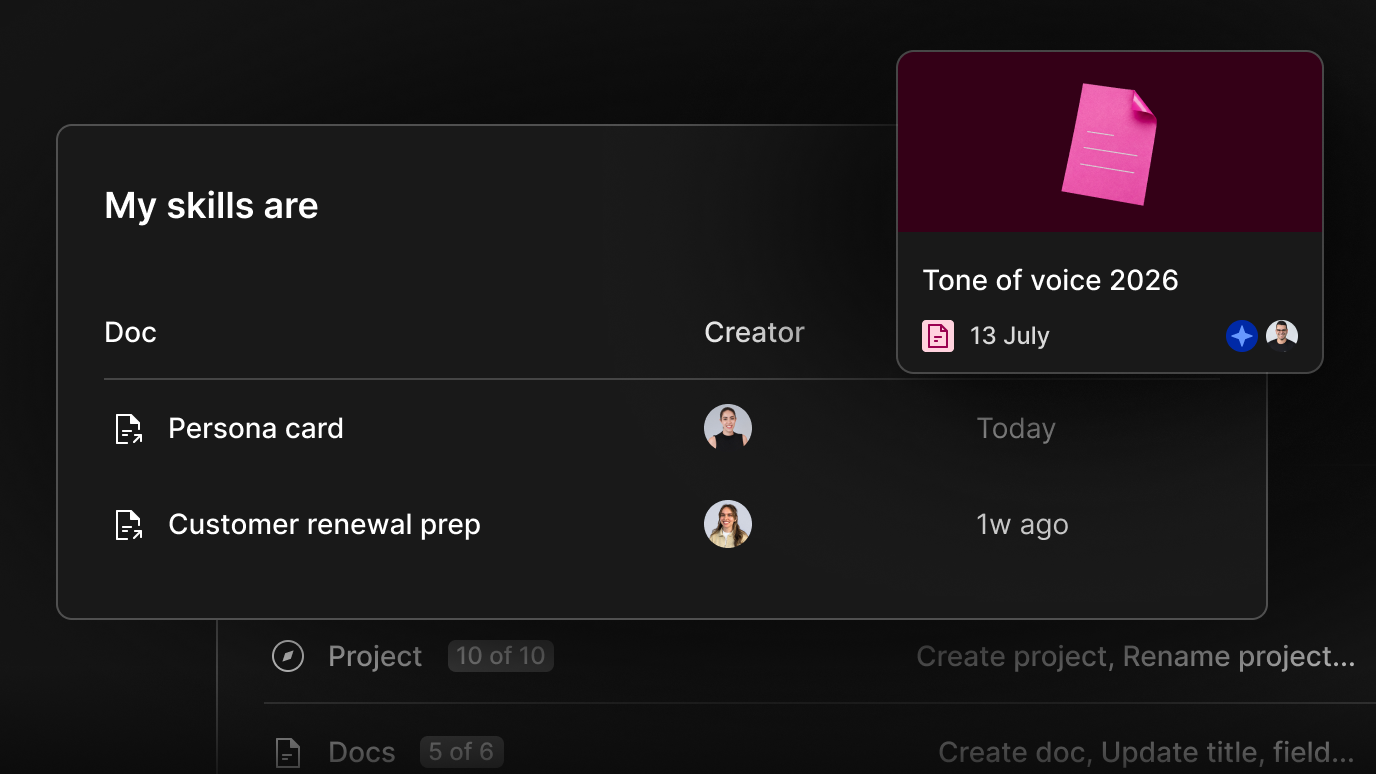
Skills are reference docs—taxonomies, templates, tone guides—attached to an Agent for context beyond its instructions. Each one gets injected in full at run time, so a handful of short, targeted skills beat one long, general one.
Memory improves separately and continuously. By the tenth time an Agent handles a task, it’s carrying significantly more context than the first.
An Agent’s write actions are scoped to what it actually needs—inside Dovetail, and out through first-party MCP (Model Context Protocol) connectors to tools like Linear, Salesforce, and Slack. Any write action can still be held for human approval before it fires.
Agent permissions stay with whoever built that particular Agent, no matter how widely it’s shared. So anyone in your organization can use it but can’t change its instructions, memory, or connections.
| Role | Can run it | Can edit it | Can delete it |
|---|---|---|---|
| Creator | Yes | Yes | Yes |
| Viewer | Yes | No | No |
| Editor | Yes | No | No |
| Workspace admin | Yes | Only Agents they created | Yes, any Agent |
Some specific ways teams are already running them:
- Before a roadmap review, an Agent checks whether the evidence actually backs the top three proposed projects, pulling quotes, frequency, and account segmentation straight from Salesforce.
- Before shipping a new concept, an Agent runs it past a Digital Twin built from a power user’s calls and interviews, and reports back how they’d likely react.
- A product marketing Agent keeps competitor battle cards current on its own, pulling what customers say on calls and how sales reps position against rivals.
- A CSM (customer success manager) sets an Agent to watch for billing confusion. If five or more customers mention it in a week, it summarizes the pattern and Slacks the Head of Product before a single ticket gets filed.
AI Agents are available on all paid plans.
Ask, then act
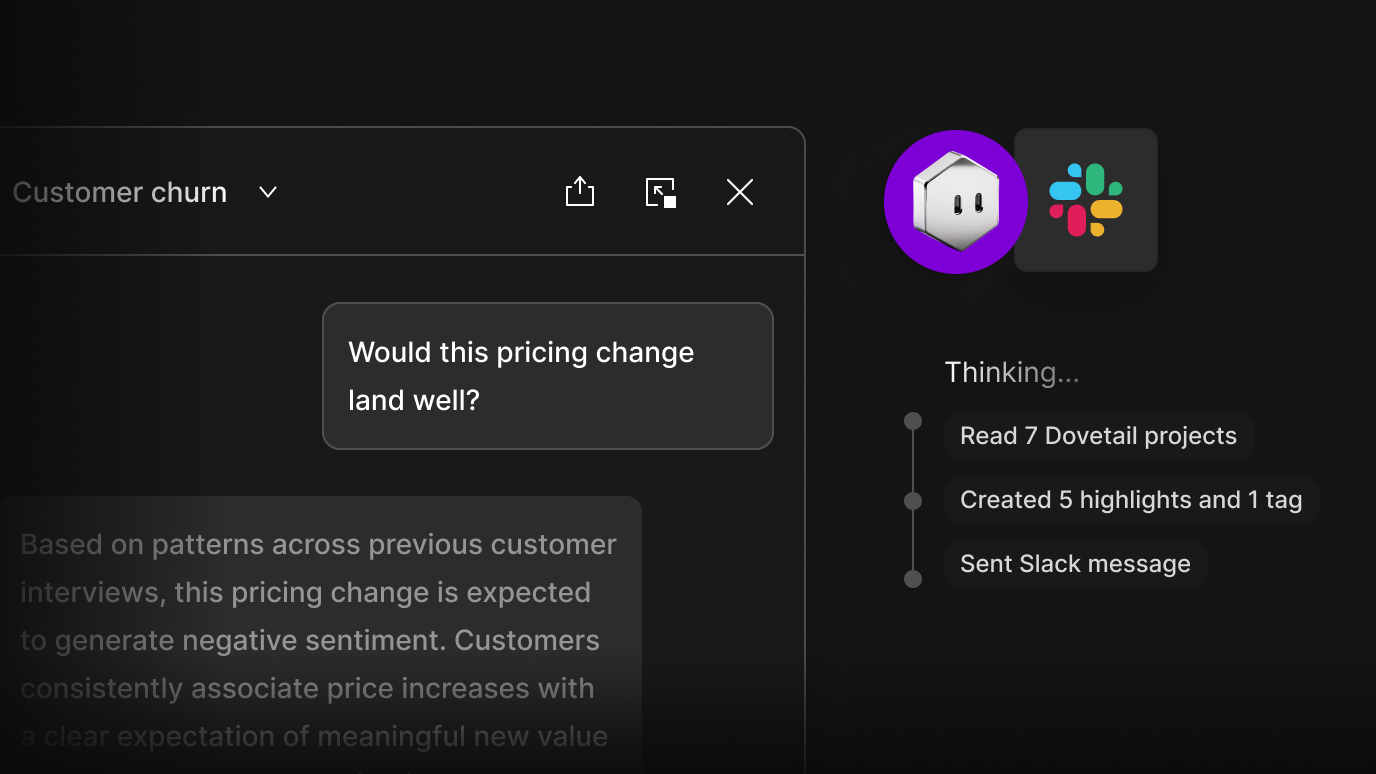
Digital Twins and Agents are built to work together. A Digital Twin’s answer can trigger an Agent directly, so the moment your power-user twin flags that a pricing change would land badly, an Agent is already drafting the Slack message that says so.
That means you can query all your customer intelligence on demand. And because twins update continuously as new feedback flows in, what’s at your fingertips is what customers are saying right now, not what they said last quarter—turning a question into an answer, and that answer into action, in one motion.
“Digital Twins mean anyone in your organization can go straight to the customer source, and Agents make sure the answer reaches whoever needs it.”
Benjamin HumphreyDovetail co-founder and CEO
Learn more, or talk to our team to see them running on your own customer data.
Related Articles