
Talk to Chat and Digital Twins with voice mode
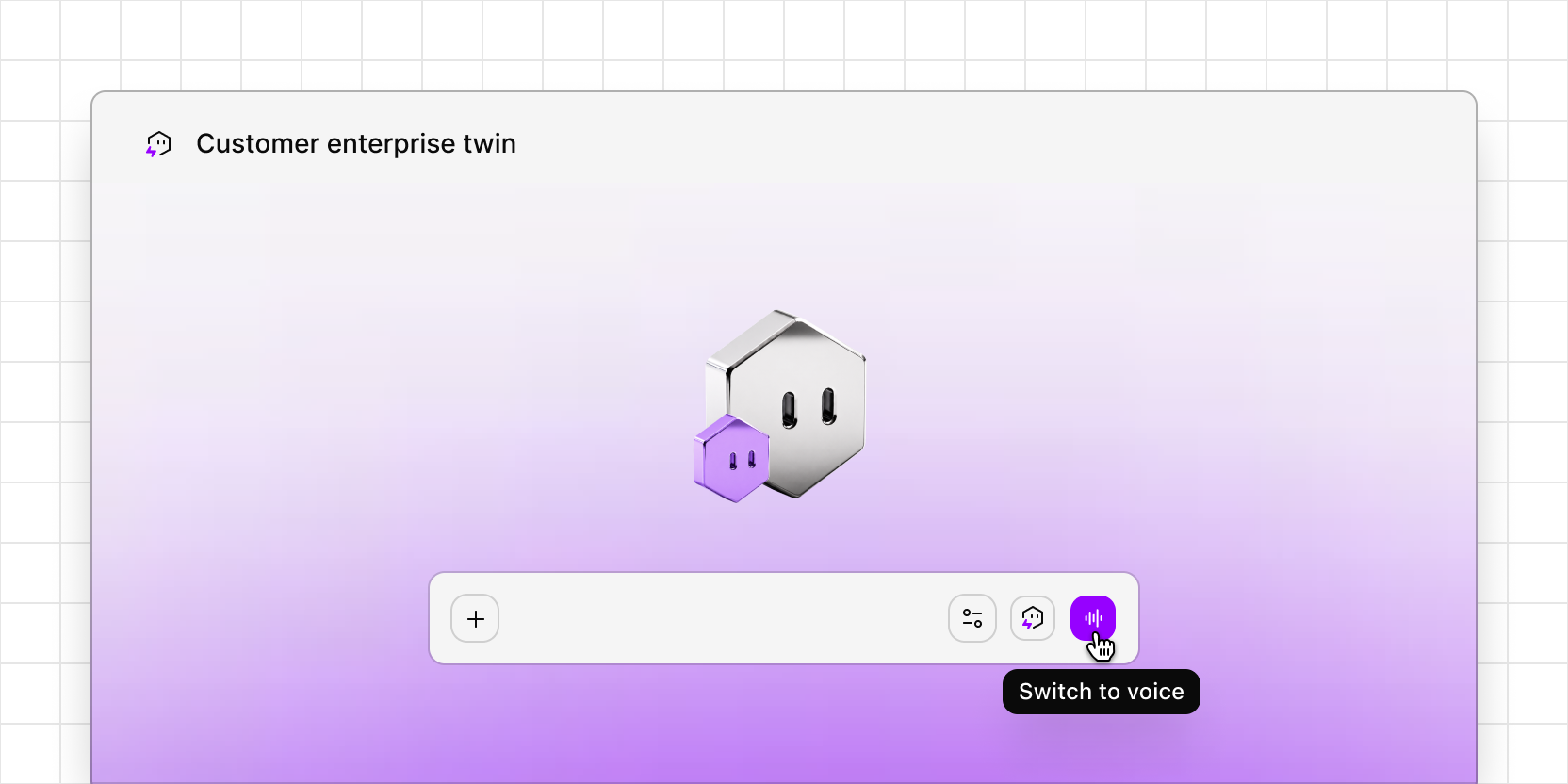
You can now ask Chat questions out loud and hear its answers spoken back. Voice mode uses the same workspace data and permissions as typed Chat, and keeps the context of wherever you start. A voice chat started inside a project answers about that project.
Voice mode also works with Digital Twins. Talk to a twin the way you would talk to the customer it represents, for example to rehearse a sales or renewal call, practice handling objections, or pilot an interview guide before a research session. The twin answers in character, drawing only on the data attached to it.
During a voice chat, you can share your screen so Chat or a twin can see what you're looking at, like a prototype, a design, or a landing page. Ask a twin to talk through a prototype as a quick usability test, or check whether a page's language matches how a customer segment describes its problems.
Voice mode is in beta on the Enterprise plan. A workspace admin needs to turn it on in Settings → Beta, and the workspace's AI processing location must be set to Best available.
To try it, open Chat and click the voice mode button (the waveform icon) in the prompt box.