
30 Sep 202622:45
Scoped permissions for personal API keys
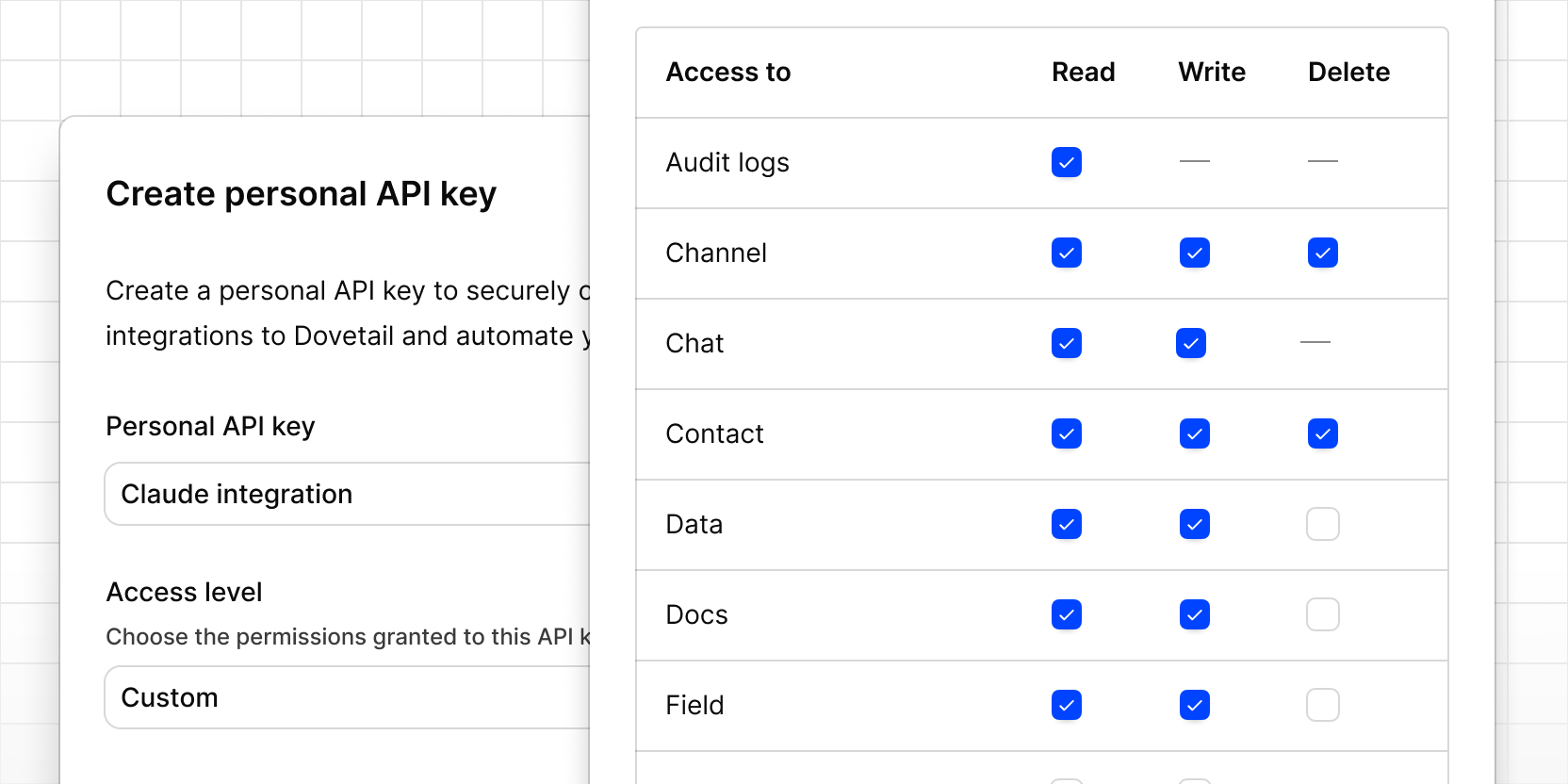
You can now choose what a personal API key is allowed to do, so integrations and AI tools only get the access they need. For example, give an AI assistant a Read only key so it can search and summarize your customer insights without updating or deleting anything in your workspace.
When you create a key, set the Access level to Full access, Read only, or Custom. With Custom, you choose read, write, and delete access for each feature, such as Data, Docs, Channels, or Projects.
A key set to Read only or Custom can only use the API endpoints and MCP tools its permissions allow. Keys you created before this change keep full access.
To try it, go to Settings → Account → Personal API keys and click Create key.