
13 Nov 202611:00
Save a chat as a transcript
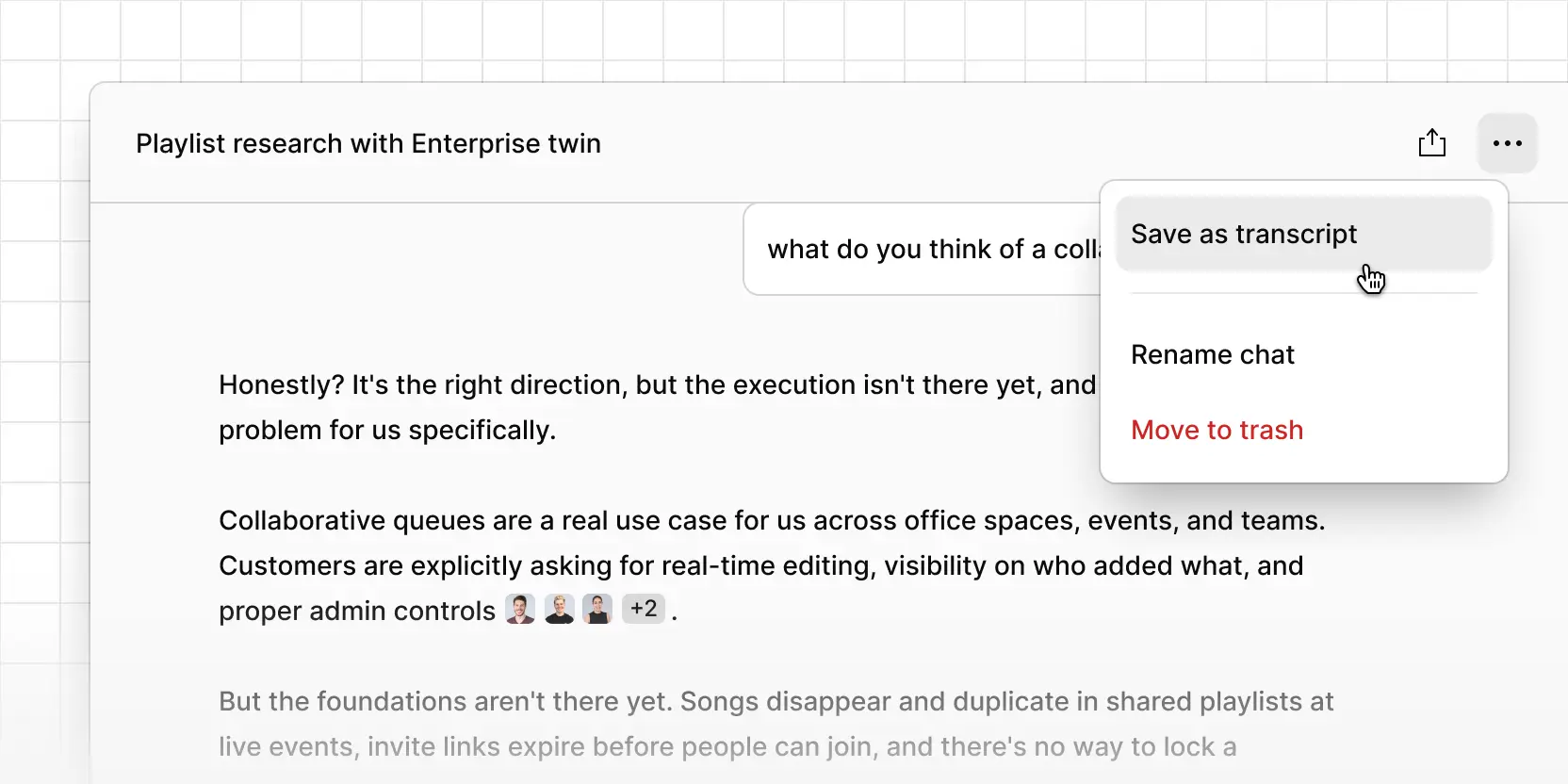
You can now save a chat conversation to a project as a transcript. Whether you’ve used voice chat to concept test with a customer twin, or had a conversation with Chat, you can now turn that transcript into a Project Data so that customer context is accessible by your team and easily queryable.
Select the ••• menu either at the top of the conversation or by hovering on a conversation in your chat history list, select Save as transcript and select which project you want to save it in.