
12 Nov 202611:00
Admin controls for connector compliance
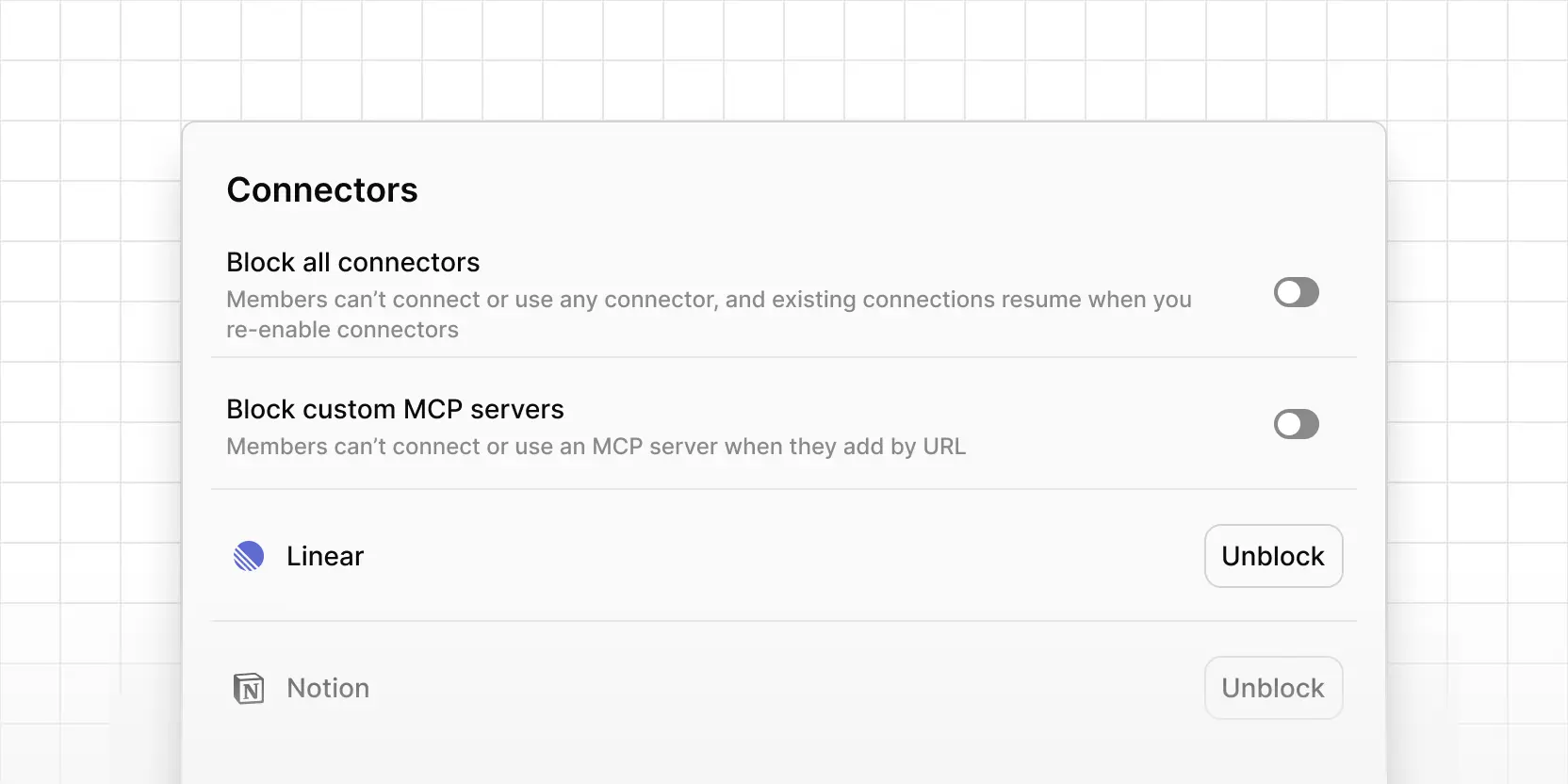
Workspace admins can now decide which connectors members can use, so your workspace only connects to tools your security team has approved.
Go to Settings → Security and open the Connectors card. From there you can block all connectors at once, block custom MCP servers that members add by URL, block specific connectors by name, or block a server URL along with every path under it.
Members can't connect a blocked connector, and existing connections stop working until you unblock it. Those connections aren't deleted, so they pick up again when you do.