
Share chats with a public link
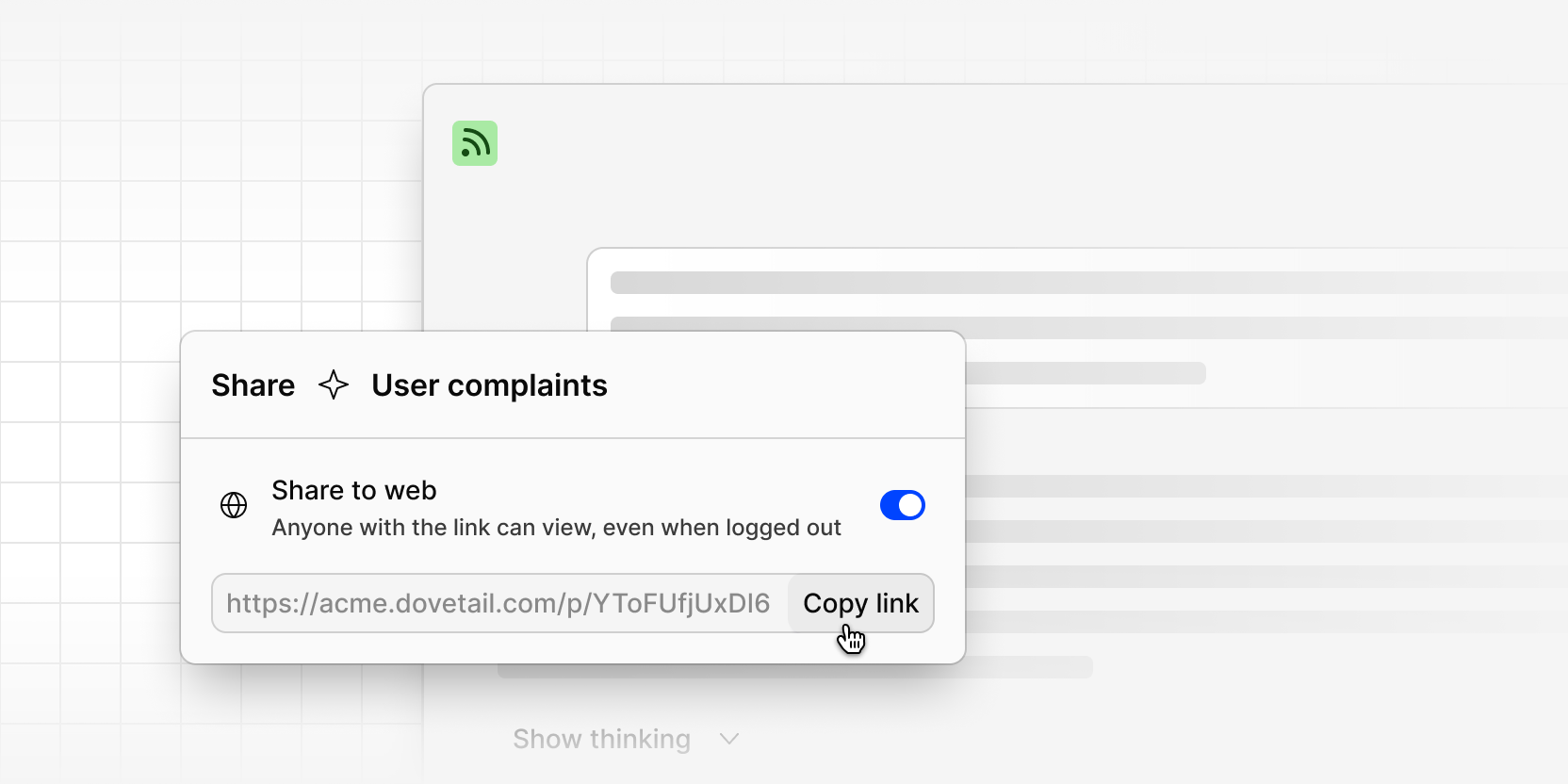
You can now share a chat with anyone using a public link, even if they don't have a Dovetail account. It's an easy way to get research findings and AI-assisted analysis in front of stakeholders without adding them to your workspace.
Anyone with the link sees a read-only copy of the conversation, including your questions, the answers, text citations, and charts. Video clips show as a placeholder and can't be played, and file attachments aren't included.
Only the person who started the chat can turn public sharing on or off. Turn the link off at any time and it stops working straight away. Workspace admins can turn off public links for the whole workspace with Prevent users from creating web links in Settings > Compliance > Security.
To share a chat, open it in full screen, click Share, then turn on Public link and copy the link.