
15 Jul 202608:54
Project-level context
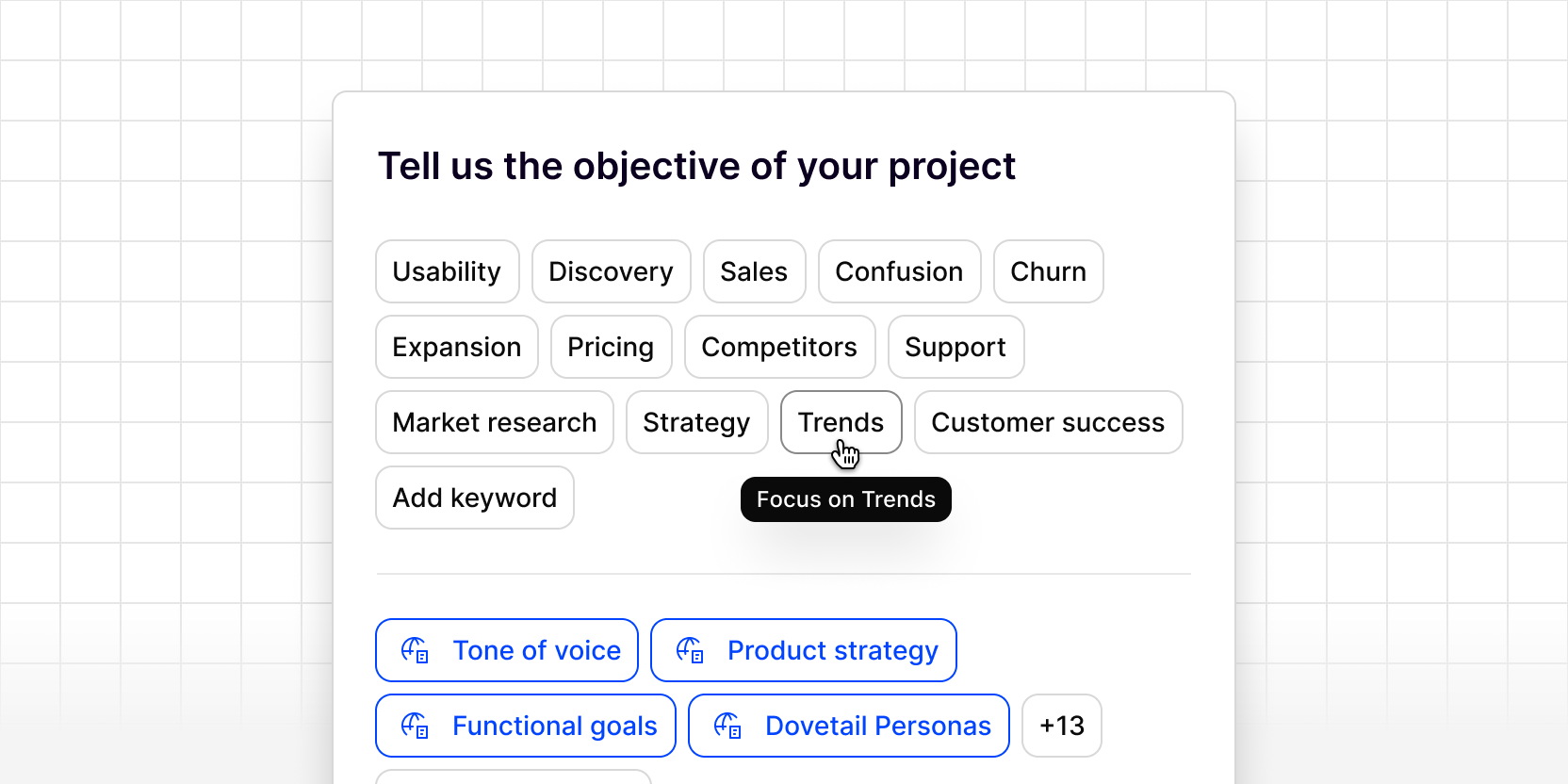
Give every project a briefing before the AI starts working. Project-level context lets you set the objective and business context for each project, so Dovetail’s AI has a clearer understanding of what you’re investigating before it classifies your data, directly influencing the quality of your highlights, tags, and chat results.
Add keywords like Usability, Churn, or Satisfaction to describe your objective, or write your own. You can also link existing workspace strategy docs, like a product roadmap or OKRs, or create new docs directly as context.
To add context to a project:
- Open your project
- Click the ••• (more options) menu in the top-right corner
- Select Context
- Choose from pre-set objective keywords (e.g. Usability, Churn, Satisfaction) or add your own
- Link existing or add new workspace strategy docs to provide more context
- Click Done