
Connect MCP tools to Dovetail chat
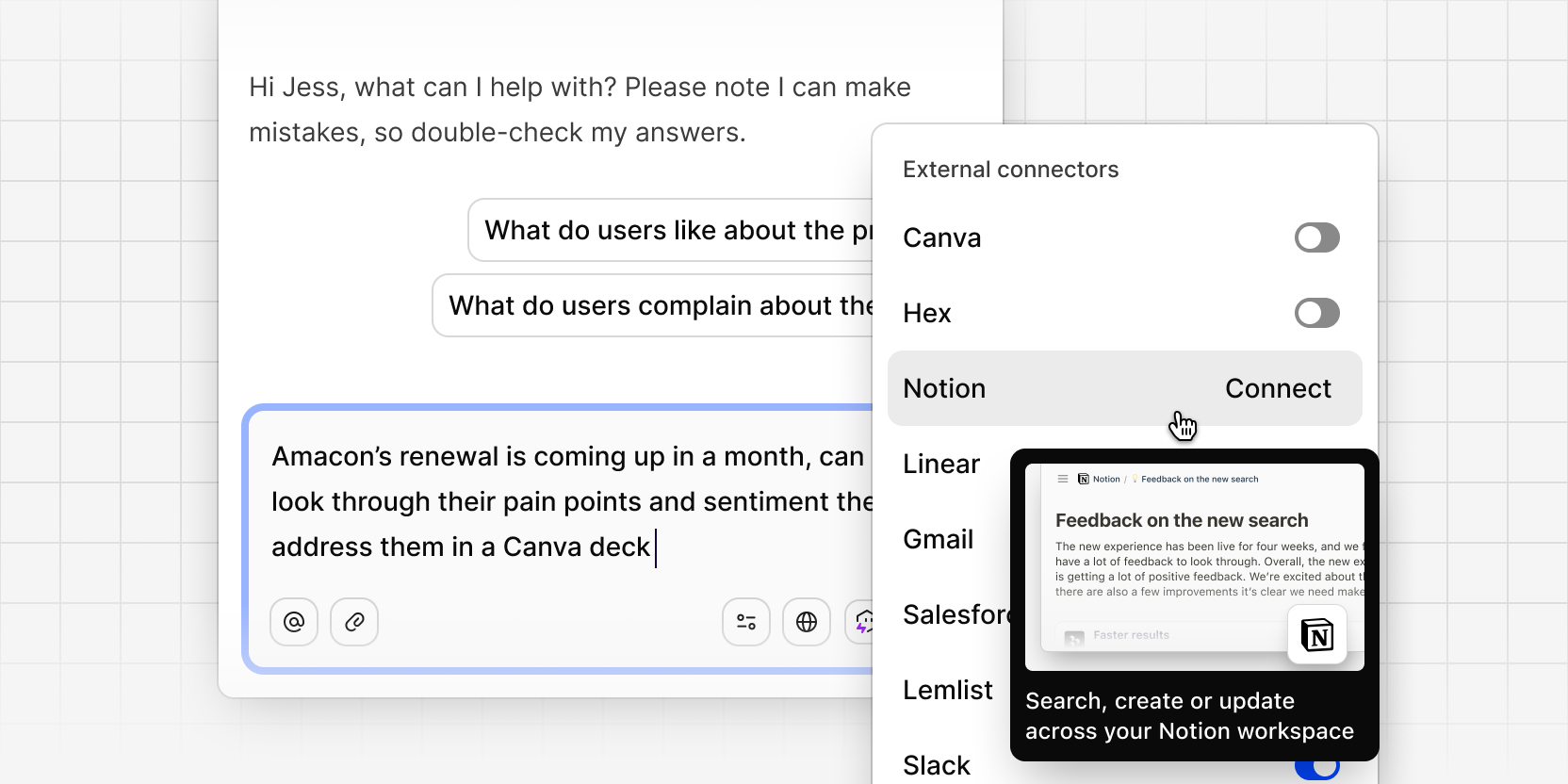
Your customer data doesn't live in isolation—tickets live in Linear, docs in Notion, dashboards in Hex. Chat can now connect to those tools directly, so you don't have to leave the conversation to pull in the context around your data.
From the connectors dropdown in the chat composer, connect Linear, Notion, Hex, Canva, Salesforce, Gmail, Slack, Lemlist, or add any custom MCP server. Each tool connects in one click, and you can toggle individual connectors on or off for a given conversation—only the ones you've enabled are available to chat for that turn.
Once connected, chat can call those tools as part of answering your question. Any call that deletes something always asks for your confirmation first, so nothing happens without you seeing it.
Connectors for agents and chat is in beta. Workspace admins can opt in from Settings → Betas.