
06 Aug 202612:28
Your chat context now follows you into fullscreen
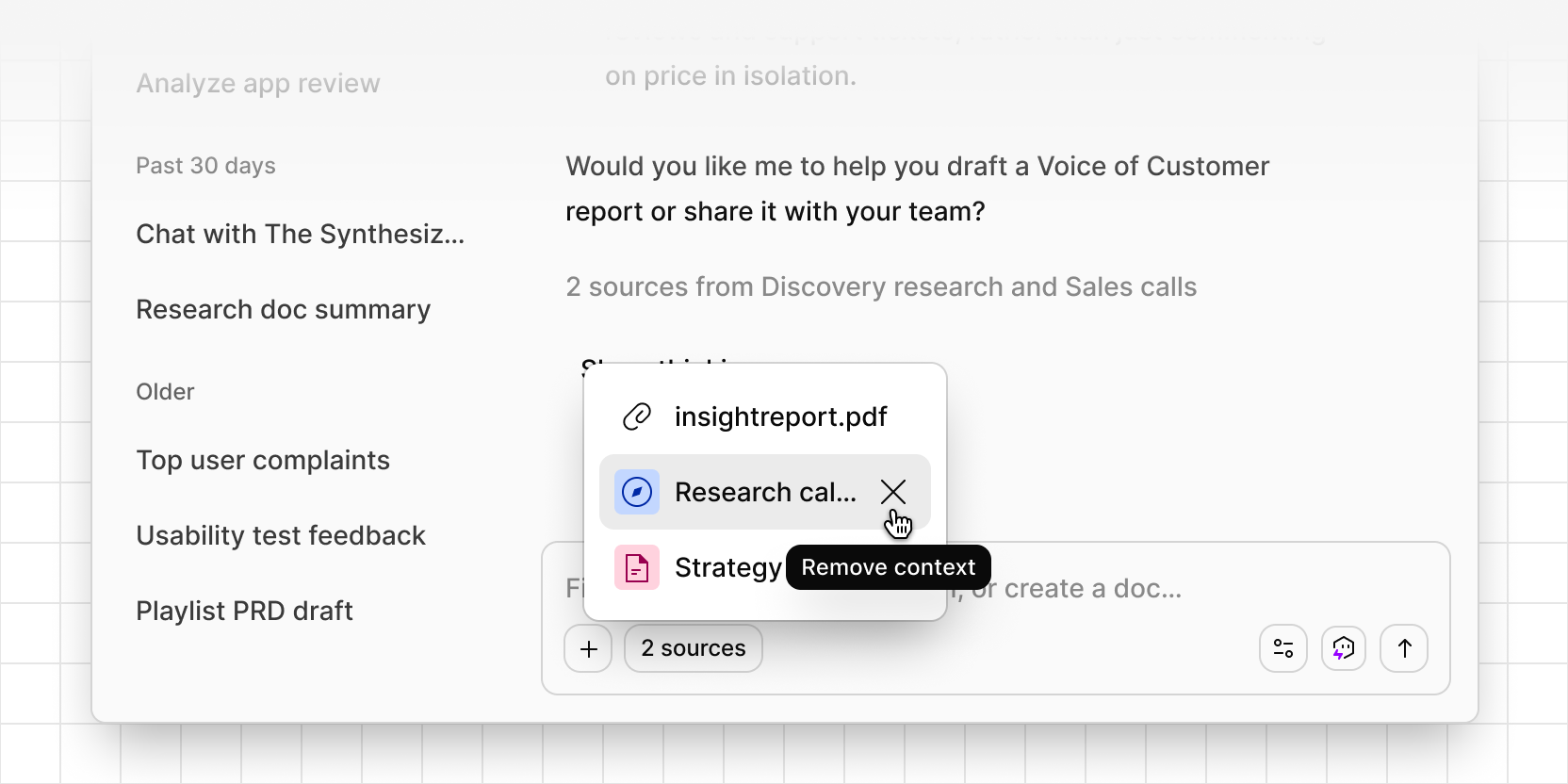
Expanding a corner chat to fullscreen used to drop the context you’d built up. If you’d scoped a conversation to a project or data, that context lozenge was periodically disappearing when changing. This is now fixed and you can jump seamlessly between chat types.
Expand to fullscreen and your context comes with you every time, whether you’re scoped to a doc, a channel, or another source. Move between data and your workspace and back, and chat keeps track of the right source instead of dropping it or piling up duplicates. Remove a context lozenge in fullscreen and it clears immediately, the same as it always has in the corner view.