
29 Sep 202616:34
Create your own ideas and bulk move evidence in Channels 2.0
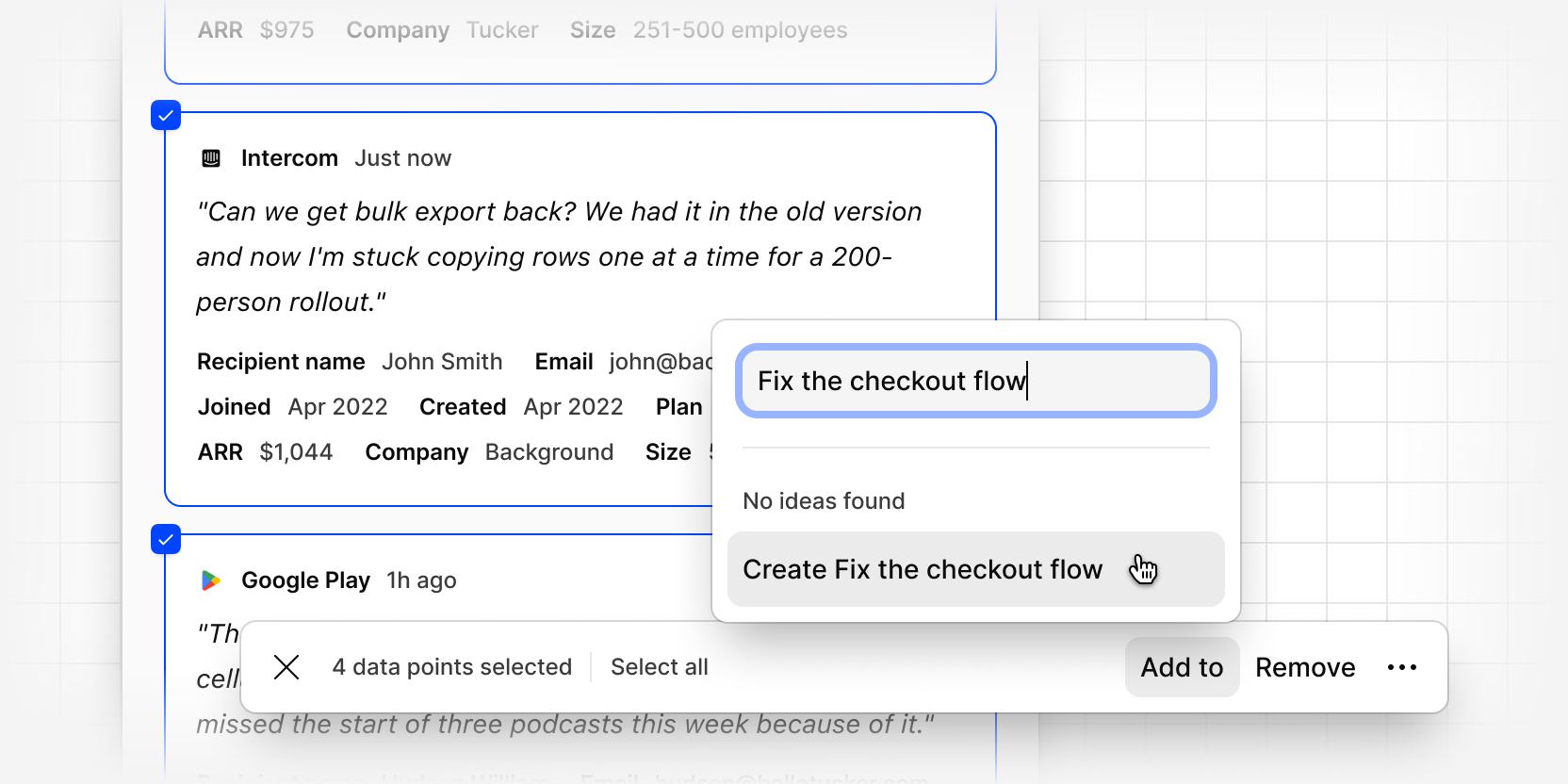
You can now select multiple pieces of evidence at once, from either the Ideas or Evidence tab, to create your own ideas, move evidence between ideas, or remove evidence from an idea.
Inside an idea, or on the Evidence tab, bulk select evidence and choose Add to to move it to an existing idea, or create your own new idea. Once created, new matching evidence keeps attaching to it automatically as it comes in.
You can also bulk remove evidence from any idea, or move it to the trash.
You can learn more about creating your own ideas and bulk managing evidence at our help center.