
14 Apr 202610:49
Bulk select and act on Explore results
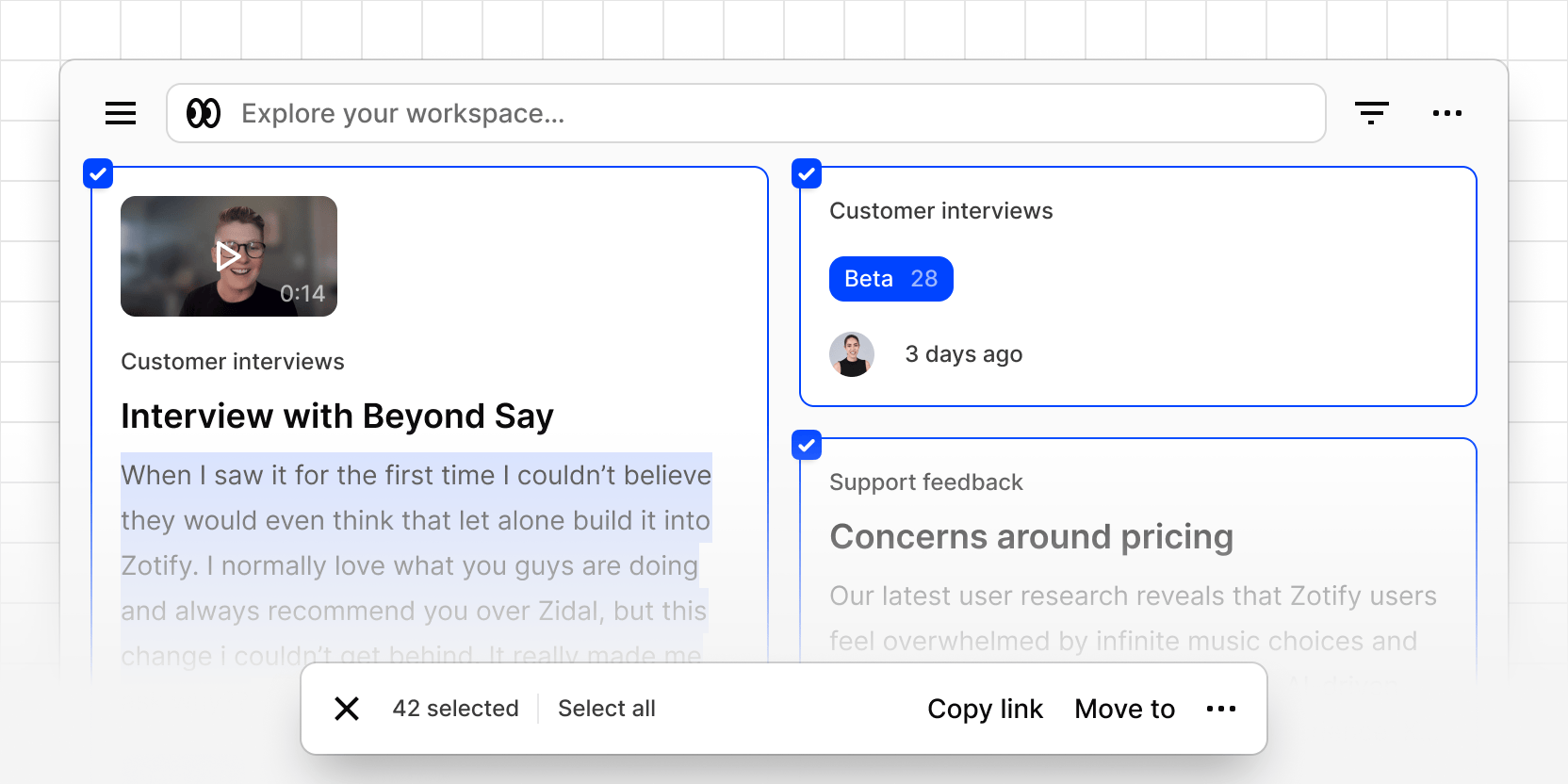
You can now select multiple results in Explore and act on them all at once. Hover over any result to reveal a checkbox, click to enter selection mode, and use shift-click to select a range. A floating action bar appears as soon as you have items selected.
From the action bar you can:
- Copy link(s) to share one or more results
- Move to a project or folder
- Copy to a project (insights only, when docs are enabled)
- Move to trash to bulk delete across result types
Select-all picks up everything loaded in the current result set. The same permissions and plan restrictions that apply elsewhere in Dovetail apply here too.