
04 Dec 202319:00
Create a reel directly from a layout
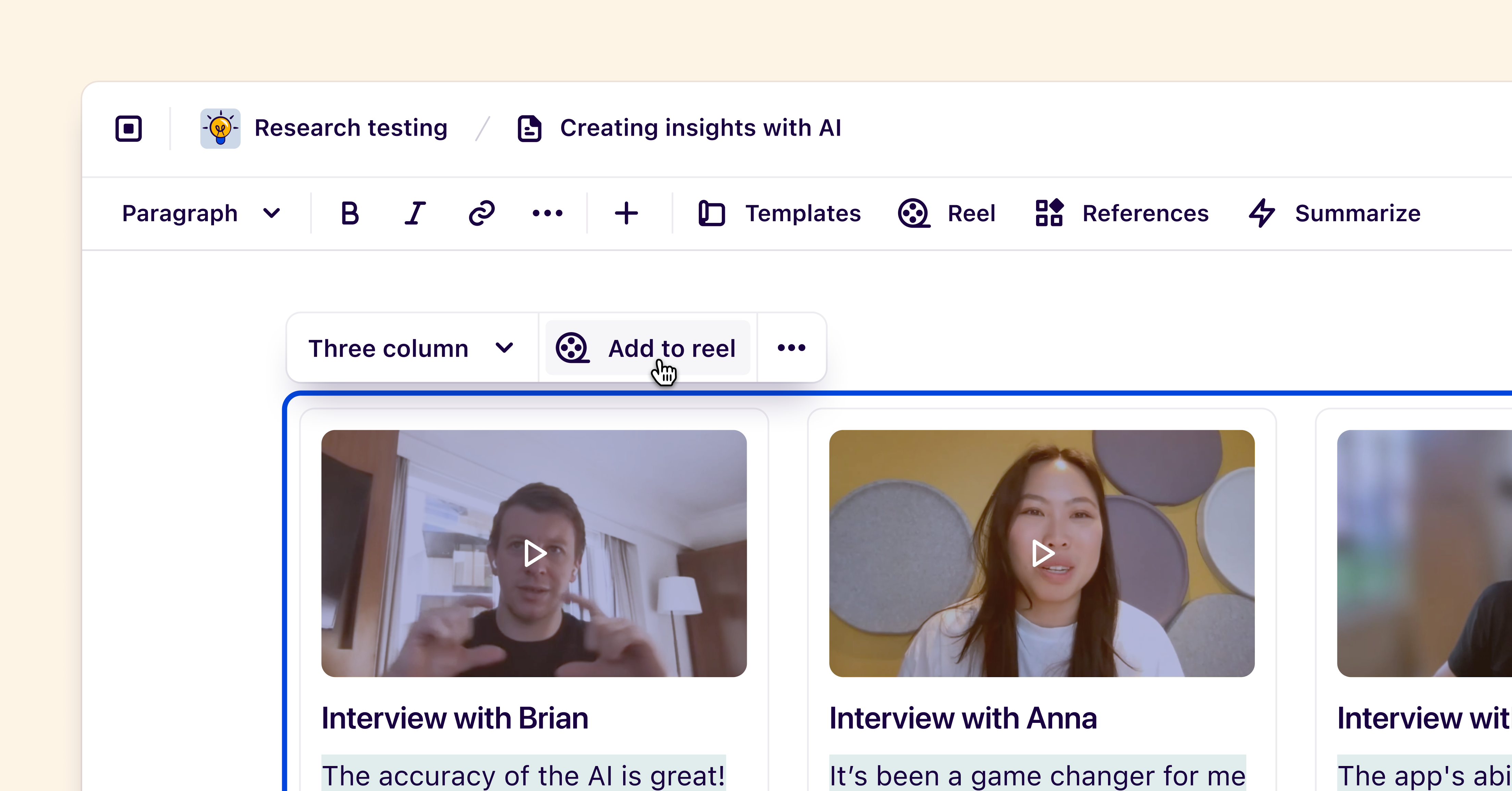
You can now create a reel directly from a layout within an insight. Simply create a new layout by pressing ➕ from the insight toolbar, drag your highlights into one of the columns, and click Add to reel.
Additionally, when adding multiple references to an insight from a canvas view, they will be automatically formatted into a two or three column layout, ready for presentation without any extra effort.
Additional improvements
- Workspace admins can now generate quotes from directly within their workspace.
- Viewers can now request a seat upgrade by pressing Request to edit on folder and project pages, as well as notes, insights, and project views.
- You can now insert all of a tag’s highlights by adding a tag reference card to your insight, and pressing Insert all highlights.
- Updated onboarding experience for new users joining an existing workspace.
- Prevent users from sharing publicly** **feature is now available for Business plan customers.
- Fixed a bug that was allowing text-only highlights to appear in reels on tag pages.
- Added **More insights in this project **section at the bottom of published insights.