
01 Mar 202613:00
Toggle section in the editor
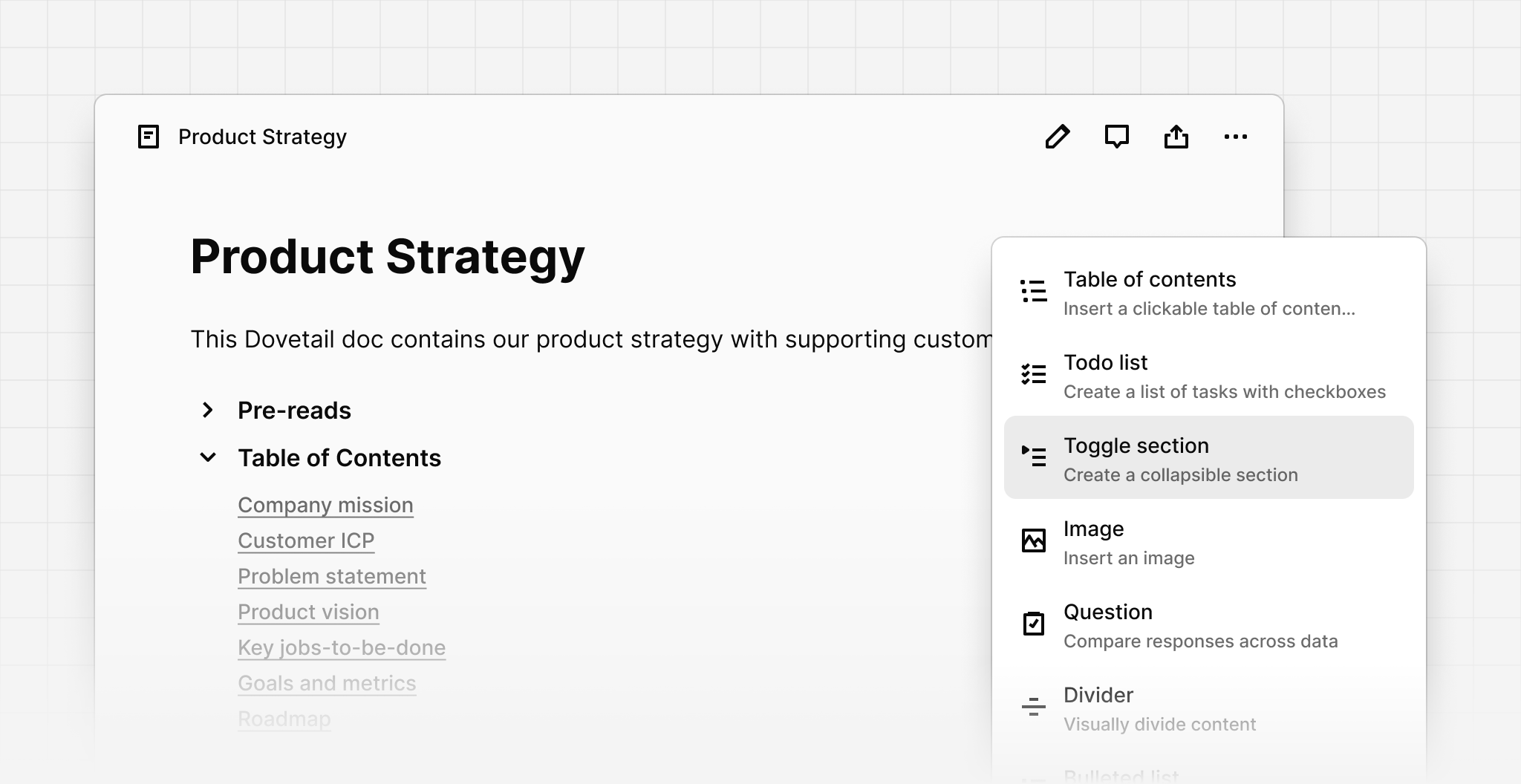
You can now insert a toggle section to hide or show content, like an accordion. Toggle sections are available inside the editor including in data, docs, and the project overview. You can put most things inside a toggle section and also have nested toggle sections. They can be indented using Tab or outdented using Shift + Tab.
To insert a toggle section, click Plus (+) or type Slash (/) and choose the toggle section from the menu. You can also quickly insert a toggle section using by typing two right chevrons >> then pressing Space.