
Tags in Channels 2.0
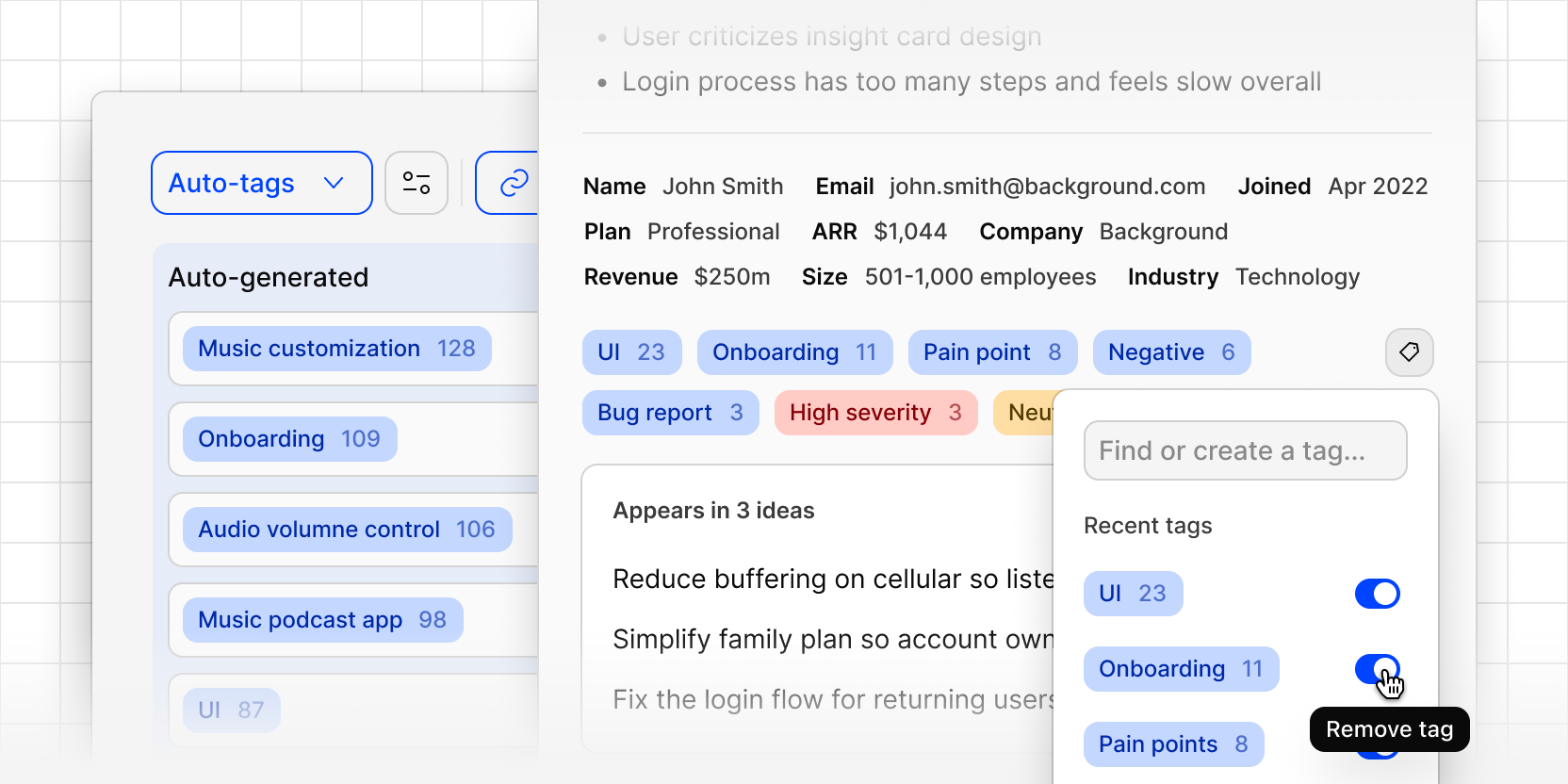
Channels now automatically tags evidence and ideas as they come in, so you can track product areas, business units, and recurring requests over time without labeling anything by hand.
As new evidence arrives, Dovetail applies relevant tags and keeps a running count of what's tagged. You stay in control: create new tags, edit them, or rename an auto-generated tag to match your team's vocabulary.
Every channel starts with its own auto-generated tag board, or you can link an existing workspace tag board so tags stay consistent across Projects and Channels.
You can then filter by your desired tag, save as a view, and use agents to monitor and alert you when new evidence is tagged to the theme you're watching.
To filter by tags:
- Select More
- Select Tags
- Choose your desired tags
- Evidence and ideas will now be focused to those areas
Manage your tag boards from Settings → Data management → Workspace tags.