
15 Apr 202613:13
Chat with multiple contexts at once
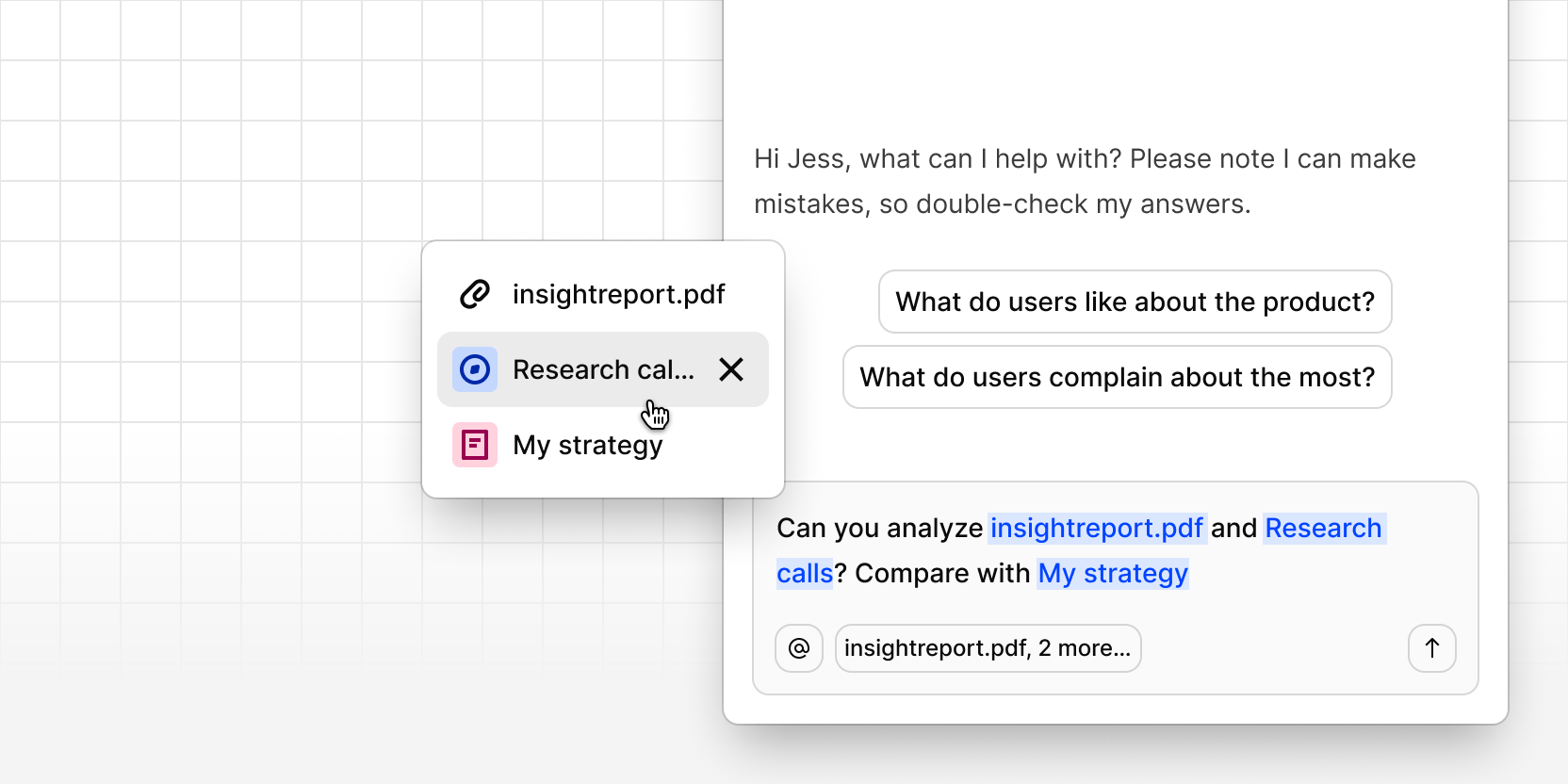
You can now bring multiple references into a single chat conversation using @. Each one appears as a lozenge in the chat window. The page you opened chat from stays attached automatically—remove it any time if you want to narrow the focus.
Use it to compare sources, summarize across multiple pieces of work, or ask a single question that spans a project, a doc, and a data entry. No more splitting related questions across separate threads.
As you add more context, lozenges collapse into an overflow menu where you can review or remove what's included.