
10 Dec 202500:00
Canvas improvements
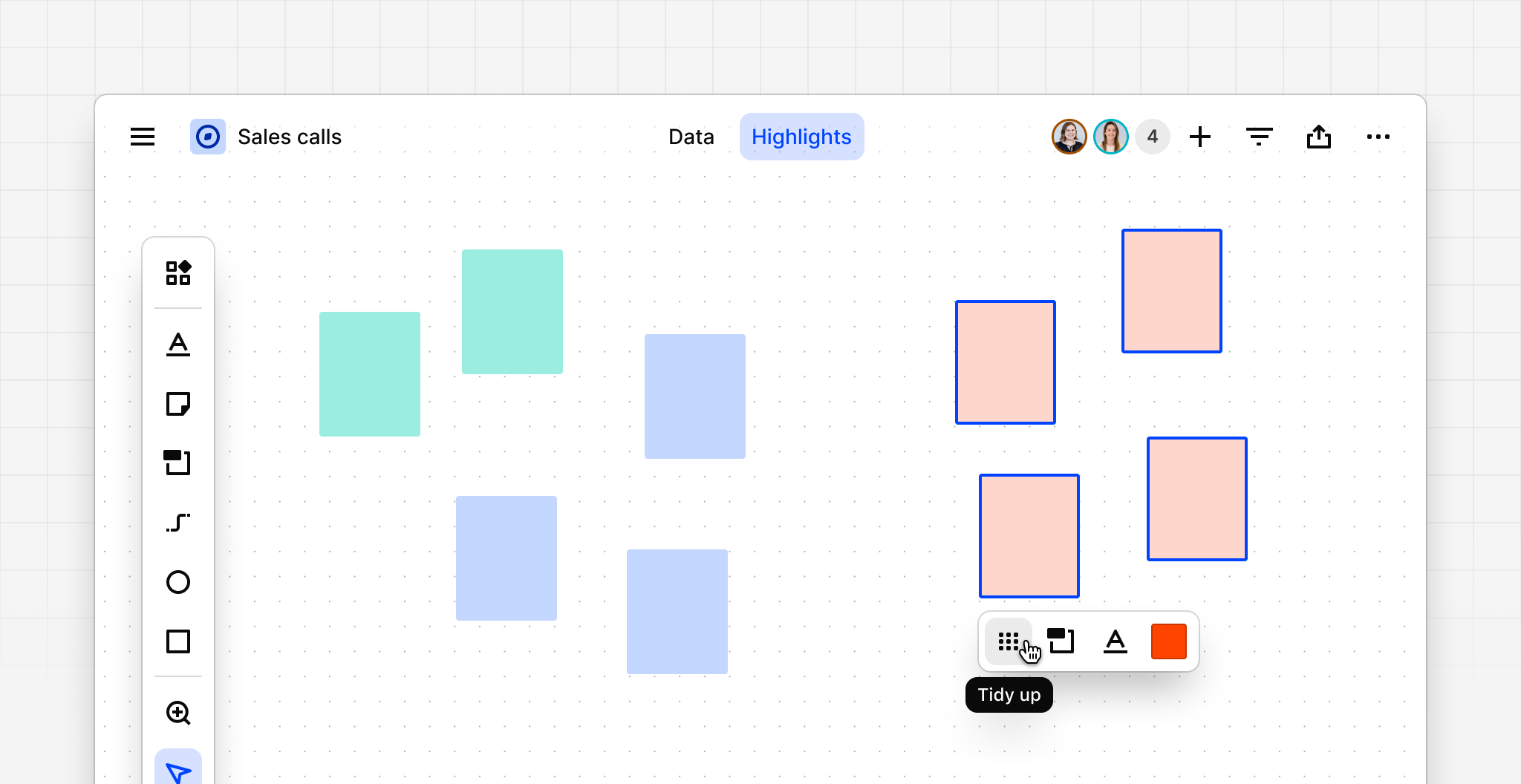
Canvas is now faster, tidier, and more responsive. Your collaborative playground just leveled up with improved rendering performance (10×), smoother panning and zooming, neater toolbars, new features (tidy up, circle, and line), and now supports up to 3,000 items.
New features:
- Tidy up feature snaps objects to an ordered position
- Focus mode (via **⌘ + . **keyboard shortcut) hides all toolbars and headers
- Line and Circle shapes join Rectangle which already exists
Improvements and bug fixes:
- Updates to virtualization delivering 10× faster performance in general
- Canvas now maintains a consistent 60FPS while panning and zooming
- When zooming out, text is no longer rendered past 25% (for performance reasons)
- Increased maximum number of items on a single canvas from 1,000 to 3,000
- Small tweaks to colors to improve contrast and accessibility, especially in dark mode
- All canvas actions are now in the one side toolbar for easier and more intuitive access
- Canvas now takes up the full height and width of your screen—more room for content
- All objects can now be inserted by dragging from the toolbar as well as clicking
- Sticky notes now display the initials of the creator or last editor
- New sticky notes will remember the last color you used
Try out these improvements in a canvas view today. Just open a Project, navigate to Highlights, Data, or Insights, then create a new view in the top left** **and select Canvas. From there, select Add references, or drag in some sticky notes and shapes to get started.