
26 May 202611:00
Bulk un-redact in Projects
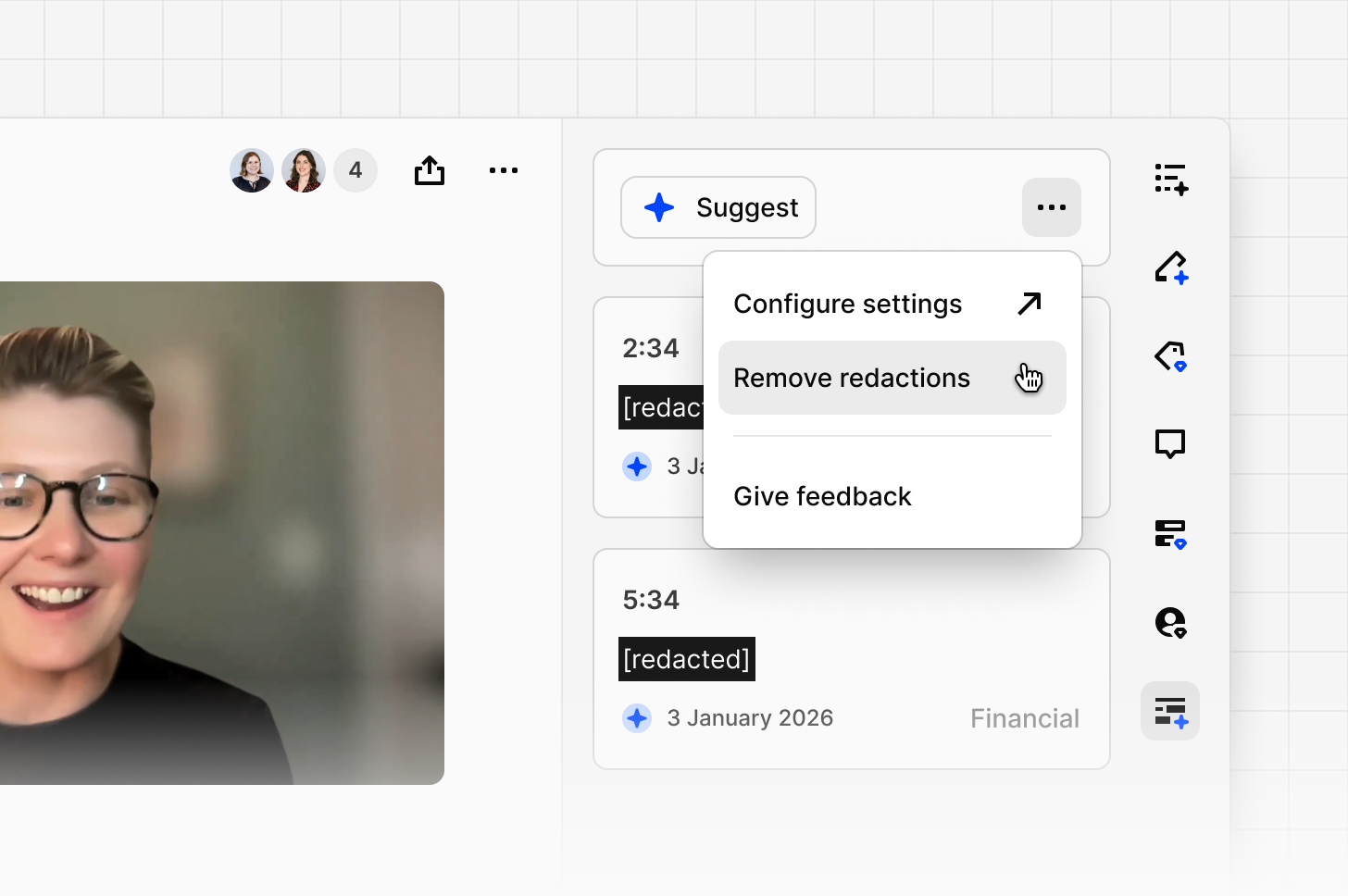
You can now remove redactions in bulk across an entire project or a single transcript. Policies change, mistakes happen and your data should always reflect what you need it to.
To do so, open the options menu ••• on any transcript, select Remove redactions and confirm to apply the change to that transcript. You can also select multiple transcripts from the data tab and remove redactions across all of them at once.
Workspace admins can also disable un-redacting entirely from Security settings, restricting removal to admins only or turning it off across the workspace altogether, giving organizations with strict data governance requirements full authority over whether redactions can be removed at all.