Bringing shadow AI out of the shadows

Somewhere in your organization, someone has probably connected your company’s Slack, Google Drive or CRM to their personal AI account to get their work done faster.
Each of those connections moves sensitive business and customer data somewhere your security team can’t see, govern or switch off. That’s shadow AI, and while banning it rarely works, giving people a better, safer option does.
Why shadow AI is happening
The tools have become genuinely useful—with protocols like MCP, anyone can wire a chat assistant into the systems they use every day and ask questions across all of them at once. For a product manager chasing a customer insight or a researcher pulling together a synthesis, that’s a big productivity win.
The problem is that when staff connect corporate data sources to personal Claude, ChatGPT or Gemini accounts, company data flows outside your contracts, access controls and audit trail and you lose visibility.
The conversations, summaries and documents produced sit in that person’s account, disconnected from the rest of the business, and when they leave the business, that context leaves with them too.
Most security teams respond by blocking tools and writing policies, but the demand doesn’t go away. It just moves further underground.
A sanctioned home for AI work
Dovetail Chat and Dovetail Agents give teams the AI workflows they’re reaching for, inside an environment their security team has already approved. Connect the tools you rely on (Slack, Linear, Notion, Canva, Figma, Hex, Salesforce, Gmail, Lemlist, Granola, Monday.com), plus any custom MCP server that supports dynamic client registration (DCR).
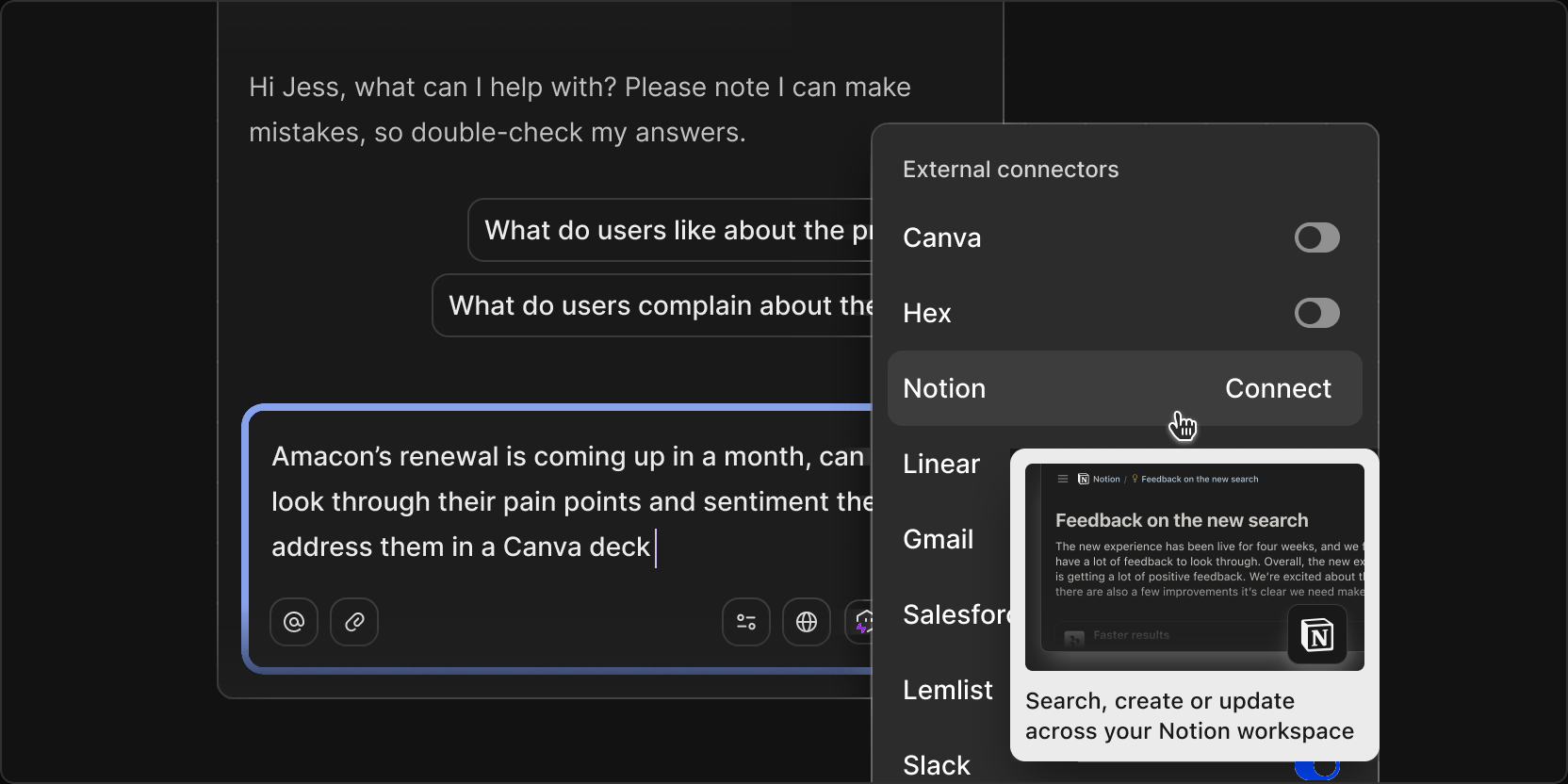
Working across all of them in one place, you can ask questions, draft documents, analyze feedback and automate repetitive work with the same capability you’d get from a general-purpose AI assistant. Meanwhile every connection, conversation and output stays within one secure, centrally managed platform.
Security teams get visibility and control, and employees keep using the tools they want to use in their daily workflows.
Context that belongs to the organization
When AI work happens in personal accounts, that context stays there. Claude and ChatGPT both have native Dovetail connectors, and they’re a great way to bring customer context into those tools, but anything created there still lives outside Dovetail, away from the business and customer context teams rely on.
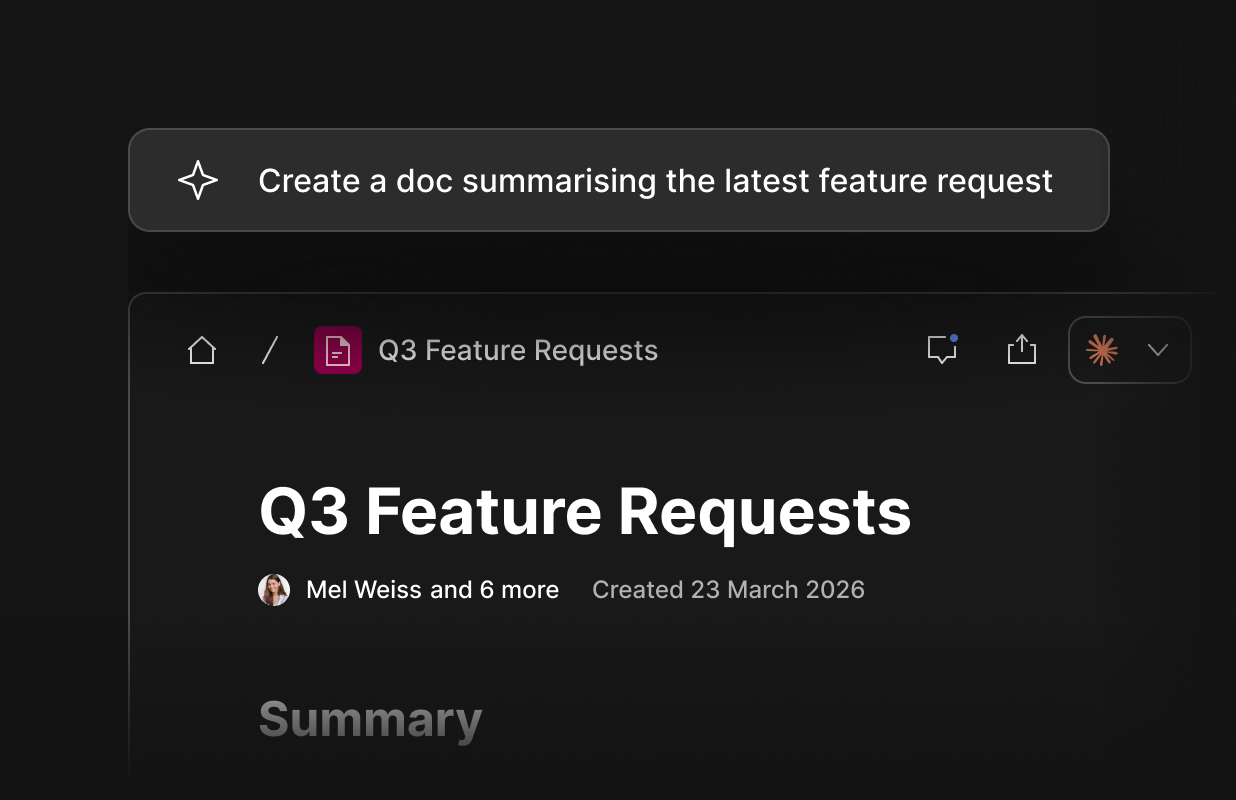
Working in Dovetail, customer context is centralized. Docs and insights created with Chat and Agents live alongside that knowledge, governed by the same permissions, secure sharing and security features, so what one person uncovers becomes something the whole organization can find and build on.
Shadow AI is a signal that tells you your staff want to work with AI, not a threat. The organizations that get ahead will give their teams a secure, central place to do their best AI-assisted work and keep the value of that work inside the business. That’s what we’ve built Dovetail to be.
A note for your security team
Dovetail is ISO27001 and SOC 2 compliant and certified to ISO 42001, the international standard for AI management systems. All connected data is stored securely within that environment. Our full security posture, certifications and policies are available on our Trust Center.
Related Articles