17 Jun 202400:00
Restore redacted data
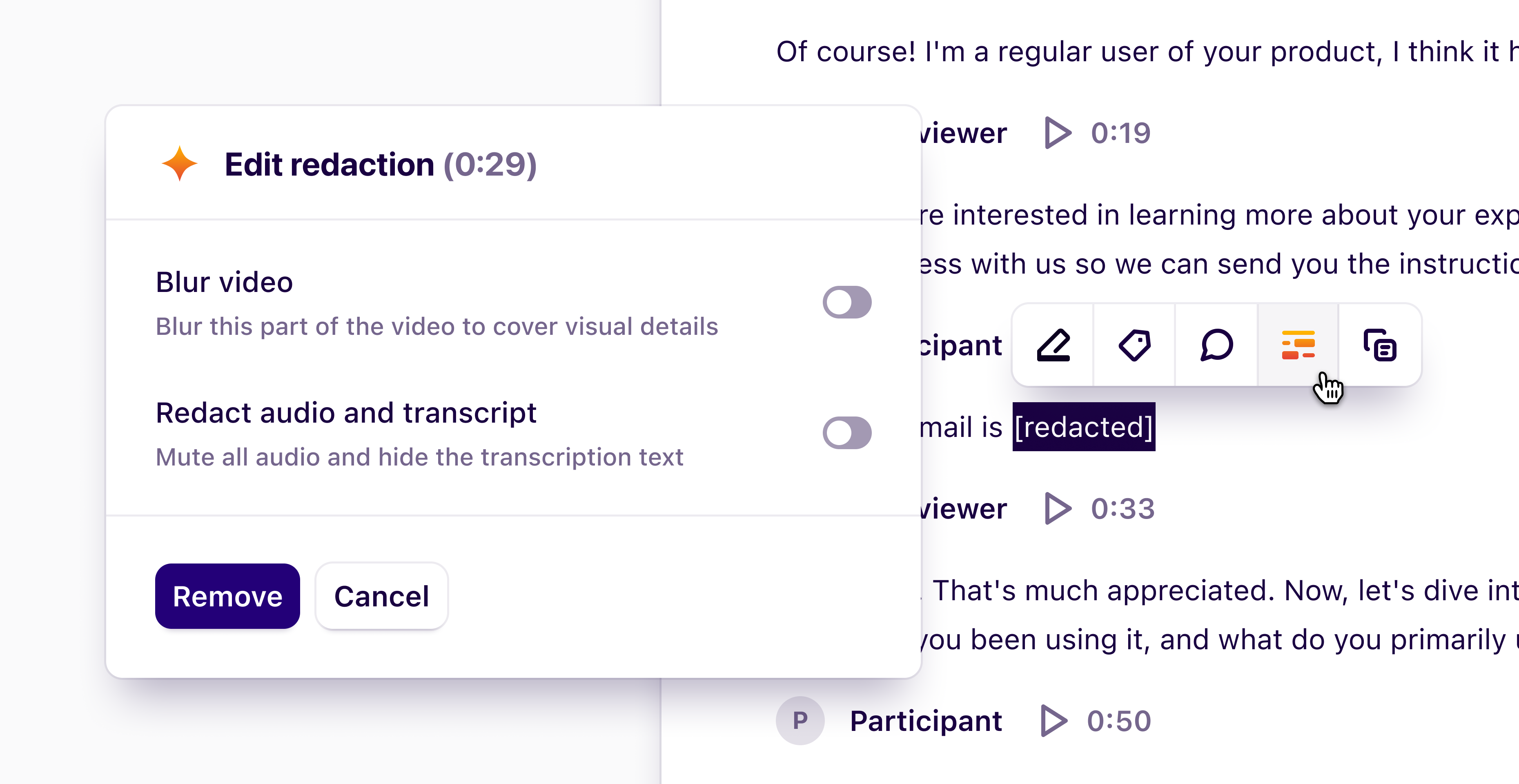
We’ve made improvements to our redaction features for Enterprise customers. Users with Full access or Can edit permissions can now restore redacted data. This includes video that has been blurred or muted, and text within transcripts that has been redacted.
To restore redacted data, navigate to the redacted section within the transcript and click on it. Then, press Edit redaction from within the action menu. From here, use the toggles to restore the redacted data.