11 Nov 202500:00
Todo lists in the editor
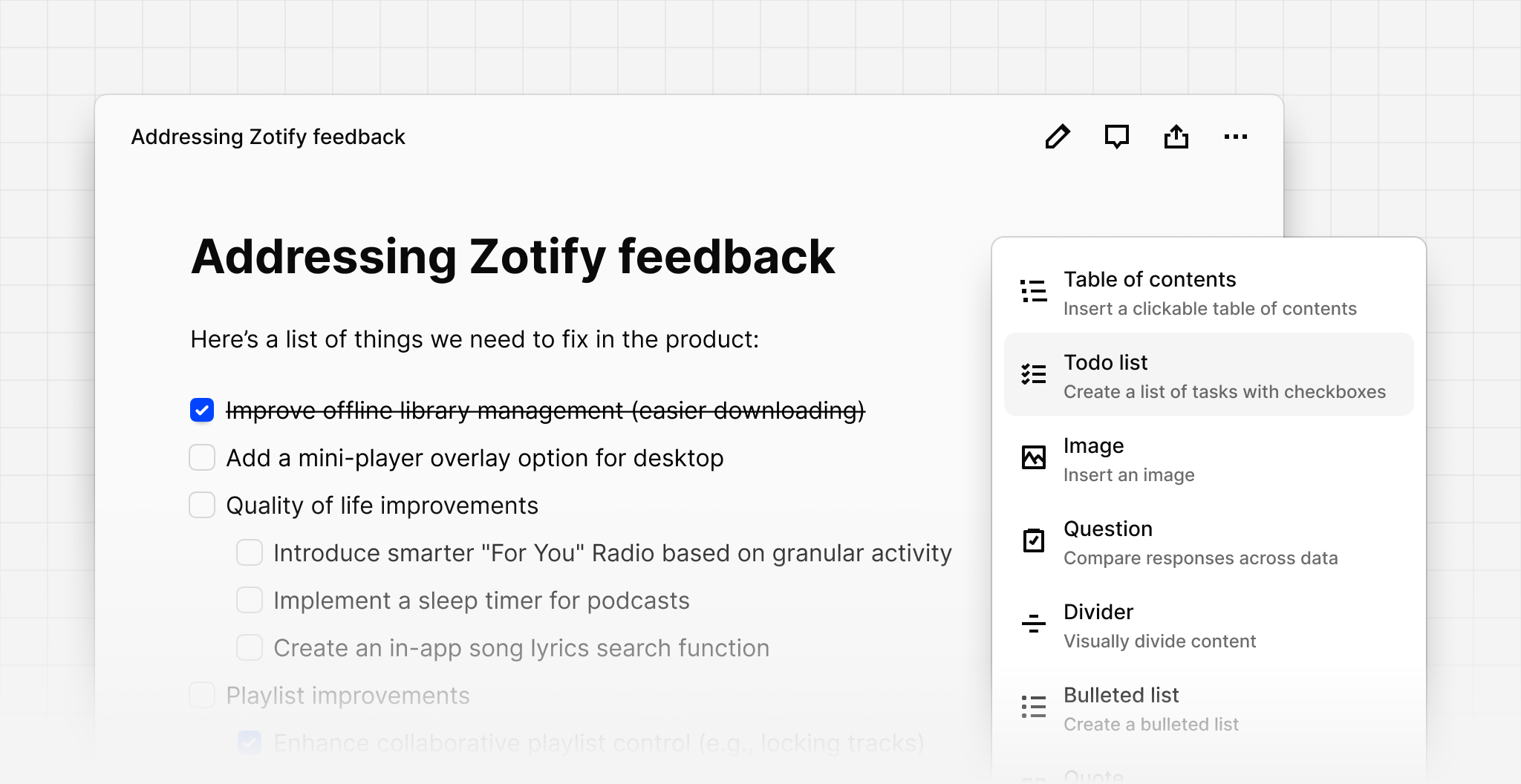
You can now insert a todo list with checkboxes inside the editor including in data, insights, and the project overview. Use todo lists to track a list of tasks. Todo lists work the same way as bullet and number lists in that they can be indented using Tab or outdented using Shift + Tab.
To insert a todo list, click Plus (+) or type Slash (/) and choose the todo list from the menu. You can also quickly insert a todo list using by typing an open and a close square bracket [ ] then pressing Space.