06 Jun 202500:00
Table of contents
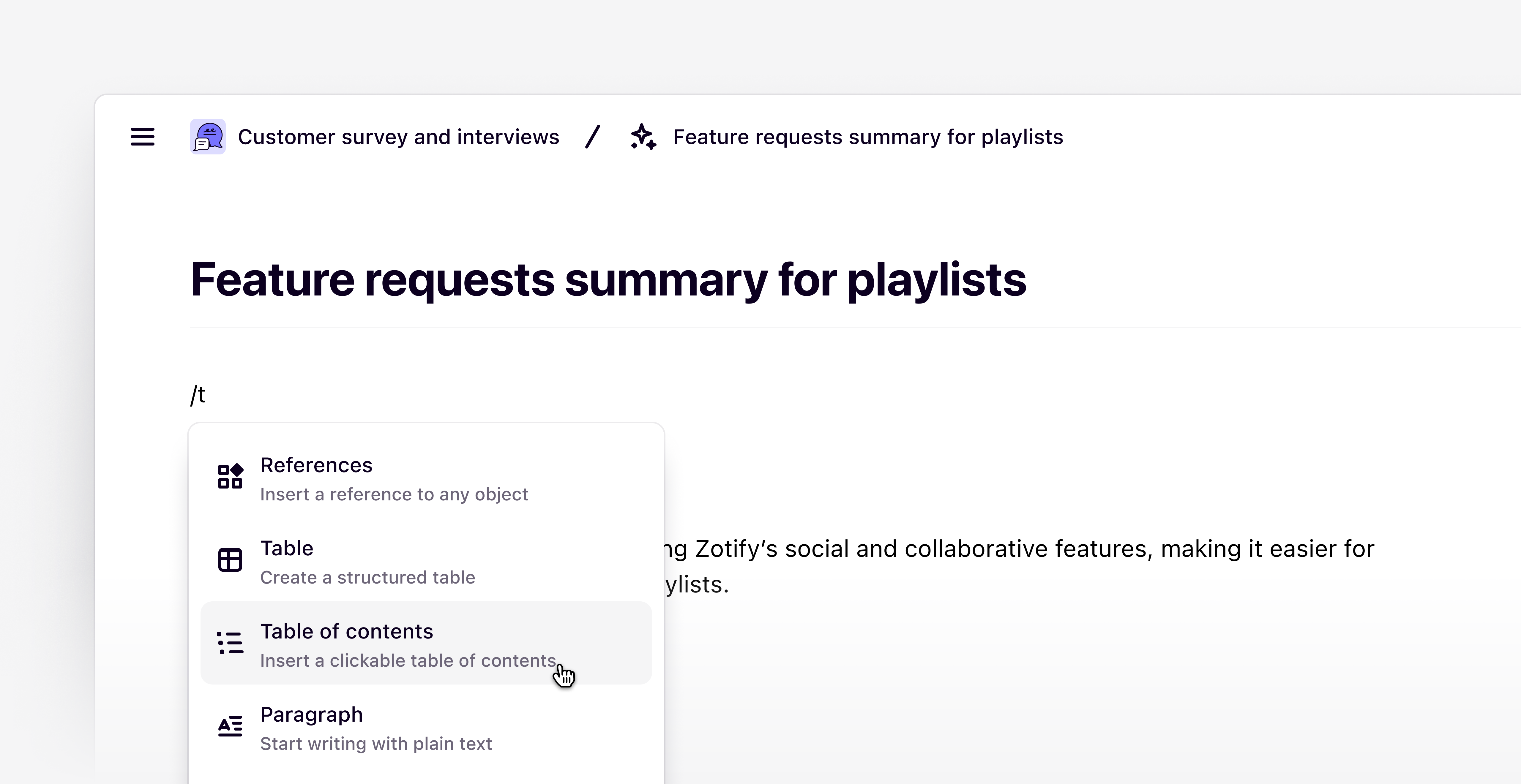
The editor now includes a table of contents feature for improved content navigation. This allows readers to quickly skim content and jump to any section within an insight or data page.
Type / anywhere in the editor and select Table of contents to display a clickable list of page headings (Heading 1, Heading 2, Heading 3). Click any heading to navigate directly to that section on the page.
Additional improvements
- Fixed keyboard shortcut to open video to full screen on Windows devices.