11 Nov 202500:00
Sticky notes in canvas view
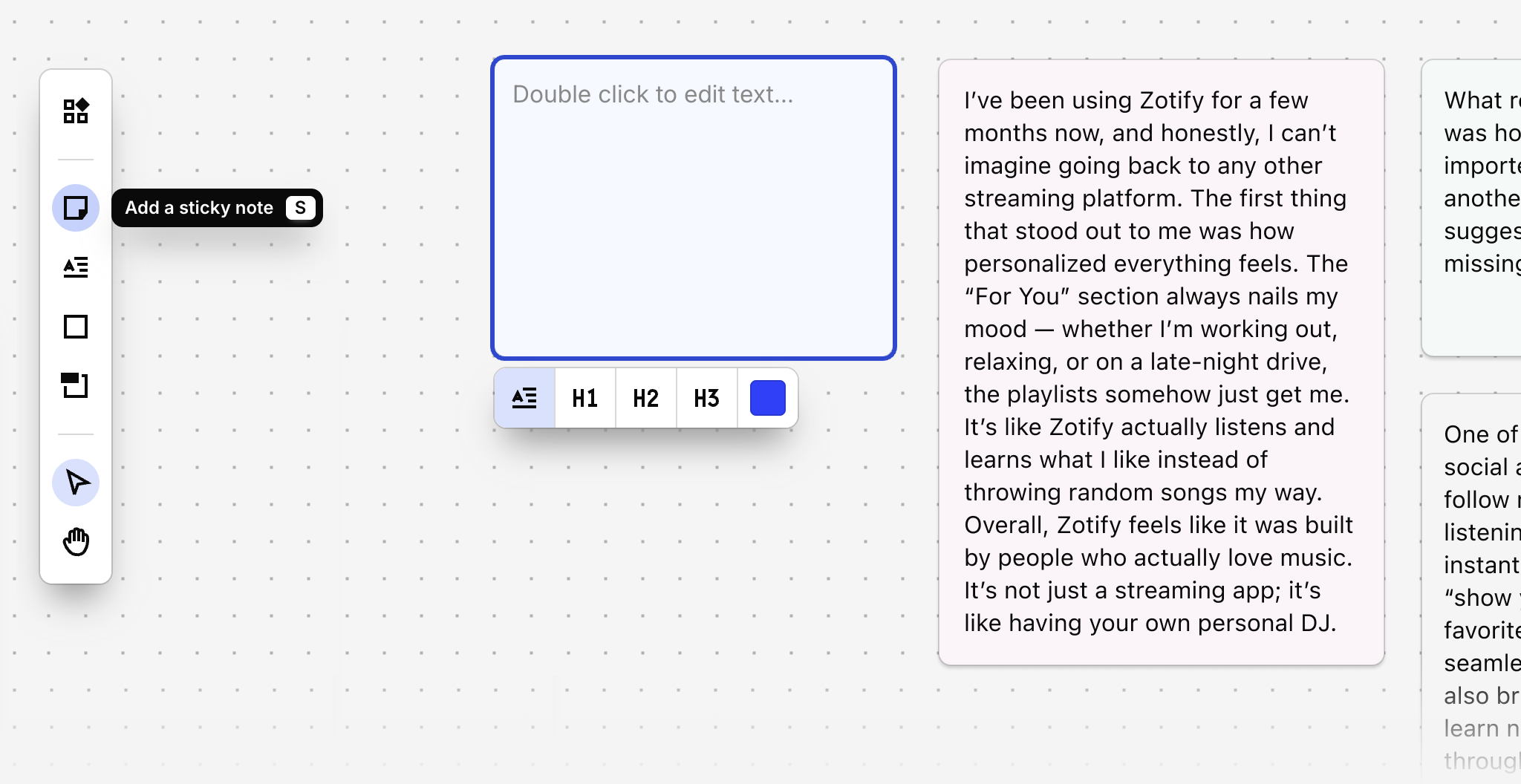
You can now add sticky notes inside the canvas view for data, highlights, and insights. To add a sticky note, click Sticky note in the canvas toolbar or use the keyboard shortcut S. Sticky notes will grow as you type, but they can also be resized manually by dragging from the corner. You can also change the font size and color.