Multi-calendar configuration rules
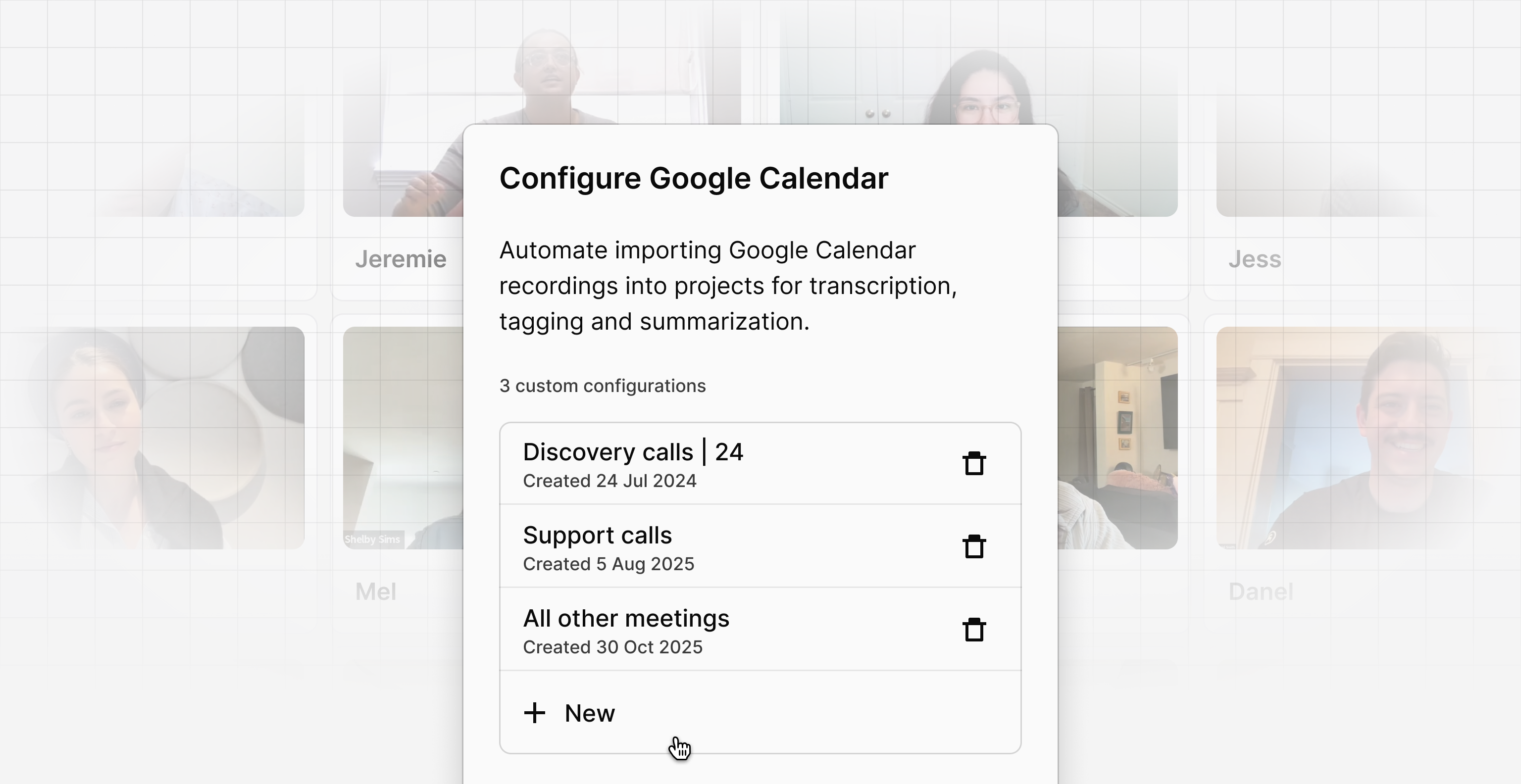
We’ve updated our Microsoft Outlook and Google Calendar integrations to give you significantly more control over how your meeting recordings are organized. Previously, users were limited to a single calendar rule, meaning all imported calls had to flow into one destination.
Now, you can create up to four distinct configuration rules, each routing to different projects based on specific keywords in the meeting title. This allows you to automate your workflow and ensure the right feedback always lands in the right place without any manual sorting.
This unlocks powerful new ways to organize your team’s calls. For example, a Customer Success Manager can now automatically route:
- Discovery calls → “Sales Pipeline” project
- Support calls → “Customer Support” project
- All other meetings → “General Notes” project
Connecting your calendar means you no longer need to import recorded meetings manually. Simply define which calendar to pull from, set your title keywords, and select the destination project to keep your client folders automatically up to date.