Highlight silence in video and audio transcripts
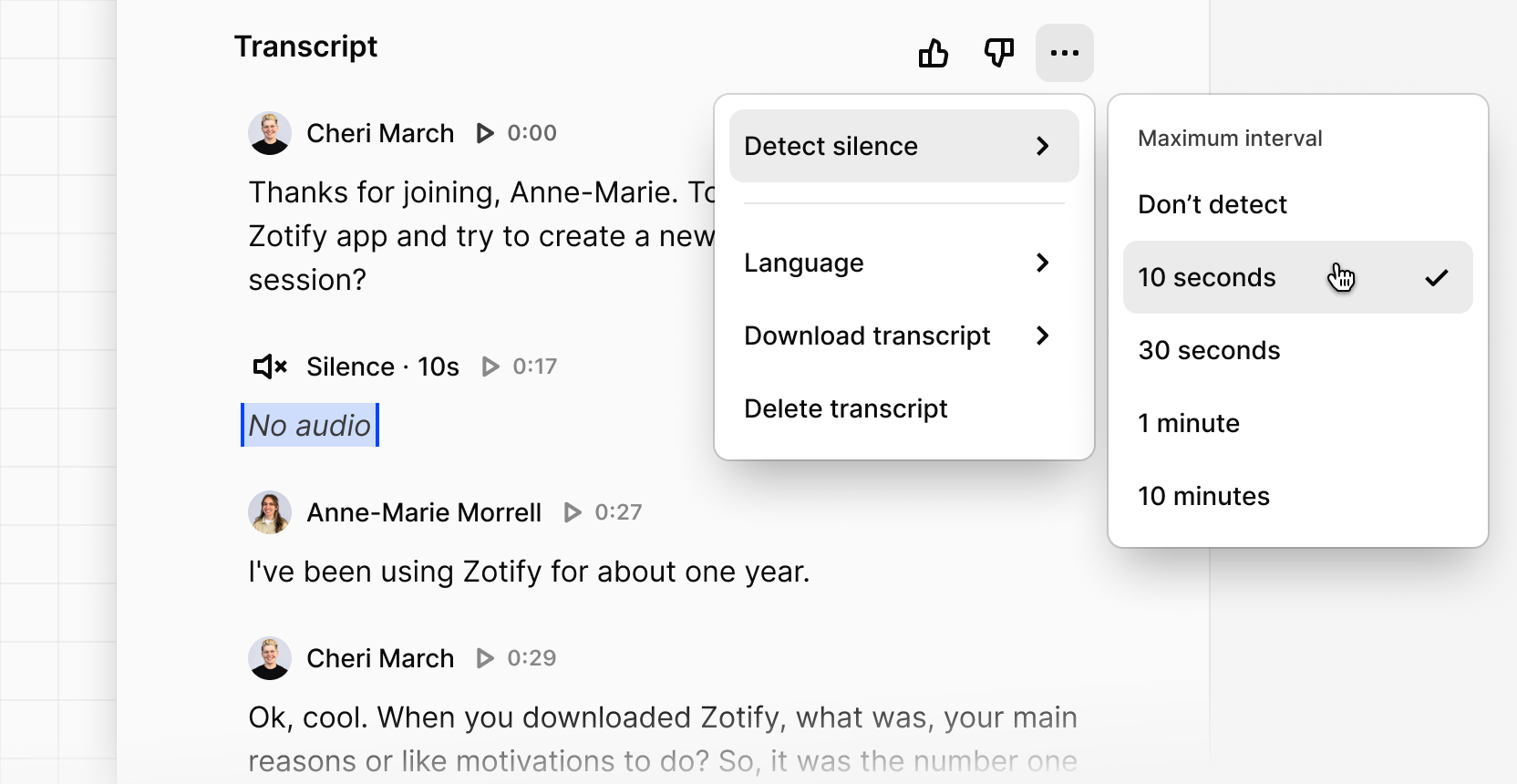
You can now highlight moments of silence within video and audio transcripts, helping you identify meaningful non-verbal moments. Periods of silence can indicate when participants are confused, thinking deeply, struggling to complete a task, or reacting to something unexpected.
These are valuable signals that may not appear in spoken responses, helping you make meaningful improvements to the experience of your products.
You can enable silence detection directly from the transcript view.
- select Transcript options
- select Detect silence
- choose Maximum interval
Dovetail will automatically surface silent moments, which you can turn into highlights and include in highlight reels to capture both what participants said and where they paused or struggled.
You can find a full breakdown of how to use highlight silence on our help center.