Introducing Explore
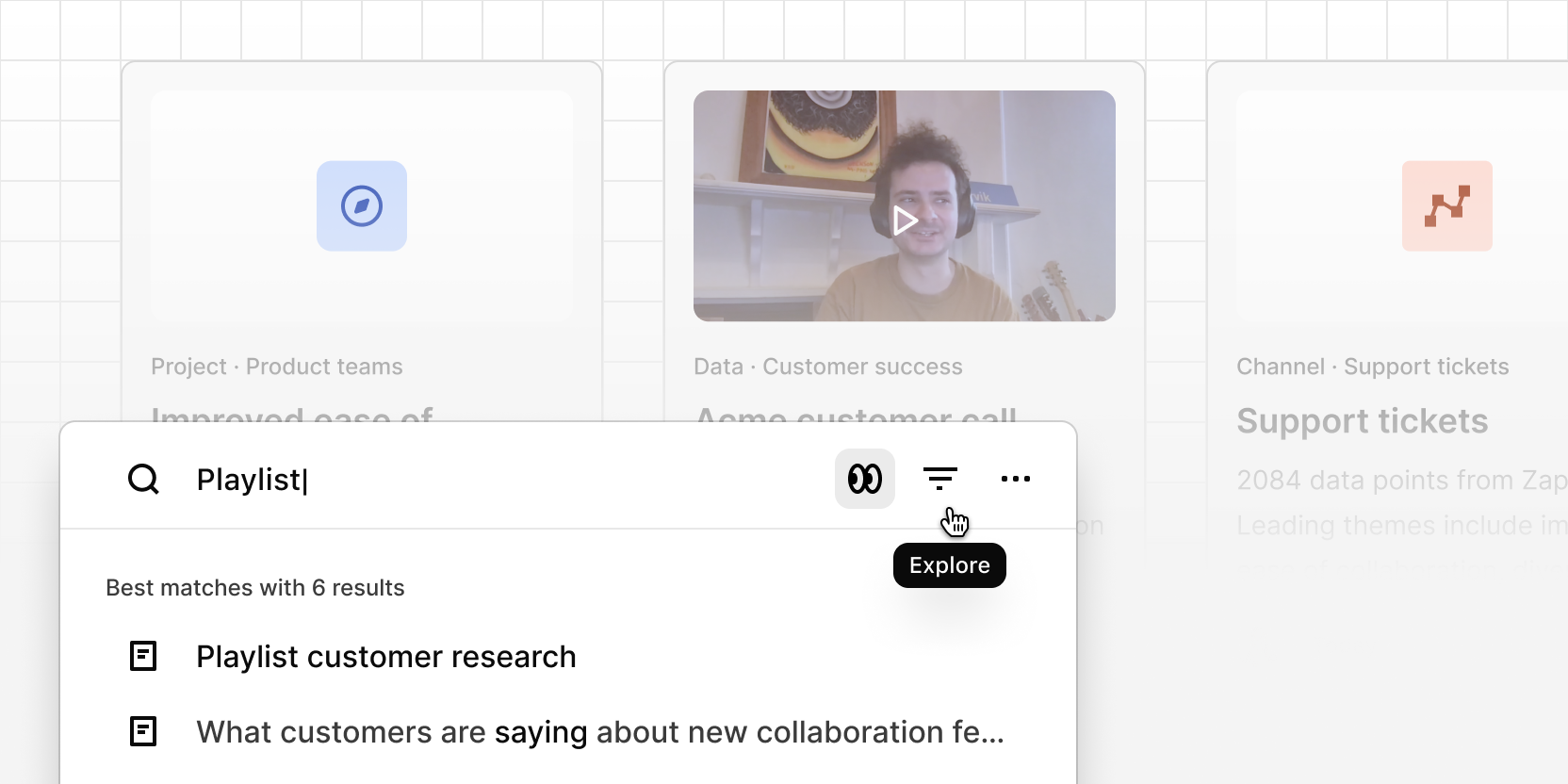
Explore is a new visual search experience designed for deeper investigation across your workspace. Instead of scanning a short list of results, Explore surfaces highlights, video clips, projects, and documents in a high-density masonry grid, making it easy to scan evidence, spot patterns, and understand the full scope of a topic.
Access Explore from Quick Search — press ⌘K (Mac) or Ctrl K (Windows) and click the Explore icon to open the full experience.
AI summaries grounded in evidence:
Explore generates structured AI summaries that synthesize what customers are saying across your results, respecting filters you have applied. Every insight and claim links directly back to the underlying highlights and evidence, so you can trace any point to its source.
Turn findings into shareable docs:
From the results page, generate a doc based on the AI summary with relevant highlights and video moments automatically embedded — ready to refine and share with your team.
What you'll see in results:
- Highlights and key customer moments with video previews
- Tags, metadata, and project or channel context on every card
Investigate without losing your place:
- Filter results by project, contributor, or timeframe to narrow focus
- Open any result in a new tab while keeping your search visible
- Redesigned cards and grid layout makes it easier to scan and compare across content