06 Mar 202614:45
Cross-project synthesis on canvas
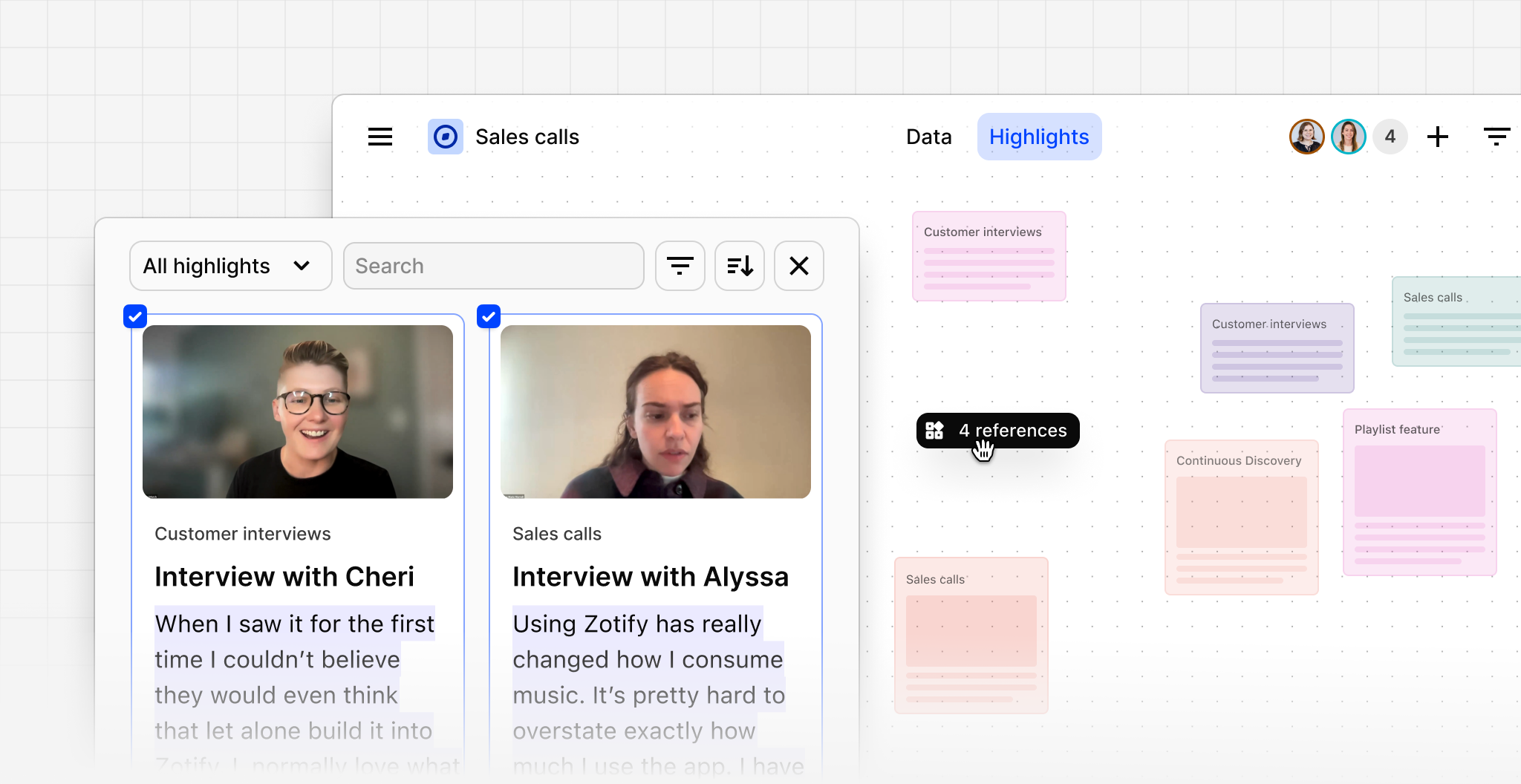
Canvas views now support cross-project synthesis. Insert references from multiple different projects to synthesize in one place instead of being limited to references within one project. This makes it easier to compare findings, connect related evidence, and synthesize insights across sources.
To try it out, create a canvas view in a project (or open an existing one), click Add references in the toolbar or hit P to search through references you can add. By default, results are filtered to the current project—just remove the filter to see results from all projects.