Bulk import for data migration
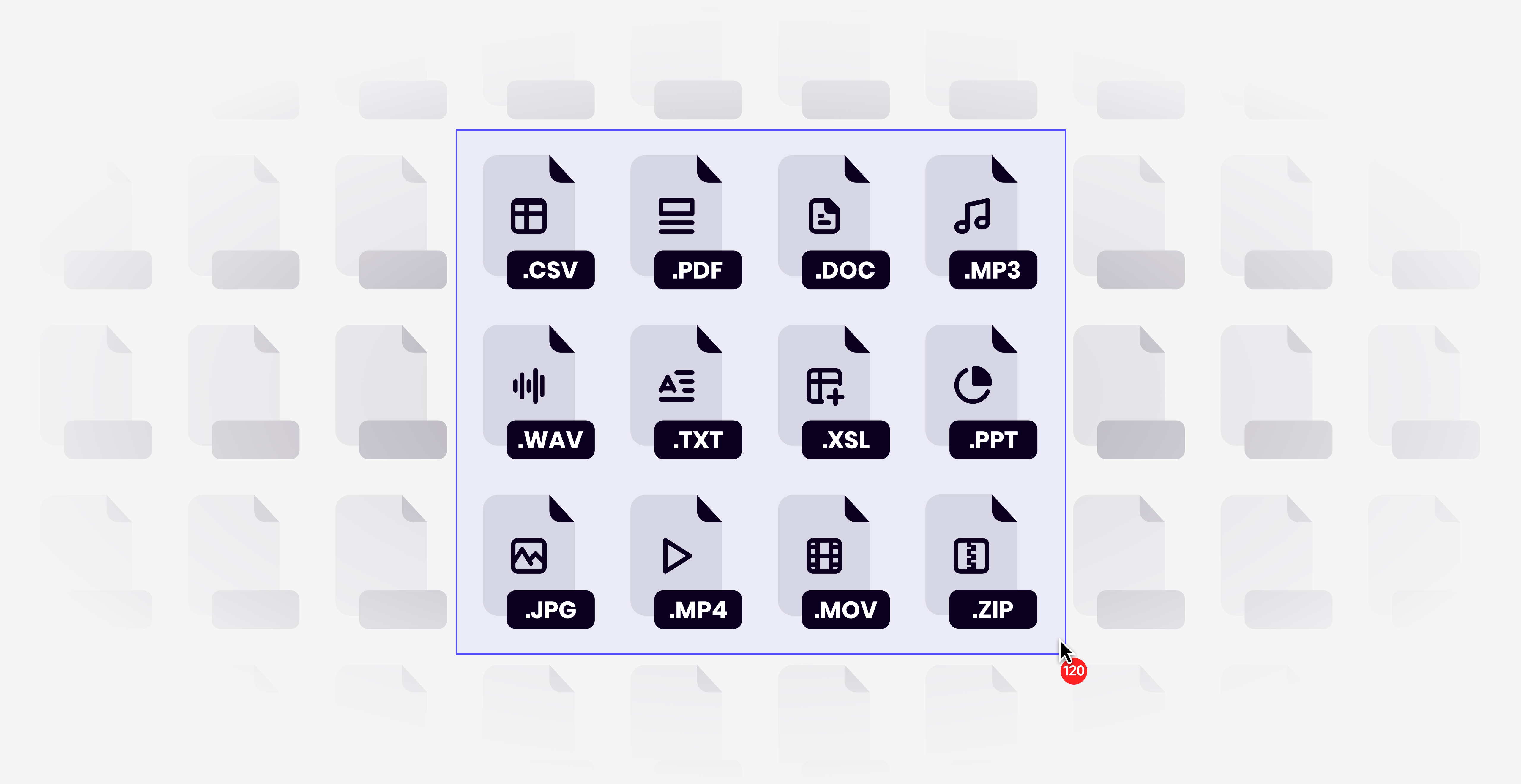
You can now simply drag and drop a ZIP file of all your past data —videos, transcripts, documents, presentations, and more — from tools like Google Drive, SharePoint, Dropbox, or Confluence, or from a legacy research repository, to your Dovetail workspace. The importer automatically preserves your folder structure and creates Dovetail projects for each folder.
Head to Settings > Bulk data import, then drag and drop your prepared ZIP file to get started. You can set authorship, created dates, and file visibility as part of the process.
Whether you’re migrating from a shared drive or moving off a legacy platform, the bulk import makes it easier and quicker than ever to start using Dovetail with all your previous data. You can instantly summarize and chat with the data to draw insights to improve the quality of every thing.
Need help? Our Customer Success and Onboarding team is here to support enterprise customers with setup and migration.