03 Feb 202500:00
Automatically import Outlook Calendar events
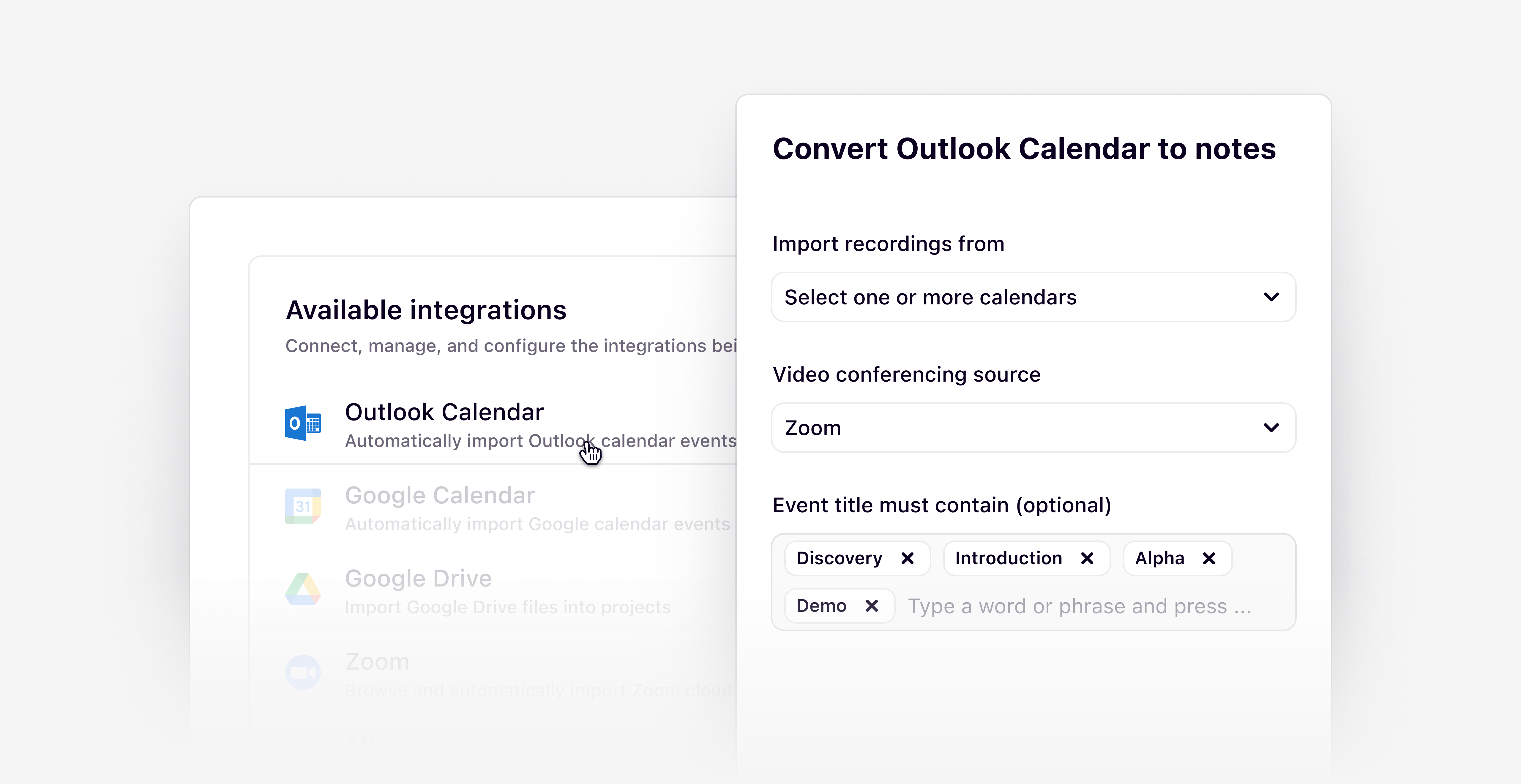
Connect your Outlook Calendar and Dovetail accounts to directly import recorded calls, meetings, and events from your calendar. Once imported, your calls will be automatically transcribed and summarized for you in Dovetail, so you don’t have to do a thing.
We currently support automatic imports for anyone using Zoom and now Microsoft Teams. All you need to do is connect your video conferencing source with your Outlook Calendar and you'll be ready to go. To get started, navigate to Settings → Integrations and click on Outlook Calendar.
Additional improvements
- Removed the need to manually click download when exporting data.
- You can now bulk summarize and highlight, accessible through the bulk data selection menu.
- See who deleted an object in workspace trash by hovering over the deleted timestamp.
- Search summaries now appear in full instead of live typing to prevent page shifting and improve readability.