Introducing Explore: a new way to dive into customer knowledge
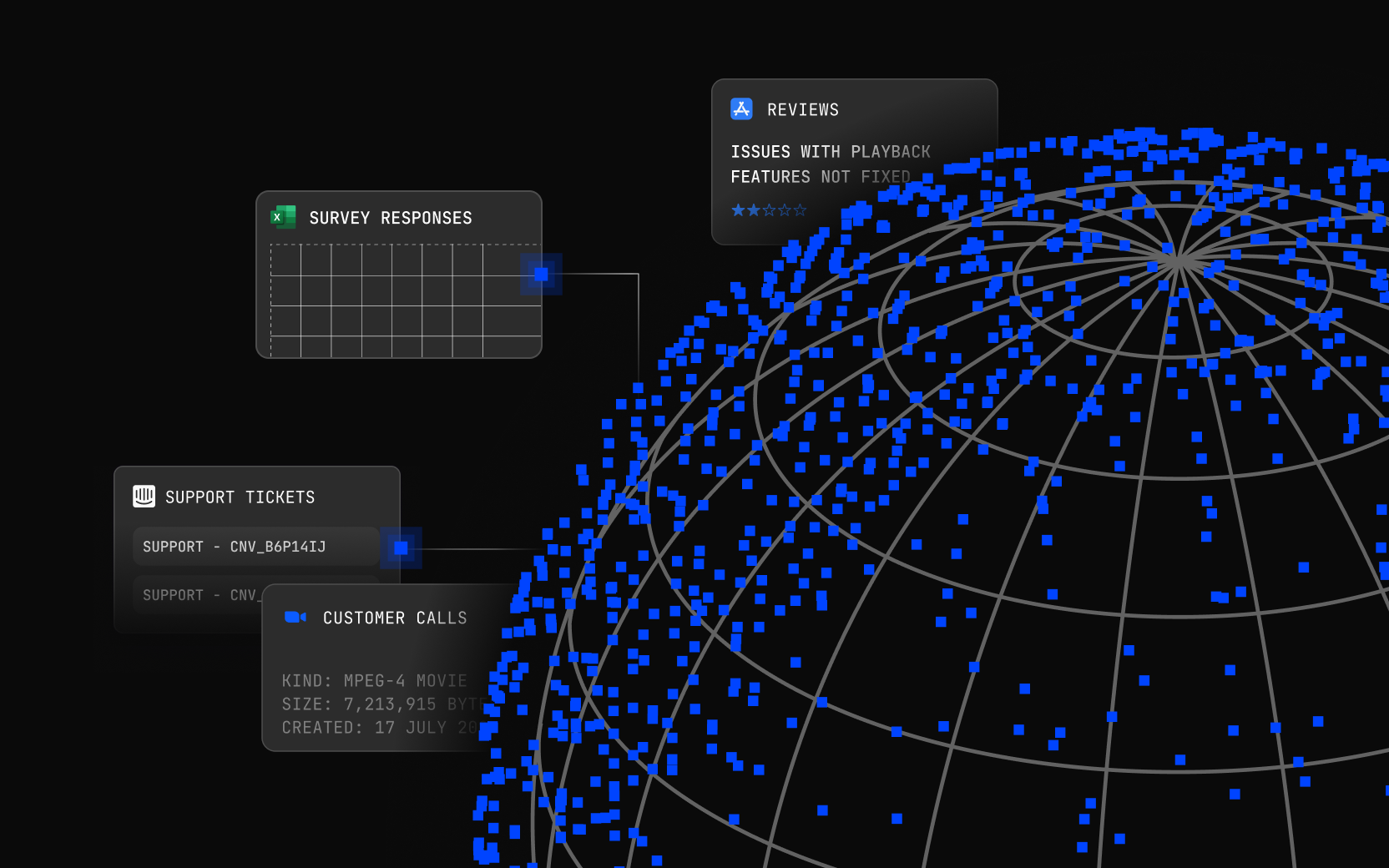
Most teams don’t struggle to collect customer feedback. They struggle to see the full picture once it’s collected. Customer conversations live across interviews, support tickets, sales calls, reviews, and research projects.
Most teams don’t struggle to collect customer feedback. They struggle to see the full picture once it’s collected. Customer conversations live across interviews, support tickets, sales calls, reviews, and research projects. As teams collect more feedback, understanding the full story behind a customer problem becomes harder - not easier.
We built Explore to make that knowledge visible and actionable.
Explore is a new visual search experience that helps teams move through highlights, projects, conversations, and customer moments across their workspace, making it easier to understand patterns, evidence, and the real experiences behind customer feedback.
Instead of scanning a short list of results, you can move through evidence quickly, watching moments, spotting patterns, and understanding the broader customer story.
Built for exploration, not just quick answers
Explore is designed for moments when teams need depth and context, such as:
- Understanding a problem space before starting a project
- Preparing for a product or feature decision
- Exploring recurring customer complaints
- Getting up to speed on what the company already knows
In those situations, teams don’t want just one result. They want to see the full landscape of customer feedback.
Explore makes that possible.
A visual way to explore customer feedback
Explore introduces a high-density visual results view designed for scanning and discovery.
Results are presented in a masonry grid by default, allowing different content types to flow naturally, while maintaining a dense, readable layout.
Each card surfaces useful context at a glance, including:
- Highlights and key customer moments
- Video previews
- Tags and metadata
- Project or channel context
"In many cases, the fastest way to understand a customer problem isn’t reading a summary," says Cheri March, Lead Product Manager at Dovetail. "It’s watching the moment where a customer describes it."
Explore puts those moments front and center.
Quickly see where knowledge exists
When exploring a topic, it’s helpful to know where the information lives. Explore includes a detailed breakdown of results by object type, including:
- Projects
- Channels
- Highlights
- Docs
This gives teams an immediate sense of how much feedback exists and where it’s concentrated.
For example, a search for "pricing confusion" might reveal:
- Dozens of highlights across customer conversations
- Several projects focused on pricing research
- Documents summarizing previous findings
Instead of blindly clicking through results, teams can quickly see how much work has already been done on a topic.
Designed to stay in the flow of investigation
Explore includes several improvements that make deeper investigation easier.
Refine results without losing context
Filters let you narrow results by things like project, contributor, or timeframe, helping you quickly focus on the most relevant evidence.
Open results in a new tab
You can open highlights, projects, or documents in a new tab while keeping your search results visible. This makes it easier to explore individual pieces of evidence without losing your place.
Improved cards
Cards have been redesigned to better align video, highlights, and metadata, so results are easier to scan and compare.
A layout built for discovery
The masonry grid layout allows different types of content to surface naturally, creating a dense but navigable exploration experience.
Optimized for depth and accuracy
Explore is designed for deeper investigation, which means the system prioritizes relevance and richness of results.
While performance remains important, the goal of Explore is to surface the most useful and complete set of evidence around a topic.
This allows teams to go beyond isolated comments and start seeing:
- Recurring problems
- Emerging patterns
- Different perspectives across customer segments
It’s about understanding what customers are actually experiencing, not just finding a single quote.
AI summaries that synthesize the evidence
Explore includes a more in-depth AI summary that synthesizes the results surfaced in your search.
Instead of returning a short answer, the system analyzes the highlights, conversations, and clips across the results to generate a structured summary of what customers are actually saying. Crucially, every summary is grounded in evidence.
Insights, quotes, and claims are linked directly to the underlying highlights and customer moments they came from. This means teams can trace every point back to the source, whether that’s a specific highlight, conversation, or theme.
Instead of taking AI output at face value, teams can see the exact customer evidence behind it.
This helps teams move quickly while still maintaining confidence in the insights they’re sharing and acting on.
How teams use Explore
Understanding what customers are saying about a problem
Before starting work on a feature, teams often need to understand the full scope of an issue. A product team might search for topics like notifications, billing, or account setup.
Explore surfaces highlights, clips, and documents related to the topic, helping teams quickly see how often the issue appears and what customers actually experience.
Getting up to speed on a topic quickly
When someone joins a project or starts investigating a problem, the first question is usually:
"What do we already know about this?"
Explore allows them to scan existing feedback and research in minutes, rather than digging through multiple projects.
Spotting recurring issues across channels
Customer frustrations rarely show up in just one place. The same problem might appear in interviews, support tickets, reviews, or sales calls.
Explore helps teams see those patterns emerge across the workspace, moving from scattered feedback to a clearer view of the customer experience.
Sharing evidence with stakeholders
When teams present insights internally, stakeholders often want to see the proof behind them.
Explore makes it easy to find strong evidence quickly and include the exact highlights or video moments in a report. This helps discussions stay grounded in real customer experiences.
One place to search
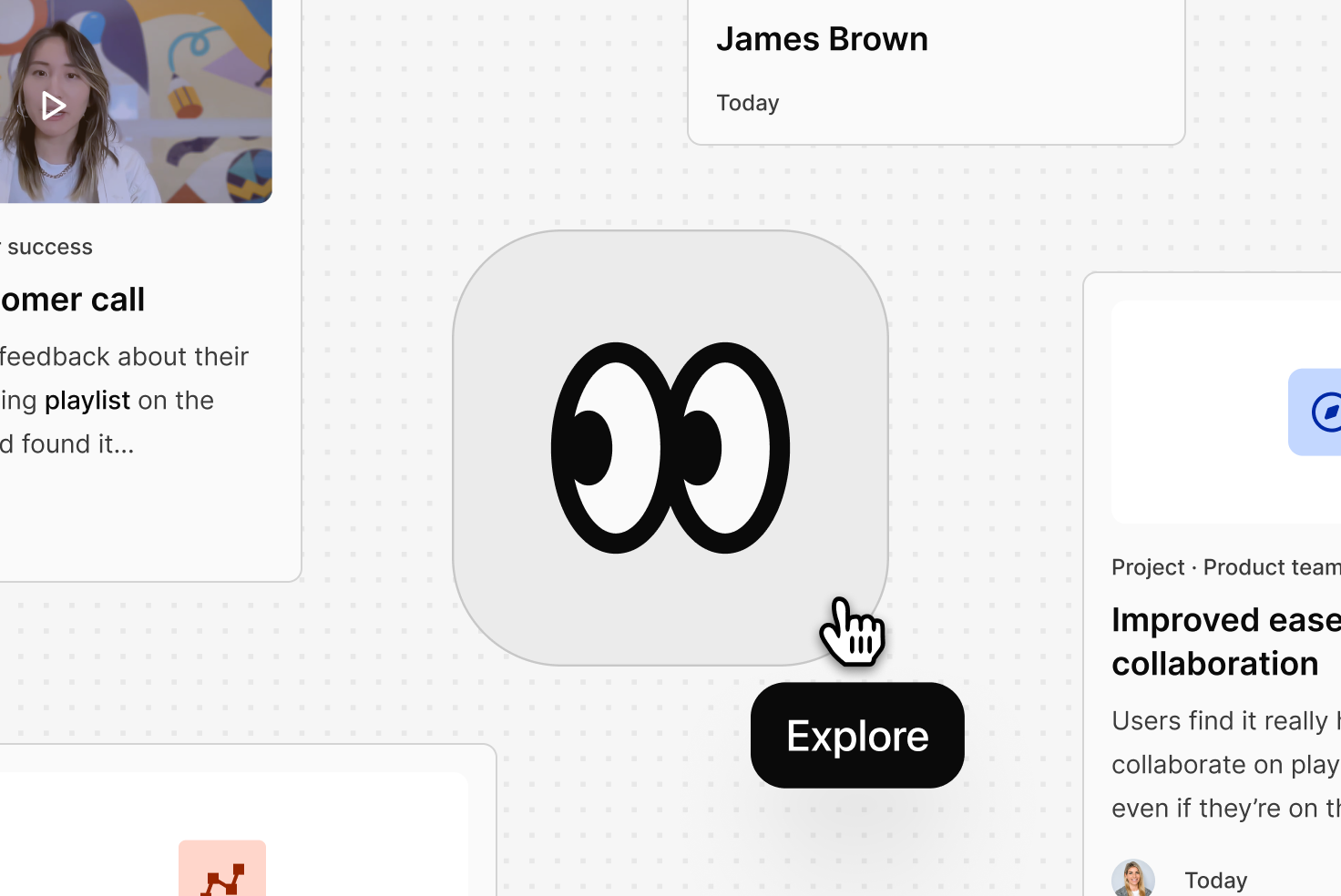
Explore is built into the same search experience teams already use in Dovetail. You can access it directly from the Quick Search modal.
Simply press ⌘K (Mac) or Ctrl K (Windows) to open Quick Search, then click the Explore icon to open the full Explore experience. This keeps search simple while supporting different ways of working.
Quick Search remains the fastest way to jump to something specific, while Explore opens up a deeper view designed for investigating topics, scanning evidence, and understanding the broader customer story.
Turn what you found into a shareable report
Once you’ve explored the evidence, you can immediately turn those findings into a document.
From the results page, you can:
- Generate a draft write-up based on the AI summary
- Automatically embed relevant highlights
- Include supporting video moments directly in the doc
Instead of starting from a blank page, you get a structured report ready to refine and share with your team.
This makes it easy to quickly create things like:
- Product insight summaries
- Feature discovery reports
- Customer feedback digests
- Stakeholder updates
What used to take hours of manual work can now happen in minutes.
Where customer feedback becomes customer intelligence
Customer knowledge compounds over time, but only if teams can access it. Explore helps turn scattered feedback into shared customer intelligence that they can navigate and use. Instead of asking around internally or repeating research, teams can explore what already exists, understand the evidence, and share insights quickly—because the best decisions start with understanding what customers are really experiencing.
Related Articles