Prototype with real customer data using the Dovetail connector for Figma Make
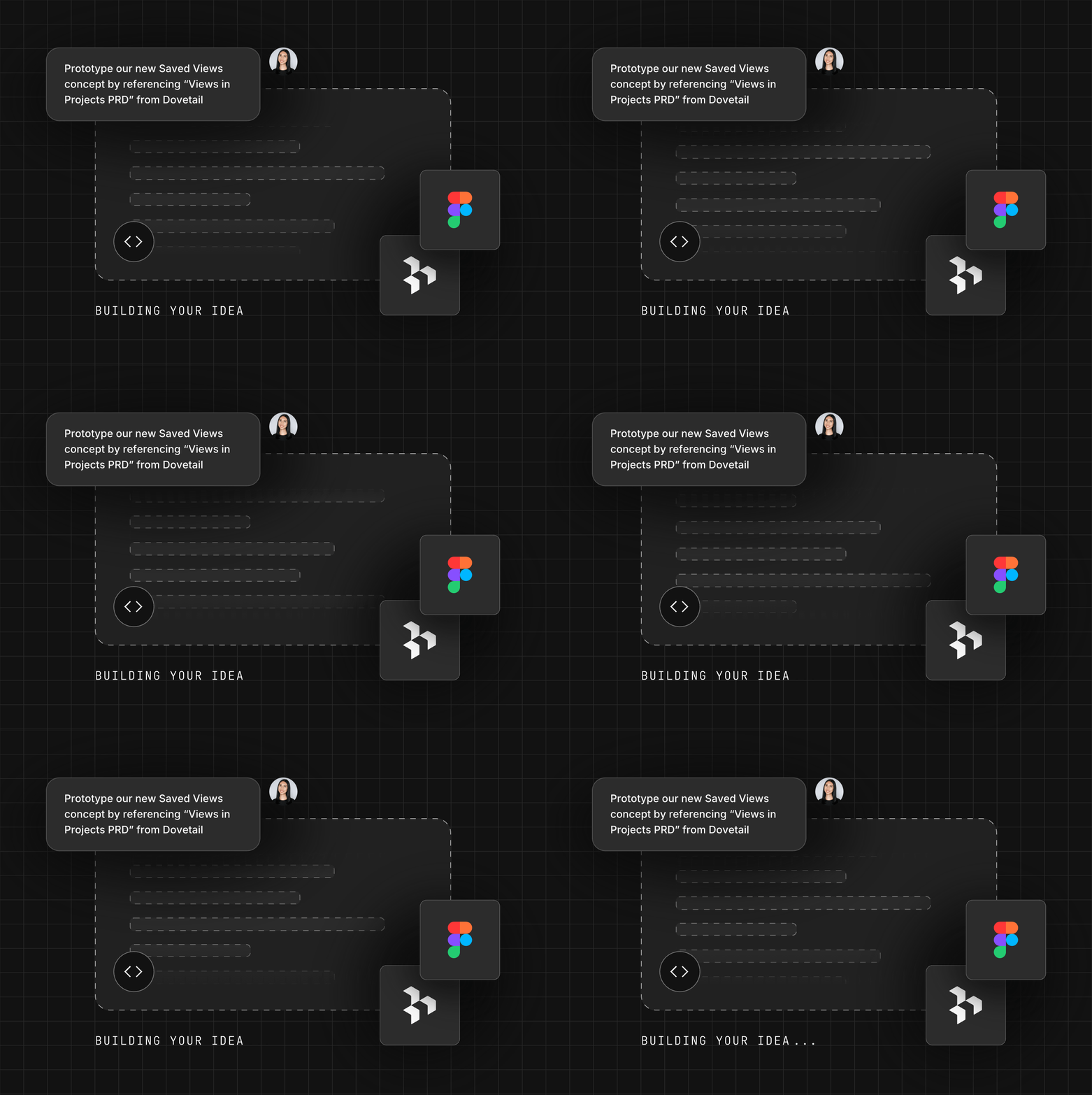
We’re excited to announce our Dovetail connector with Figma Make. Now you can easily leverage customer intelligence when prototyping without needing to switch context.
If you’re using Figma Make for AI prototyping, you already know the output is only as good as the context you provide in your prompting.
Our newly released Dovetail connector for Figma Make lets you pipe actual user quotes, customer feedback, and synthesized user research insights from Dovetail directly into Figma Make to use as context, so your prototypes reflect what users actually want.
With our new Dovetail connector for Figma Make, you can now:
- Allow easy access to research: Give your design team secure access to your research in Figma Make
- Prototype with real customer feedback: Create interactive design prototypes that are backed by real customer feedback
- Quickly leverage usability testing insights: Incorporate user feedback from usability and concept testing into design iterations
- Speed up your design workflow: Instantly move from identifying a customer problem to prototyping a solution
- Don’t wait for a report: Leverage continuous discovery and research insights in real time
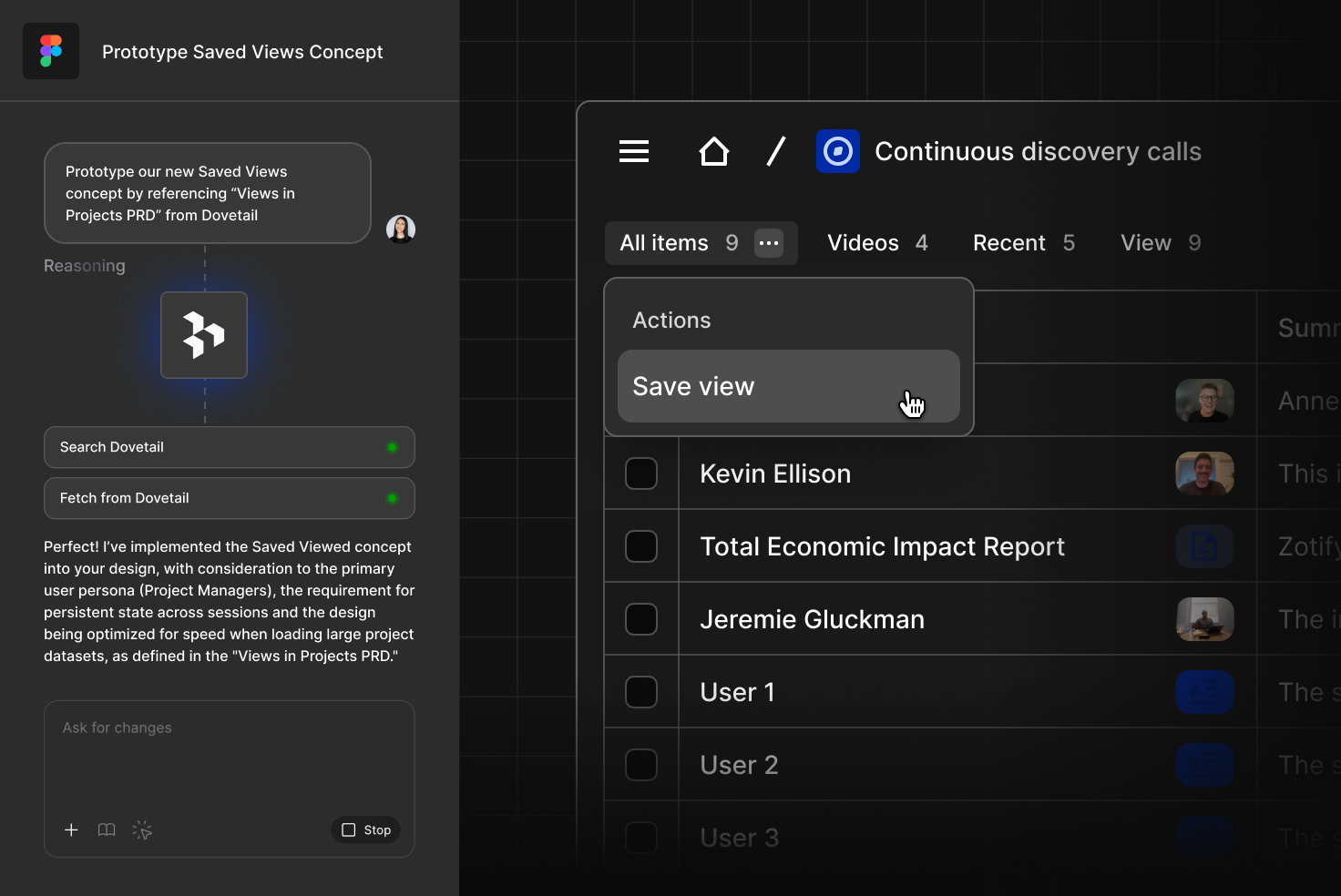
Ultimately this means no more frantic tab-switching or copy-pasting massive text blocks just to give the AI some background. You can now simply point Figma Make to relevant Dovetail data in your workspace and your prototype will be based on actual evidence from real customers and users.
Our Dovetail connector for Figma Make initially supports the following tools:
- Search: Perform semantic search across all data in Dovetail
- Projects: Access and list all Dovetail projects
- Docs: Retrieve docs (previously insights) with full content in markdown
- Highlights: Access project highlights including quotes from transcripts
- Data: Get text, full transcripts, and documents in markdown
Related Articles